

When you own an Android or any smartphone, you want to keep as much storage on your device as possible.
However, due to some files or apps on your device, you might not have the storage you need to keep your device running smoothly or protect valuable information on it. When you start running out of storage, before you start to delete some of your favorite photos or videos, take a look at the apps on your device, as there are likely some that you can let go of to make more space. Read more about three Android apps you can delete to make more storage below.

Struggling With Sleep? This Rechargeable Sound Machine Is A Total Game-Changer

1. Facebook
Although it's one of the most popular social media apps in the world, it's been discovered that Facebook can be a massive storage hog on both iPhones and Androids alike. Therefore, if you don't use it every day, it might be worth deleting for more room.
"Facebook consumes a lot of resources in the background by looking for updates continuously, refreshing content, and pushing notifications even when it's not in use," explains tech and cybersecurity pro Amy Mortlock. "The app collects a lot of cache data over time, sometimes reaching a gigabyte, filling your phone's memory, causing performance issues. It's heavy use of photos, reels, and advertisements needs high power to process and continuously drains your battery."

2. Unused Navigation Apps
When you're going on a trip or get a new phone in general, it can be nice to have a few different navigation apps on your phone, not just the one that's preinstalled on your device. However, there's a chance you only end up using one, so it's best to delete the others.
"Get rid of those navigation apps you're barely using. People sometimes have multiple navigation apps downloaded, such as Waze and Google Maps, but these apps are such large storage hogs and slow users," notes tech expert Steven Athwal. "They keep their maps in large files offline, and your location history and cached route data. So, even if you're not using them, they're still checking GPS, Bluetooth, and network data. Remove them, and you've already freed up a significant amount of storage and can reduce background sensor activity."
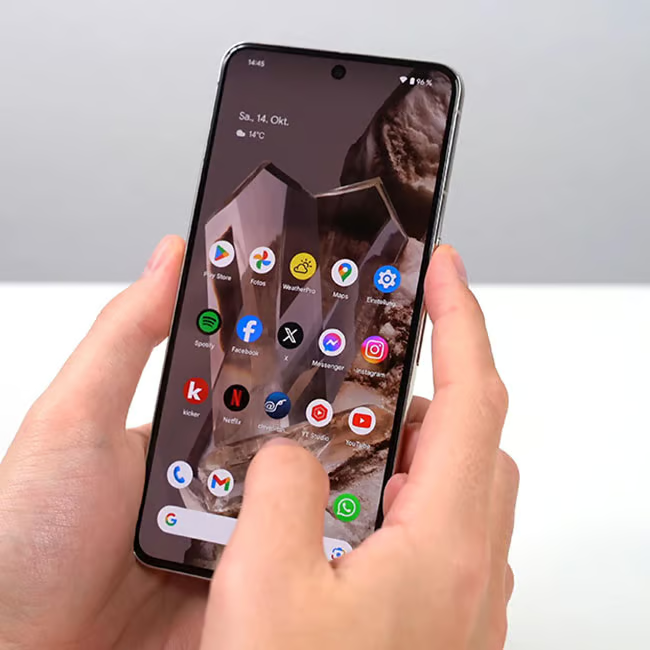
3. Bloatware Apps
If you've never heard of the term 'bloatware,' it's essentially a term used for apps that come with your phone and end up taking up space and battery instead of being useful. For Androids, these could include Samsung Kids, Galaxy Store, and more.
"Bloatware apps come preinstalled from manufacturers or carriers, and they should be deleted or disabled whenever possible," adds Mortlock. "Unnecessary apps consume storage space, processing power, and battery, and don't even provide any value, and slow down phone startup."