



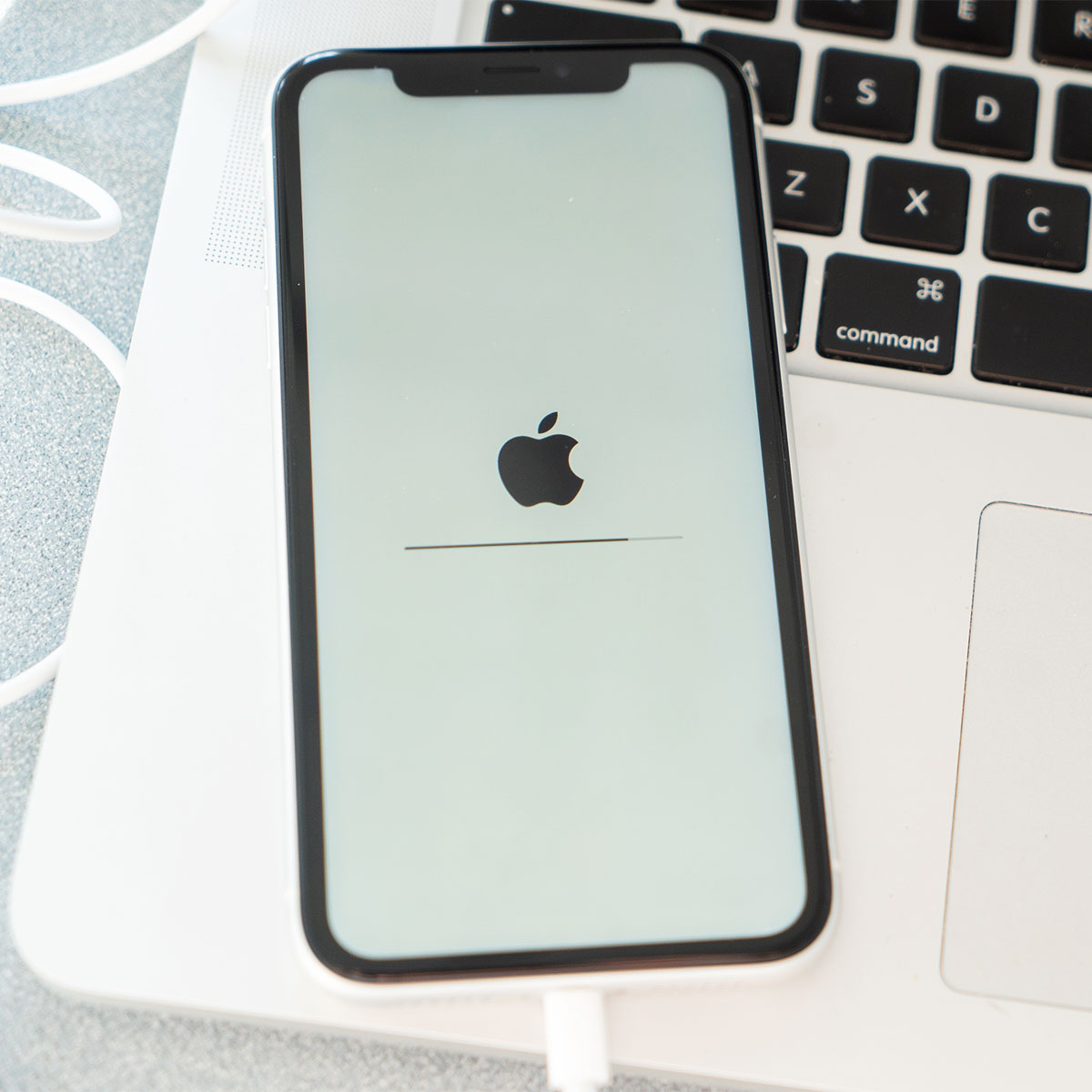
Got a slow iPhone? Not sure how to deal with its slowness so you sort of doing nothing at all and have resigned yourself to owning a super-slow device that can’t keep up?
It doesn’t have to be this way. There are some simple hacks and tricks that can boost your iPhone battery, reduce the amount of storage space that certain apps and settings are taking up, and just plain get your phone back up to working speed.
Here are eight great hacks that can speed up a slow iPhone.
Drag Photos Into Messages
If you want to share a photo from your photo album to a text message or email, you don’t have to go through the process of clicking on the image and sending it. Instead, you can tap and hold the photo for a second, then move your thumb or finger a little bit, and lift the photo from the app. If you want to move several photos, move them with your other hand. Then use your other hand to swipe up, access your Messages app, and place the photo in your message.
Take Advantage of the Files App
The Files app can be a game-changer. In the Photos app, select photos you want to send and click on the ellipses at the bottom of the screen. Choose “copy” and open the Files app. Tap and hold somewhere and then click “paste.” Here you can compress these files and add them to a Zip file but clicking on the ellipses at the bottom. From here you can also convert each image to a JPEG if they’re too large. This makes it easier to share photos that are too large to otherwise send.
Share Your WiFi Password
There may be times when you want to share your WiFi password, and when the permissions pop-up you receive that asks if that user can share your network doesn’t work. There is another option during these times. Head into Settings > WiFi > tap the “i” button next to your WiFi connection, then tap on the password. Your phone will verify that it’s you and then show you your WiFi password. You can now copy and paste that password to whomever you’re trying to help access your WiFi connection.
Make Siri Perform a Conversion
Whether you love it or hate it, Siri can perform some pretty convenient functions for you. It can even make conversions, such as converting measurements when you’re cooking or money conversions such as converting U.S. dollars into Euros or Pounds. Not only will it deliver accurate conversations, but it provide up-to-date information.

Women Are Swapping Their Boring Water For This Ice Pop Electrolyte Mix!
Get Siri To Identify a Song
Okay, this tip is just plain fun. If you’re listening to a song on the radio or in a commercial or TV show, Siri can accurately identify it for you. Say “Siri, what song is this?” It will listen for a while before it returns an answer.
Use the Measure App
As long as you have an iPhone 12 or newer model, the built-in Measure app allows you to accurately and easily measure objects, which is SO convenient when you’re out and about shopping for furniture, picture frames, or appliances. The app even saves your recent measurements.
Use The Space Bar More Often
The space bar does more than just provide space between letters and words when you compose a text or note. You can even use it to move around the text with accuracy. To do this, tap and hold on the space bar when the keyboard is onscreen. Move your finger or thumb around the screen and your cursor will follow you.
Text Replacements
Go to Settings > General > Keyboard > and choose Text Replacement. Tap the plus button in the upper-right corner. Here you can choose a phrase that you’d like to be swapped in for a shortcut when you type it. For example, let’s say the shortcut you choose is the initials of your (long) company name. Now, every single time you type these initials in a correspondence, your phone will automatically convert these initials to the full name of the company, saving you so much time.
Your iPhone is hiding so many amazing functions. These little tips and tricks will make you so much more efficient on your phone and speed up the time it takes to get tasks done.