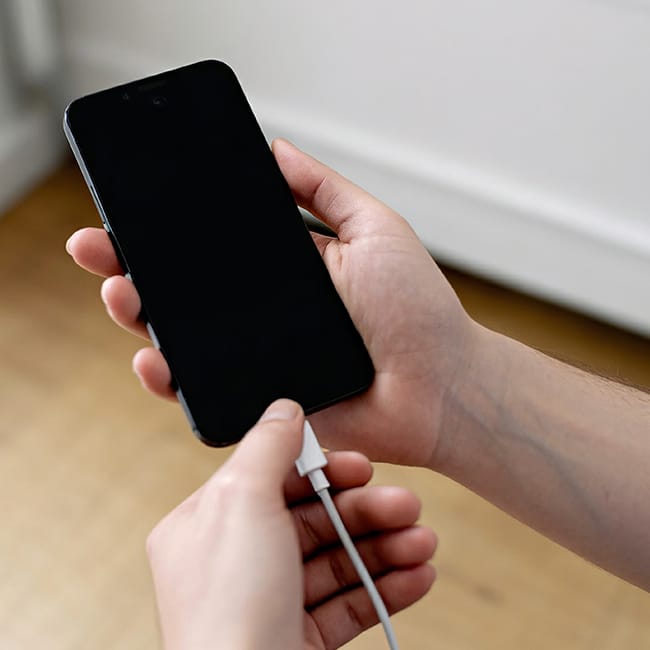
Because most of today’s smartphones, iPhones and Androids, come with all sorts of great features, it can be easy to get caught up and not take as good care of your phone.
Taking care of your smartphone might seem simple and straightforward, but more and more users are learning that there are both big and small mistakes you can make that can damage it over time. These include charging mistakes, storage mistakes, and more. Using help from tech experts, we’re listing three general smartphone mistakes you should stop making to stop damaging your battery and shortening your device’s lifespan. Read more about them below.

Struggling With Sleep? This Rechargeable Sound Machine Is A Total Game-Changer

1. Letting Your Phone Dip Past 20% Battery Life
There are so many people who walk around all day with their smartphones, gradually draining their battery life. While this might sound like what you're supposed to do, if you start letting your phone begin to drain past 20%, you're setting your battery and phone up for damage later down the line.
"Draining an iPhone battery all the way to 0% on a regular basis puts excessive stress on the battery," says tech expert and owner of The Big Phone store, Steven Athwal. "Lithium-ion batteries generally like shallow cycles better than full drains. Therefore, it is way more beneficial to maintain the charge between 20% and 80% if you want to protect the battery's health in the long run rather than using up every last percent of the battery."

2. Plugging Your Phone In Behind Furniture/In Tight Places
If you live in a space with few outlets, you've likely been in that situation where you have to plug your phone charger behind a wall or in a tight corner. While the cord might be free and loose, if the end of the cord is bent, you're actually doing something that can wear out your cord, then subsequently, your battery, and overheat your phone.
"When an outlet is behind furniture, and the charger is bent or pressed at an angle, the stress is transferred directly to the charger's plug and the cable connection," explains tech expert and electrician David Miloshev. "This weakens the strain relief, breaks the internal wires, and shortens the charger's lifespan."
Tech pro Ankush Chowdhury adds that "More heat from a bad connection can harm and eventually kill the charger's internal electronics. Additionally, it reduces the efficiency of charging."

3. Not Disabling 'Background App Refresh'
On both iPhones and Androids, there is a setting that allows you to control how much background activity the apps on your phone are doing. If you've ever noticed that your phone begins to slow down and your battery drains faster, it's likely because there's a lot going on with your apps behind the scenes.
"This setting allows apps to silently download content, which basically turns your phone into a non-stop data processing machine," explains tech expert Paul DeMott. "The solution to this is aggressive background refresh isolation. With that, you have to manually go to the Settings menu and disable the Background App Refresh for around 85 percent of all the installed applications. This immediately prevents the non-essential apps, such as games or the occasional news reader, from eating up system resources and draining the battery in the background."
For Android users, you have the ability to disable background refreshing for individual apps by using settings like Battery Optimization, Data Usage, and Data Server.