


If you’re a smartphone owner, then you likely know how frustrating it is to have your phone slow down on you or give you a low storage notification.
Smartphones can slow down for a variety of reasons, including when your storage is too full, which is why it’s essential to make sure your iPhone or Android isn’t too crowded with unnecessary apps and files. We spoke with tech experts about five smartphone apps you should delete to keep your phone running quickly and prevent your storage from filling up. Read more about them below.

Women Are Swapping Their Boring Water For This Ice Pop Electrolyte Mix!
2. Fake or Copycat Gaming Apps
Because there are so many gaming apps out there, this also means that there are numerous apps that try to mimic more popular apps. Glynn warns against this, as some of these third-party, copycat apps can come with safety risks.
"There are also fake gaming apps which may look like mods or cheats of popular game titles like GTA, Minecraft, Call of Duty, and they spread malware through third-party app stores," Glynn notes. "It's advisable to only download games from official app stores to avoid these risks."
2. Rideshare Apps
Rideshare apps like Uber, Lyft, and more can be incredibly useful for those who don't own a car or frequently go out. However, if you rarely use them and want to clear up some space on your phone, they could be worth deleting, or at least temporarily deleting until you know you'll need them for a trip or night out.
"Real-time directions and driver tracking rely on continuous location access," explains tech pro Jorge Tijerino. "That keeps the GPS, motion sensors, and CPU active to refine your position and reroute. Maps also pull traffic tiles and incident data in the background, so the route updates quickly. If you leave navigation or trip tracking running after you arrive, it can keep polling for a while, which is why you sometimes see the location arrow at the top of the screen long after you parked."
3. TikTok
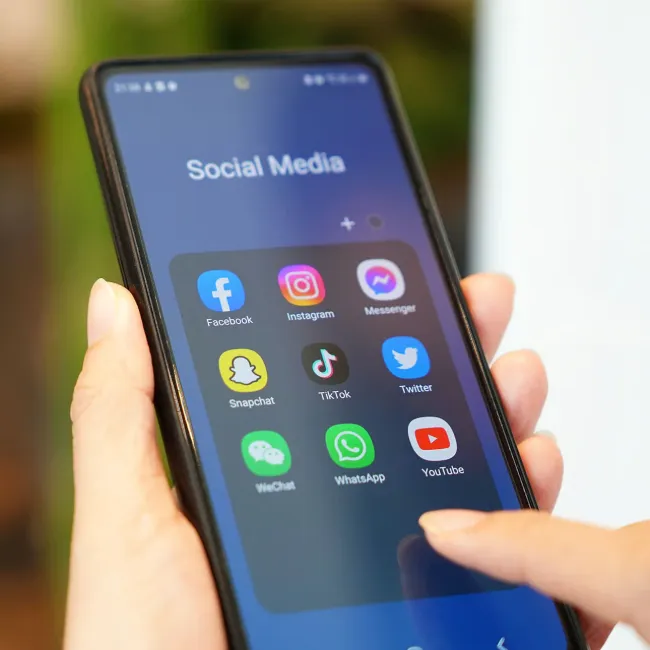
Although TikTok is one of today's most popular social media apps, many people fail to realize just how much storage it can take up and how much data it contains. If you've been wanting to take a break from it or delete it, and have a smartphone that's noticeably slowing down, now might be the time to do so.
"TikTok also aggressively caches video content so they can prevent load times and give a more enjoyable experience to its users," notes Athwal. "But, this builds up fast without you noticing, slowly eating into your storage. TikTok also runs frequent background processes for features like notifications, content ranking, and location. All in all, it's increasing memory pressure, which is a significant speed issue."
4. Snapchat
Snapchat has come a long way since it was first downloaded to people's smartphones. It's no longer an app for solely exchanging disappearing photos; it's now a platform for stories, the Snap Map, and more. Therefore, it takes up a lot more storage than it used to and requires a lot of background activity.
"For Snapchat to run its main features and purpose, it needs camera access and location data (for features like Snap Maps and geofilters)," says Athwal. "This background syncing is processing metadata, storing temporary media files, regardless of whether you have Ghost Mode on or not. Keeping it installed is bloating your storage and increasing CPU usage."

5. Streaming Apps
All sorts of streaming apps, from Spotify to Netflix, can take up a lot of our phone's storage. While they're essential for some people, if you're not reliant on them or using them every day, you can improve your phone's function by deleting them.
"Background audio by itself is moderate, but the heavy lifting shows up with downloads and offline sync," explains Tijerino. "When you grab a large playlist or a whole season, the app is saturating your network, decoding files, writing to flash storage, and verifying downloads at the same time. Many apps also check your library in the background to keep offline content in sync and to refresh recommendations. If that kicks off while you are doing other things, the phone can feel slower for a bit."