






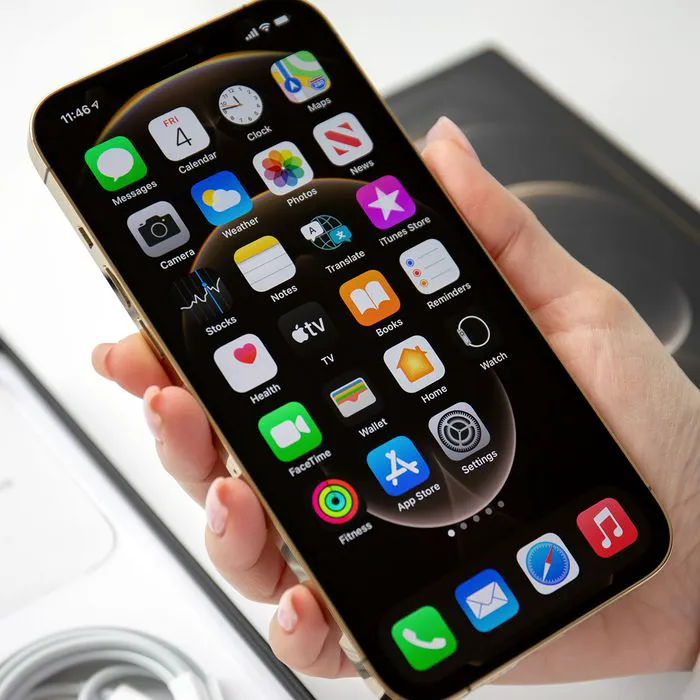
Freeing up storage on your iPhone can become a head-scratching effort. You may be doing everything you can think of to ensure you have enough storage space on your device, including deleting videos and photos from your phone or uploading them to iCloud. If you find your storage-saving efforts still aren’t making enough of a dent, one place you can turn to for immediate storage gains is your pre-installed apps. Apple’s pre-installed apps are those apps that come with your phone because Apple assumes they’ll be useful to you. Of course, an app is only as useful as how often you use it.
If you find that you’ve never or rarely used these pre-installed apps, consider deleting them. Getting rid of them can help free up storage and allow you to take more photos, download more files and apps, and just experience an overall more efficient device.

Women Are Swapping Their Boring Water For This Ice Pop Electrolyte Mix!
1. Podcasts
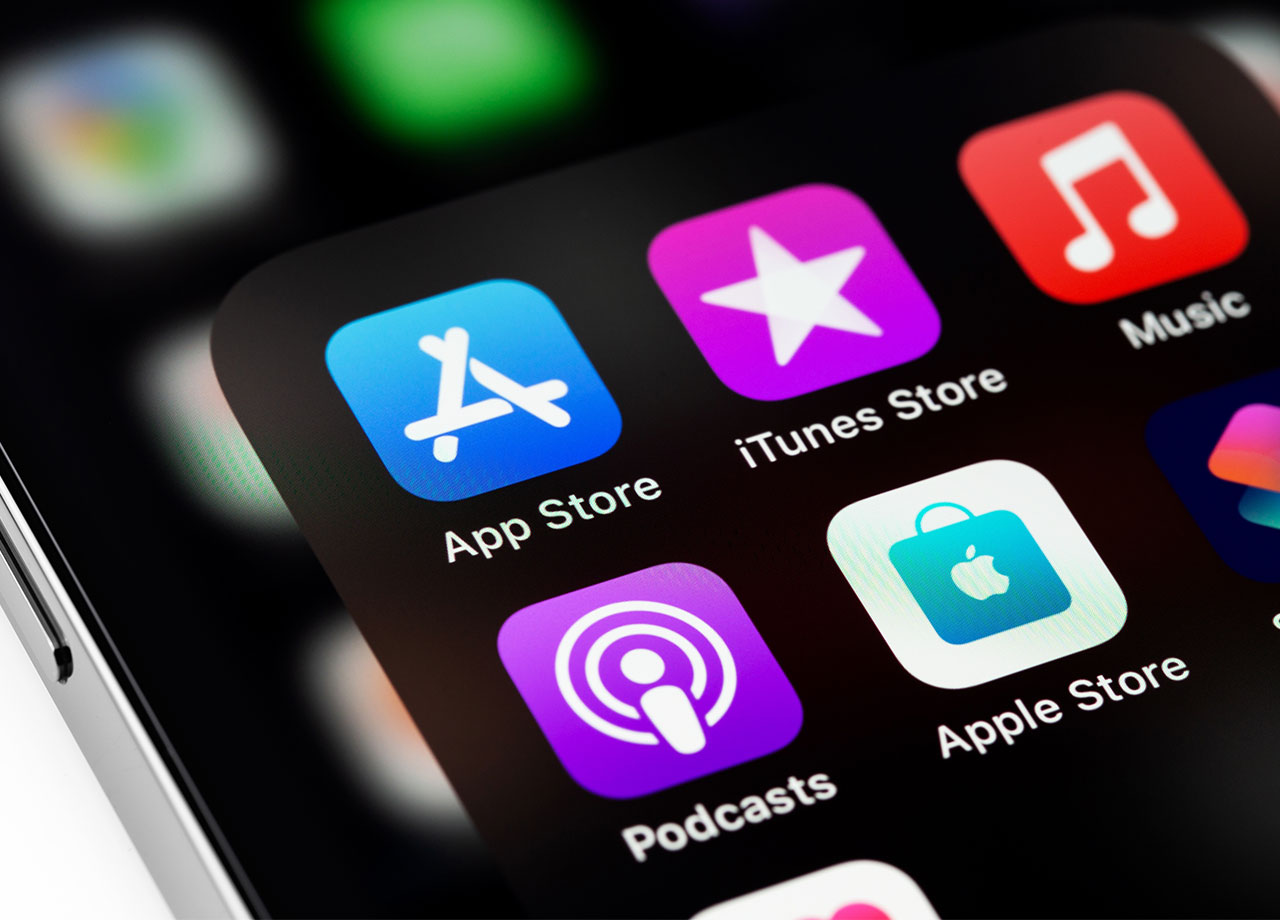
The pre-installed Podcasts app takes up a ton of storage. It collects and stores cache and data and all of the podcasts that you subscribe to download new episodes and save them on the app, even if you’ve long forgotten about the podcast and no longer listen to it. The app also retains your subscription data and preferences, which takes up space, and can become more clogged than usual if you have automatic downloads enabled.
2. Messages
When your phone’s pre-installed Messages app collects tons of texts (especially those with attachments, which take up more space) over time, it can seriously affect your storage space. Messages is one app that requires periodic maintenance so that messages are deleted and space is conserved. You can set your iPhone to automatically delete messages so that you don’t have to by going to Settings >Messages > Keep Messages and choosing from “30 days,” “1 year,” and “forever” to determine how long you want iPhone to keep your texts.
3. Safari
Help free up storage space on your Safari browser by taking the following steps. For starters, clear history and website data by going to Settings > Safari > Clear History and Website Data. Disable downloads and manage your website data by heading to Settings > Safari > Advanced > Website Data > Remove All Website Data.
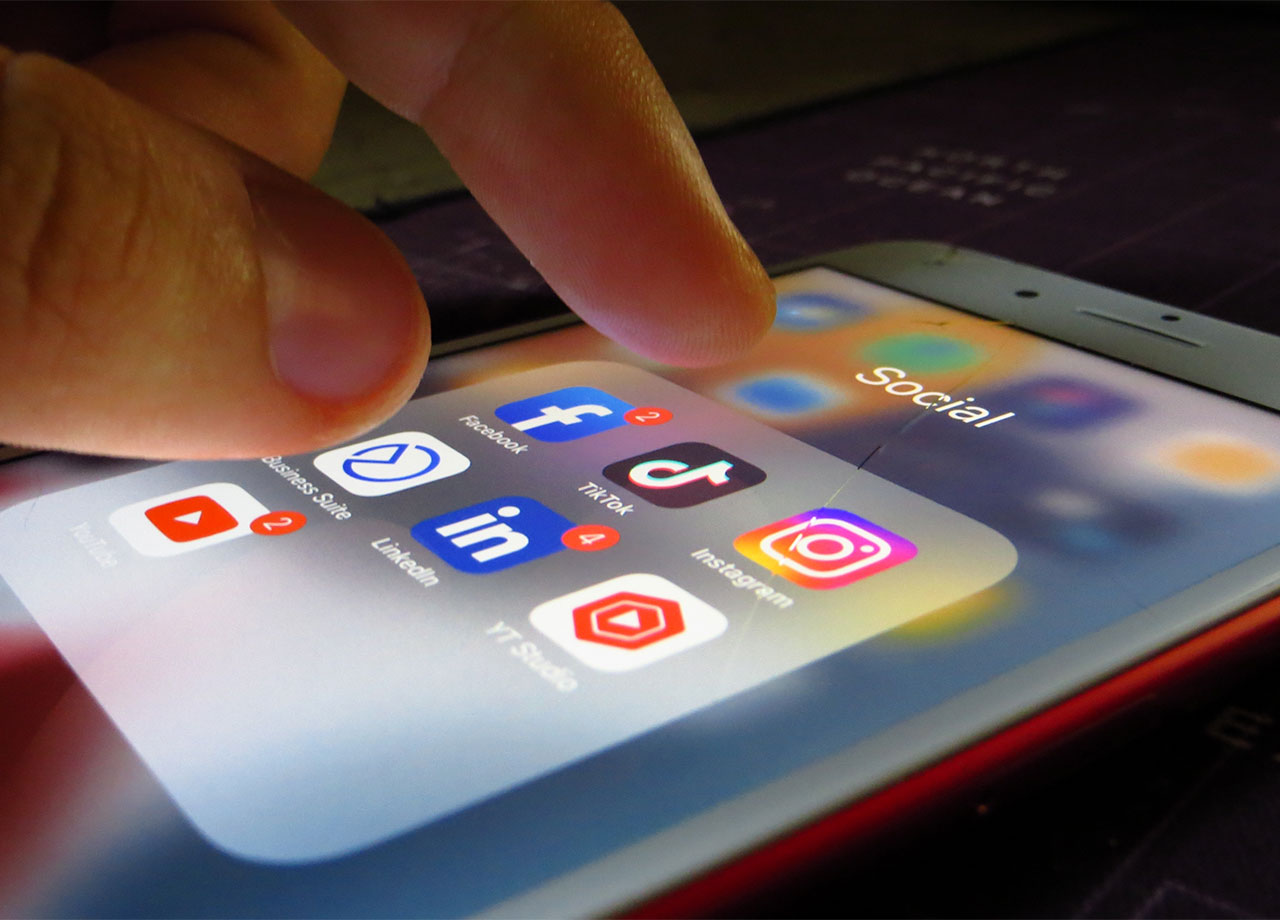
4. Apps You Never Use
Deleting pre-installed apps like Safari and Messages isn’t the way to go, of course, since you’ll need those apps in your daily life. Managing the settings on those apps is a better solution. But there are probably several pre-installed apps that you rarely glance at and can easily delete for a more efficient device. Examples of apps that can be deleted for small, but important, storage gains include Books, News, Stocks, Tips, and Reminders.
Determine which pre-installed apps are useless in your corner of the world and feel free to delete away.



















