<link rel="stylesheet" href="https://www.shefinds.com/wp-content/themes/shefinds_14/custom-content-builder/styles/ccb-frontend.min.css?ver=1.0.10"> 4 Preloaded iPhone Apps You Should Delete To Free Up Valuable Stora... Skip to main content
Sarah Jessica Parker showcasing the 'Quiet Silver' hair trend
Two friends discussing the 'Quiet Silver' hair trend for women over 50.
Post Malone at the 57th Annual CMA Awards showcasing his unique style.

Homepage

4 Preloaded iPhone Apps You Should Delete To Free Up Valuable Storage Space

March 23, 2026 by Abigail Connolly
shefinds | Homepage
Featured image

Having an iPhone can be all fun and games, that is, until you start to run out of storage.

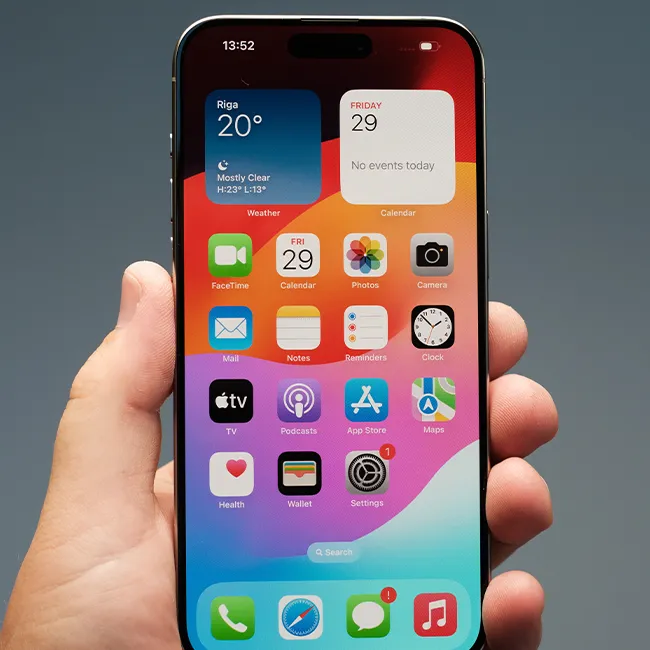
One of the most common issues many iPhone users face is running out of storage space, which happens more often than some people may think. When you start running out of storage, it can be easy to panic, wanting to delete valuable files or spend money to increase your iCloud plan. However, instead of doing that, there are likely some preinstalled apps you can get rid of or adjust. Read more about four of them below.

house unit img
The Difference Between Dragging Through Your Day And Feeling Great On Your Feet? These Arch Support Insoles
Image from SHEfinds

3. iMovie

It's one of the first original pre-installed apps put out by Apple, and though some filmmakers love it for the occasional casual project, it often goes unused by most iPhone users. There's a good chance that you're not making movies on iMovie, and you'd be surprised by how much storage you can save by deleting it, as it holds onto all sorts of files and features until it's gone.
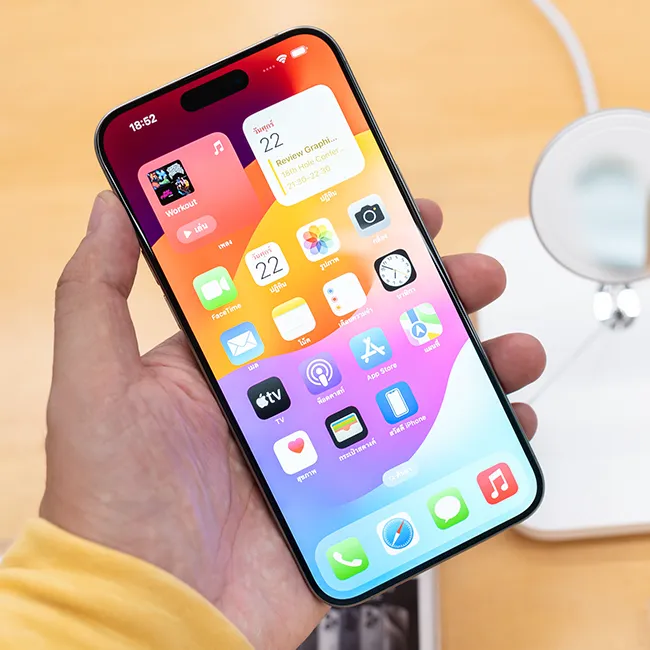
Image from SHEfinds

1. Voice Memos

Some people are super reliant on their voice memos app, and some people hardly use it. When your phone is full of storage, random voice memos you have sitting on your device, collecting dust, can only add to the issue. If you're not using your voice memos app, taking notes on paper, in your Notes app, or elsewhere, then it's likely worth deleting. At the very least, if you don't want to ditch the app entirely, you should clear out the voice memos you don't need anymore.

Image from SHEfinds

3. Letting Your Phone Battery Drop Below 20%

It might seem like common sense to go about your day and use your phone until its battery life drains all the way to 1% or letting it die entirely. However, letting your device drop below 20% battery numerous times a day can do a lot of damage and slow it down.


"Time at zero means your phone will rapidly cool down, which can shock the battery and cause damage to its ability to hold a charge," adds Simpson. "If you've ever been in a really cold environment and tried to use your phone, you'll notice just how quickly the battery drops."
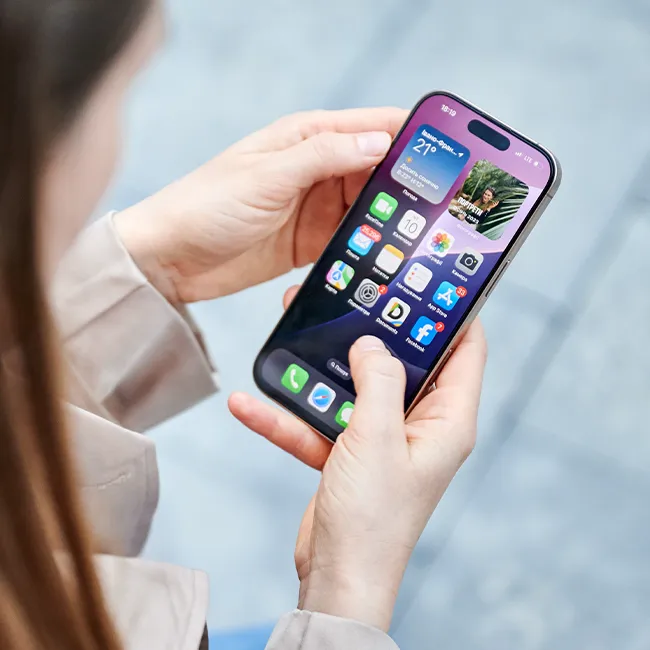
Image from SHEfinds

2. Apple TV

Apple TV has become such a big streaming platform that Apple decided to make it a pre-installed app for modern iOS users. If you're subscribed to it and enjoy Apple TV's original content, then having it on your phone can be nice. But if you don't have a subscription and can't watch anything, then you should certainly delete it to save up some storage space. Even if you do have a subscription, if you're running out of space on your iPhone, deleting it and sticking to watching it on your TV instead can help.


Author:

Editorial Assistant

Abigail is a journalist based in Brooklyn, New York. As an Editorial Assistant for SheFinds, she covers topics ranging from celebrity news and fashion to wellness. She has written for other publications, including Chip Chick, Bandsintown, BroadwayWorld, and more. When she isn't writing, Abigail loves spending time in the city with her friends, being a 'dog mom' to her Chihuahua, and singing along to some of her favorite music.

Gisele Bündchen at the Met Gala
Ozzy and Sharon Osbourne posing together
Hairdresser giving a trendy haircut to a client
Princess Beatrice with Princess Eugenie and King Charles at an event
Bianca Censori at the 67th Annual Grammy Awards, showcasing fashion
Christina Aguilera celebrating The Abbey's 35th Anniversary Party
King Charles with Prince William and Sarah Ferguson at a gathering
Beauty tools for an at-home spa experience
Donald Trump during a news conference at Mar-a-Lago Club
Ariana Grande and Ethan Slater sharing a moment together
Nicole Kidman attending the 4th Annual Academy Museum Gala
Bill Gates with Melinda Gates at a public appearance
Vitamins and supplements displayed on a shelf
Delicious cooked salmon with rice and greens
Jaden Smith at the premiere of Focus Features' Nosferatu
Person holding smartphone displaying various apps
Woman applying sunscreen for skin protection and beauty.
Angelina Jolie at a photocall for her latest project
Inside a Costco store showcasing products
Jennifer Garner supporting Baby2Baby charity event
Gisele Bündchen at the Met Gala
Ozzy and Sharon Osbourne posing together
Hairdresser giving a trendy haircut to a client
Princess Beatrice with Princess Eugenie and King Charles at an event
Bianca Censori at the 67th Annual Grammy Awards, showcasing fashion
Christina Aguilera celebrating The Abbey's 35th Anniversary Party
King Charles with Prince William and Sarah Ferguson at a gathering
Beauty tools for an at-home spa experience

Beauty

You know the saying, "An artist is only as good ...

Donald Trump during a news conference at Mar-a-Lago Club
Ariana Grande and Ethan Slater sharing a moment together
Nicole Kidman attending the 4th Annual Academy Museum Gala
Bill Gates with Melinda Gates at a public appearance
Vitamins and supplements displayed on a shelf
Delicious cooked salmon with rice and greens
Jaden Smith at the premiere of Focus Features' Nosferatu
Person holding smartphone displaying various apps
Woman applying sunscreen for skin protection and beauty.
Angelina Jolie at a photocall for her latest project
Inside a Costco store showcasing products
Jennifer Garner supporting Baby2Baby charity event