



Woman experiencing hair loss in a supportive environment.
Woman enjoying a donut at night.
Bianca Censori showcasing Marin Fall-Winter fashion collection.

Homepage

How To Stop Spam Emails, Calls, And Texts—Experts Share The Best Tips!

February 12, 2025 by Lisa Cupido
shefinds | Homepage
Featured image

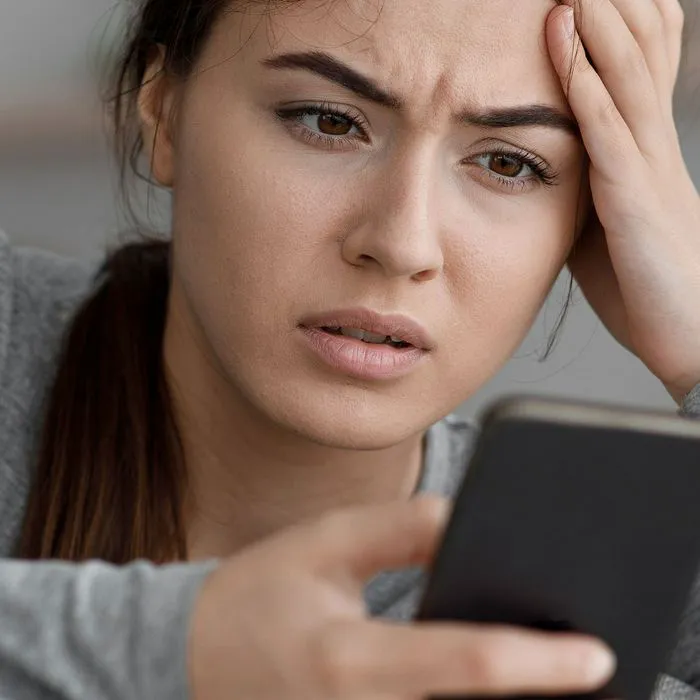
Is there anything more annoying and grating on the nerves than receiving spam calls, texts, and messages? Our iPhones are great at protecting us from malicious apps and pop-ups, but when it comes to those spam messages disguised as offers, lottery wins, and other obviously fake sentiments, it feels like we’re all on our own trying our best to deal with them and not waste too much of time.

The good news is there are several settings you can enable and steps you can take to work alongside your iPhone and help stop spam. Here are several ways you can experts say you can stop spam calls, texts, and emails.

house unit img
Women Are Swapping Their Boring Water For This Ice Pop Electrolyte Mix!
unknown-call

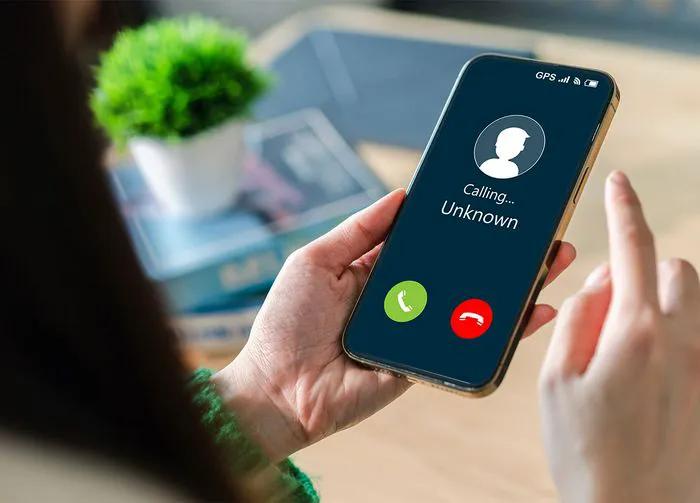
1. Enable Silence Unknown Calls


One of the first things you can do to keep unknown callers from disrupting you — because even the sound of your phone can be disruptive enough - is to enable iPhone’s Silence Unknown Callers setting. This setting sends all of the calls you receive from numbers that your phone doesn’t recognize in your Contacts straight to voicemail. You’ll see a missed call notification and can then determine when you want to listen to the message and whether you want to respond.


To enable this helpful setting, go to Settings > Phone > Silence Unknown Callers.
email-on-laptop

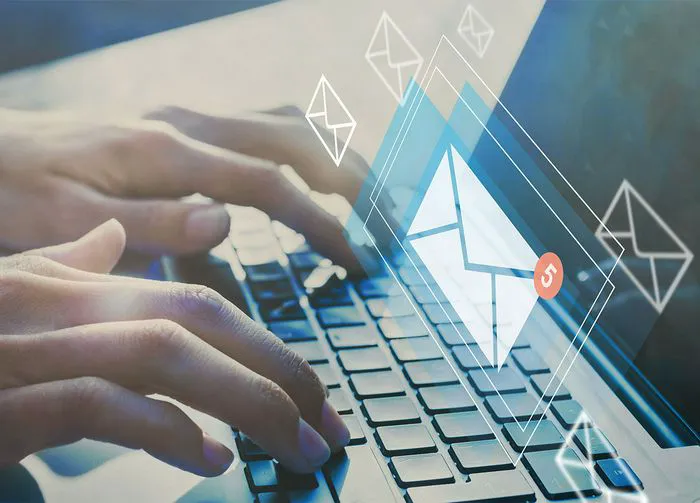
2. Enable Filter Unknown Senders in Email


Is your email folder absolutely exploding with messages from people and companies you don’t know? All of those messages take up major storage space, not to mention they’re a burden to see and feel obligated to respond to. Enabling a setting called Filter Unknown Senders sorts and organizes your messages so that the ones from unrecognized contact names are sent to a separate “Junk” or “Unknown Senders” folder.


To enable this feature, go to Settings > Mail > Filter Unknown Senders.
person-reading-scam-texts

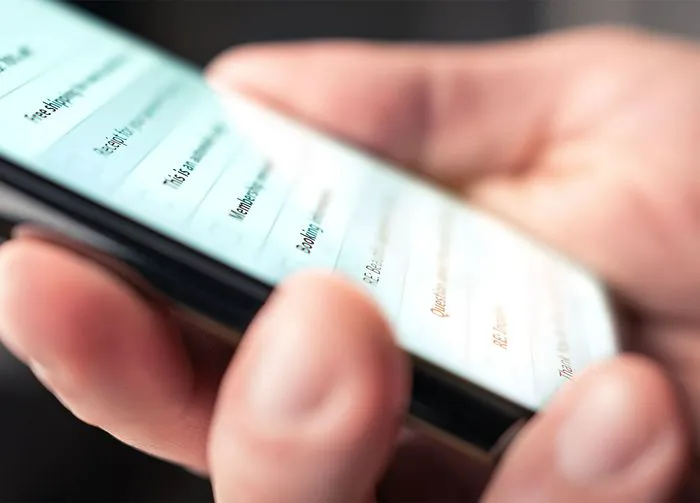
3. Block Numbers


Spammers are savvy to the fact that It’s easy to ignore your phone calls, but not as easy to avoid looking at new text messages you receive. As a result, we’re getting more and more spam texts, and nothing could be more annoying. Luckily, you can enable Filter Unknown Senders for texts, as well, and you can also block numbers that you don’t know. To block a number, open the message, tap the contact, and click on Info > Block This Caller. Keep in mind that spammers often change numbers, so it will also be helpful to enable the Filter Unknown Senders, as well.


Author:

Lisa Fogarty is a lifestyle writer and reporter based in New York who covers health, wellness, relationships, sex, beauty, and parenting.

Close-up of laptop use in a clean office environment.
Chic haircut styles for women over 50 to try in 2026.
Donald Trump promoting maternal healthcare at an event.
Queen Camilla and Kate Middleton together at an event.
Middle-aged woman engaged in a workout session.
Kim Kardashian at Kering's 3rd Annual Caring for Women Dinner.
Kylie Jenner with Stormi and Timothee Chalamet in a candid moment.
Madonna at the Met Gala looking stunning in designer attire.
Taylor Swift arriving at her private jet in 2024.
Woman again suffering from lack of sleep the next morning.
Banana nice cream dessert in a bowl
Jennifer Lopez in Defaience at 2025 American Music Awards.
Vittoria Ceretti and Leonardo DiCaprio posing together at an event.
Emma Stone at the Annual Actor Awards event.
Salma Hayek at the 12th Annual Breakthrough Prize Ceremony.
Collagen-boosting superfoods for achieving glowing summer skin.
Kate Middleton during a formal state visit, showcasing royal elegance.
Middle-aged woman enjoying a glass of wine.
Best Prime Day beauty deals on Amazon.
Ariana Grande at the Golden Globes, dazzling in a glamorous gown.
Close-up of laptop use in a clean office environment.
Chic haircut styles for women over 50 to try in 2026.
Donald Trump promoting maternal healthcare at an event.
Queen Camilla and Kate Middleton together at an event.
Middle-aged woman engaged in a workout session.
Kim Kardashian at Kering's 3rd Annual Caring for Women Dinner.
Kylie Jenner with Stormi and Timothee Chalamet in a candid moment.
Madonna at the Met Gala looking stunning in designer attire.
Taylor Swift arriving at her private jet in 2024.
Woman again suffering from lack of sleep the next morning.
Banana nice cream dessert in a bowl
Jennifer Lopez in Defaience at 2025 American Music Awards.
Vittoria Ceretti and Leonardo DiCaprio posing together at an event.
Emma Stone at the Annual Actor Awards event.
Salma Hayek at the 12th Annual Breakthrough Prize Ceremony.
Collagen-boosting superfoods for achieving glowing summer skin.
Kate Middleton during a formal state visit, showcasing royal elegance.
Middle-aged woman enjoying a glass of wine.
Best Prime Day beauty deals on Amazon.

Beauty

Prime Day is basically a holiday for anyone who's ...

Ariana Grande at the Golden Globes, dazzling in a glamorous gown.

















