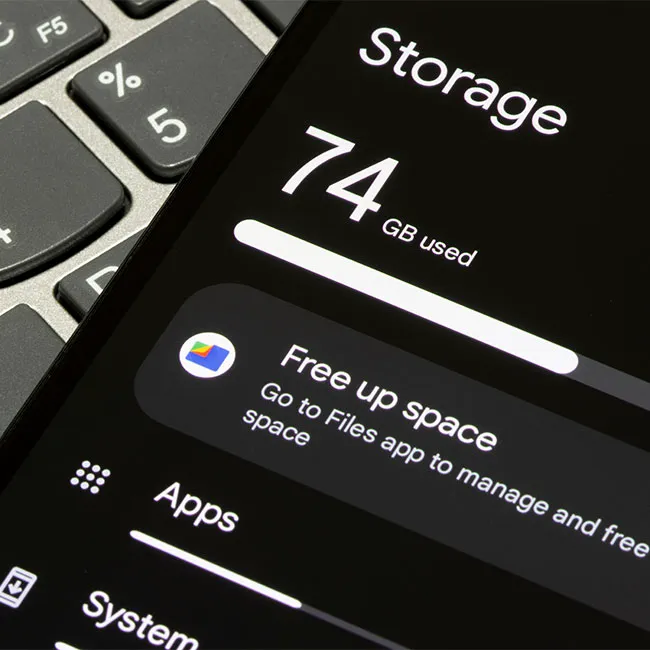
Android apps can be incredibly useful—they help us stay organized, entertained, connected, and productive. But as helpful as they are, some apps can also drain your battery and eat up storage space in the background. Over time, this can lead to frustrating slowdowns, shorter battery life, and a phone that just doesn’t run as smoothly as it used to. If your Android is lagging, freezing, or dying way before the end of the day, your apps might be doing more harm than good.
Knowing which apps are the biggest culprits can help you take back control of your phone’s performance. Some apps constantly run in the background, even when you’re not using them, while others store loads of data or eat away at your battery power. Cleaning up your app usage can give your phone new life. Here are six common Android apps that might be affecting your battery and storage—and what you can do about it.

Women Are Swapping Their Boring Water For This Ice Pop Electrolyte Mix!
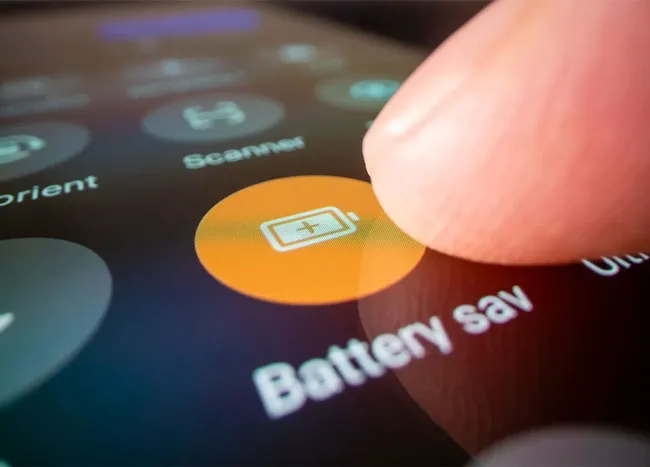
1. Battery Saver Apps
Many battery saver apps do more harm than good. While they promise to optimize your phone’s performance, some run constantly in the background, eating up battery and even displaying ads that drain power and use data. Instead of relying on these apps, use your phone’s built-in battery optimization settings (found under Settings > Battery) to manage power-hungry apps more effectively.
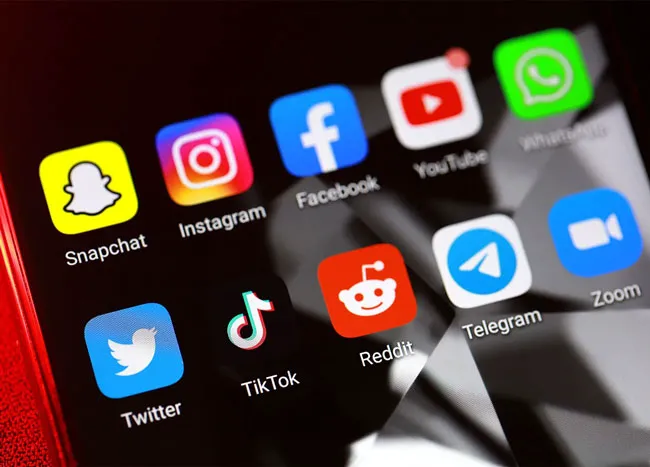
2. Social Media Apps
Social media apps like Facebook, Instagram, and TikTok are among the biggest battery and storage hogs. They run in the background and cache massive amounts of data over time. One way to reduce their impact is by going into the app settings and turning off background data or restricting battery usage—this way, they’ll only update when you’re actively using them.
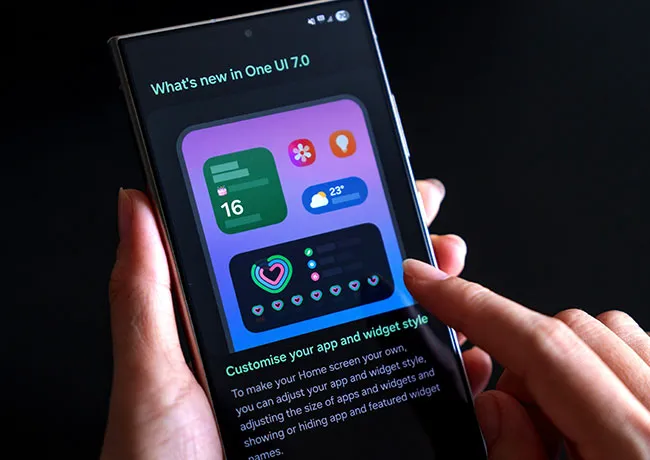
3. Widgets
Widgets can be helpful, but having too many active on your home screen can slow down your phone and drain battery by constantly refreshing data (like weather or news updates). If you want to keep some widgets, choose just one or two that you really need, and remove the rest by long-pressing them and dragging them to “Remove."
4. Games
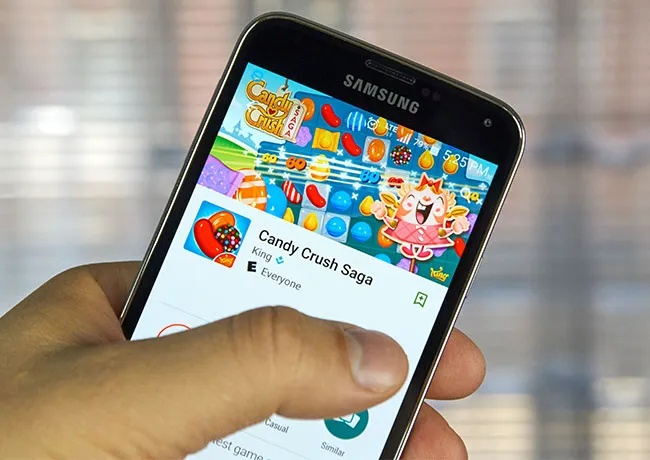
Mobile games—especially high-graphic ones—can quickly eat through your battery and fill up your storage with large files and saved data. To cut back on their impact without deleting your favorite game, try turning off in-game notifications or background syncing where possible.

5. Shopping Apps
Shopping apps like Amazon, eBay, or other fashion retailers often refresh in the background and send frequent push notifications, which can drain your battery and take up storage with user data. You can reduce the load by turning off push notifications in the app’s settings or restricting background data through your phone’s app management tools.
6. Junk Cleaner Apps
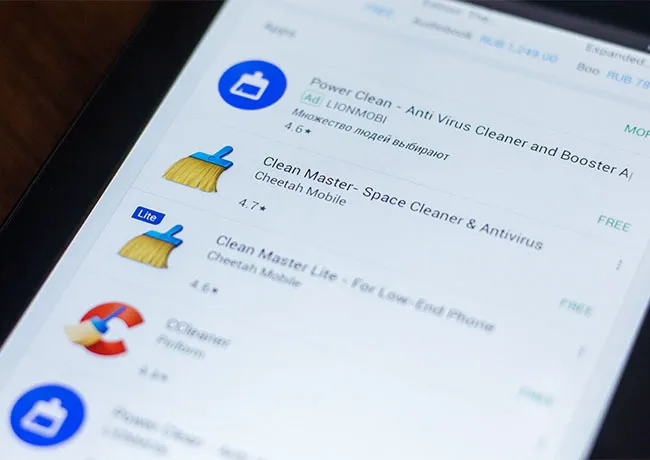
Many junk cleaner apps claim to boost performance by removing unnecessary files, but they often run nonstop, display ads, and use more battery than they save. A better option is to use your phone’s built-in storage management features under Settings > Storage, where you can clear cached data or unused files without needing a third-party app that takes up unnecessary space.