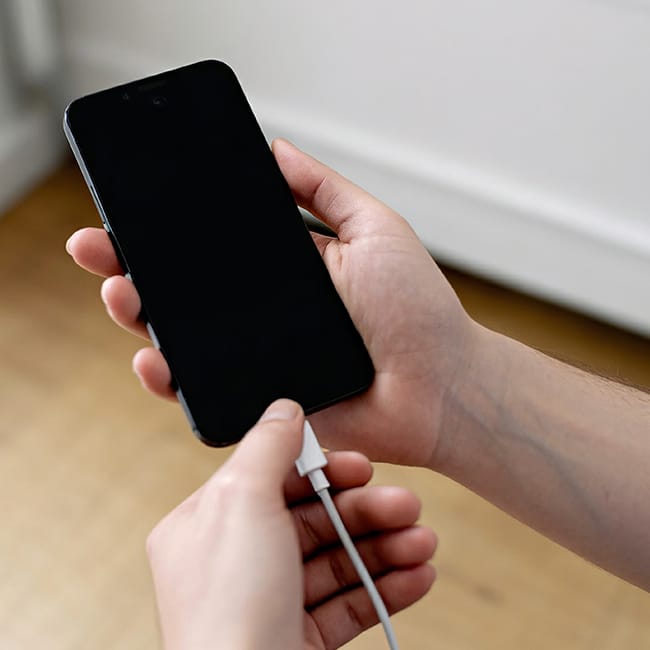
If you’re an Android user, then you’ve likely experienced the irritating moment when your phone battery is about to die. It’s even more irritating when it happens all the time.
As smartphone users, there are a lot of things we can do to maintain a better charge in our phones, and aside from using high-quality chargers and not overheating our phones, there are also settings you can adjust to make your charging experience easier and have your battery last longer. We spoke with a tech expert about an Android setting that is actually hurting your phone’s battery life. Read more about it below.

Struggling With Sleep? This Rechargeable Sound Machine Is A Total Game-Changer

The One Android Setting You Should Adjust To Save Battery Life
One of the easiest ways that a phone can drain its own battery life isn't necessarily due to what you're doing on your apps or how full your storage is. It's actually what those apps are doing in the background that can really take a toll on battery life and endurance.
There are a lot of apps on Android that are consistently syncing and updating in the background on your phone, including social media, news, navigation apps, and others. This is to ensure that when you open them back up, they're showing you the freshest and most updated content. While this is nice, having a large number of powerful apps that do this at once can easily strain your device's battery.
"The biggest battery drainer on Android is background app activity, so apps like Facebook, Maps, and TikTok constantly refresh, track your location, and preload data," explains Steven Athwal, tech expert and owner of The Big Phone Store. "You can stop this by going into Settings, Battery, Background usage limits, and setting unused apps to 'sleep'. Which'll prevent them from running when you're not using them, and can extend your battery life by roughly 30%."
With Athwal's tips and this setting adjustment, you just might find that your Android battery lasts a lot longer, and that your device as a whole runs smoother.