



Modern workspace with a person typing on a laptop.
Chic haircuts for women over 50 trending in 2026.
Donald Trump discussing maternal healthcare at a public event.

Homepage

A Tech Expert Shares 4 Android Settings You Should ‘Turn Off’ To Improve Your Phone’s Performance

September 5, 2025 by Lisa Cupido
shefinds | Homepage
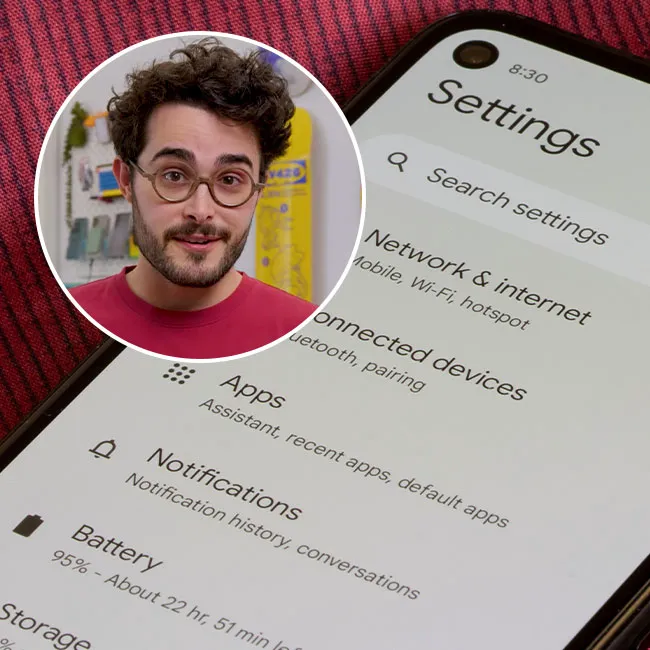
Featured image

Android phones come packed with customizable settings designed to make your life easier—from syncing data to optimizing your display. While many of these features are helpful, some can also drain your battery, slow down your device, or eat up your data without you even noticing. The more your phone tries to do in the background, the harder it has to work, which can lead to frustrating performance issues over time.

A few simple tweaks can make a big difference. One Android expert recommends reviewing and adjusting certain settings to lighten the load on your phone and help it run more smoothly.

Whether you’re dealing with lag, fast battery drain, or general sluggishness, these quick setting changes can help you get more out of your device, and all without sacrificing convenience.

house unit img
Women Are Swapping Their Boring Water For This Ice Pop Electrolyte Mix!
animation-speed

1. Animation Speed


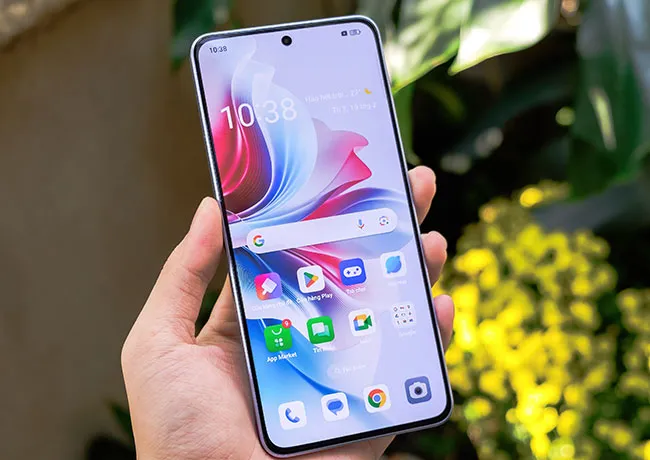
Android’s visual animations, like screen transitions and menu fades, can make your phone look cool, but they can also slow down performance, especially on older devices. These animations take up processing power, which can make your phone feel sluggish. To speed things up, go to Developer Options in settings and reduce or turn off Window animation scale, Transition animation scale, and Animator duration scale. This makes everything feel faster and more responsive.
wifi-bluetooth

2. Wi-Fi and Bluetooth


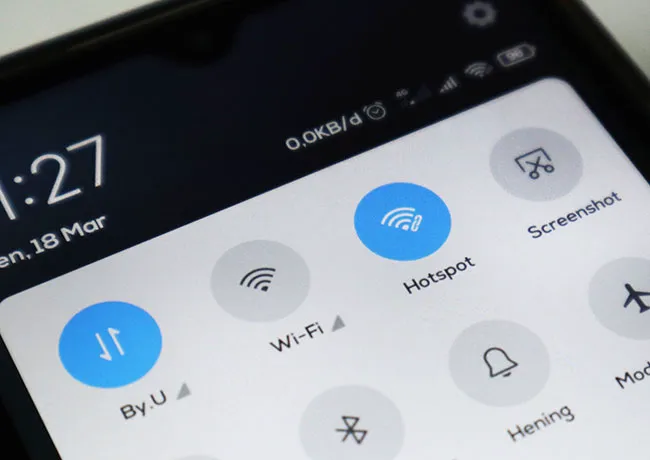
Leaving Wi-Fi and Bluetooth on all the time can drain your battery and slow performance, especially if your phone is constantly searching for connections. This background activity uses up resources even when you’re not actively connected. To help your phone run better, turn off Wi-Fi and Bluetooth when you're not using them by swiping down from the top of your screen and toggling them off in the quick settings menu.
background-data-usage

3. Background Data Usage


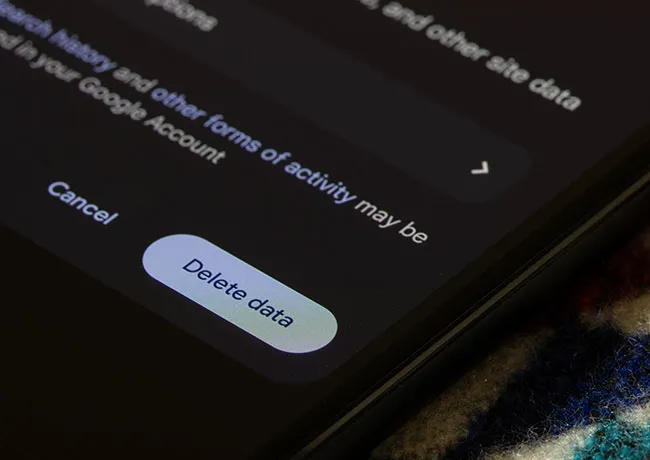
Many apps continue to run and use data in the background, which can slow your phone and drain your battery. This is especially true for social media, email, and news apps that constantly refresh for updates. To reduce the load, go to Settings > Network & Internet > Data usage > Mobile data usage, choose the app, and disable Background data. This will limit background activity and help your phone perform more efficiently.
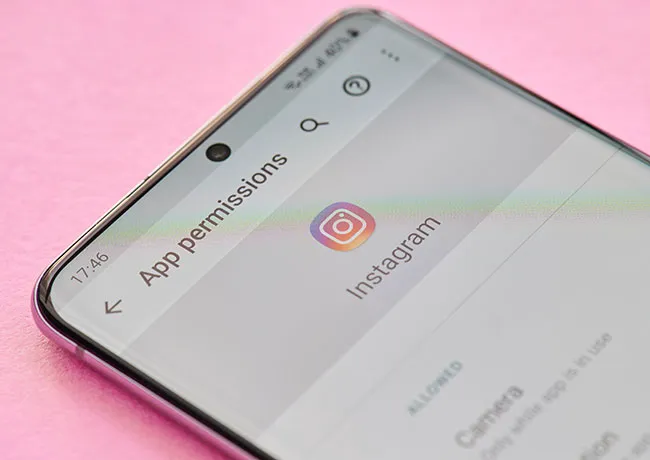
deny-app-permissions

4. Review and Deny App Permissions


Some apps request permissions they don’t actually need, which can lead to unnecessary background processes and security risks. Too many active permissions can slow down your phone and compromise your privacy. To fix this, go to Settings > Privacy > Permission manager, review what each app is allowed to access, and deny anything that seems excessive or unrelated to the app’s function. This not only boosts performance but also helps protect your data.


 

Tags:

Author:

Lisa Fogarty is a lifestyle writer and reporter based in New York who covers health, wellness, relationships, sex, beauty, and parenting.

Middle-aged woman engaged in a fitness routine.
Kim Kardashian at the Kering's 3rd Annual Caring for Women Dinner.
Kylie Jenner and Stormi Aire with Timothée Chalamet at an event.
Madonna at the Met Gala in a stunning outfit.
Taylor Swift arriving in a private jet in 2024.
Woman experiencing fatigue after a sleepless night.
Creamy banana nice cream topped with fresh fruit.
Jennifer Lopez in Defaience at the 2025 American Music Awards.
Vittoria Ceretti with Leonardo DiCaprio at a gala.
Emma Stone attending the Annual Actor Awards ceremony.
Salma Hayek at the 12th Annual Breakthrough Prize Ceremony.
Summer superfoods for boosting collagen and glowing skin.
Kate Middleton during a state visit looking elegant.
Middle-aged woman enjoying a glass of wine at home.
Best beauty deals on Amazon during Prime Day.
Ariana Grande showcasing her fashion at the Golden Globes.
Kylie Jenner's elegant ensemble at the Met Gala 2025.
Woman applying sunscreen for sun protection outdoors.
Taylor Swift and Travis Kelce enjoying a night out.
Healthy seeds displayed, contrasting with unhealthy pastries.
Middle-aged woman engaged in a fitness routine.
Kim Kardashian at the Kering's 3rd Annual Caring for Women Dinner.
Kylie Jenner and Stormi Aire with Timothée Chalamet at an event.
Madonna at the Met Gala in a stunning outfit.
Taylor Swift arriving in a private jet in 2024.
Woman experiencing fatigue after a sleepless night.
Creamy banana nice cream topped with fresh fruit.
Jennifer Lopez in Defaience at the 2025 American Music Awards.
Vittoria Ceretti with Leonardo DiCaprio at a gala.
Emma Stone attending the Annual Actor Awards ceremony.
Salma Hayek at the 12th Annual Breakthrough Prize Ceremony.
Summer superfoods for boosting collagen and glowing skin.
Kate Middleton during a state visit looking elegant.
Middle-aged woman enjoying a glass of wine at home.
Best beauty deals on Amazon during Prime Day.

Beauty

Prime Day is basically a holiday for anyone who's ...

Ariana Grande showcasing her fashion at the Golden Globes.
Kylie Jenner's elegant ensemble at the Met Gala 2025.
Woman applying sunscreen for sun protection outdoors.
Taylor Swift and Travis Kelce enjoying a night out.
Healthy seeds displayed, contrasting with unhealthy pastries.

















