Ivanka, Tiffany, Kai, and Bettina Trump at UFC Freedom 250 event.
Kate Middleton visits RHS Wellbeing Garden at Colchester Hospital
Stylish waterproof tote bag and shell napkin holder from TJ Maxx

Lifestyle

A Tech Influencer Shares 3 ‘Crazy Useful’ Android Tips You’ll Want To Use ‘Everyday’

June 14, 2025 by Lisa Cupido
shefinds | Lifestyle
Featured image

Smartphones are powerful tools, but if you’re like many Android users, you might only be scratching the surface of what your device can really do. Whether you’ve had your phone for years or just picked up a new model, knowing a few smart shortcuts and practical tips can make a big difference. From speeding up everyday tasks to organizing your digital life more efficiently, these simple tricks can help you get more out of your Android—without the tech overwhelm.

One tech expert walks us through three easy, time-saving tips that can help us navigate our devices with more confidence and ease.

house unit img
Women Are Swapping Their Boring Water For This Ice Pop Electrolyte Mix!
man-using-android

1. Personal Dictionary


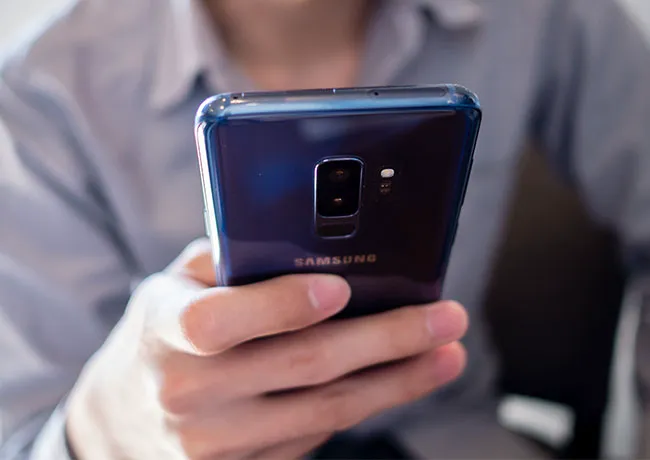
Creating phrase shortcuts on your Android device is a simple but powerful way to save time and reduce repetitive typing. Whether it’s your email address, a frequently used phrase, or a standard reply like “Call you later,” shortcuts let you type just a few letters and have your phone fill in the rest automatically. This is especially helpful for anyone who sends a lot of messages or fills out a number of online forms. Go to Settings > System > Languages & input > On-screen keyboard > Gboard (or your current keyboard) > Dictionary > Personal dictionary. From there, choose your language, tap the + button, enter the full phrase and the shortcut you want to use, and save. Next time you type the shortcut, your phone will suggest the full phrase—it’s that easy and will save you so much time.
samsung-galaxy

2. App Pin


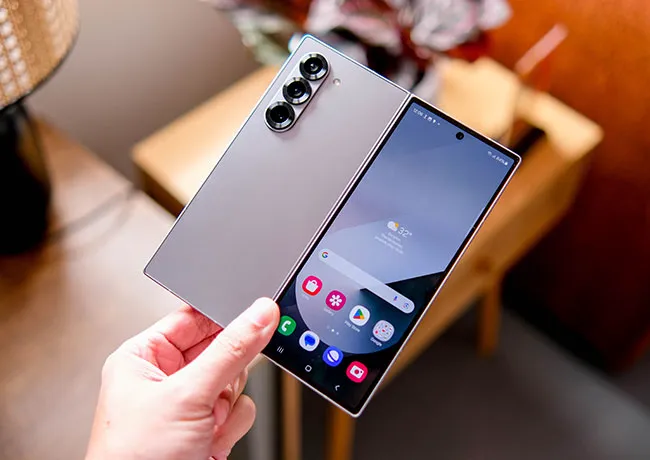
App Pinning is a cool feature on Android that helps keep your phone secure when someone else needs to use it—like when a friend wants to make a call or a child wants to play a game. When you "pin" an app, it locks the screen to that specific app so the person using your phone can’t access anything else like your messages, photos, or settings. It’s a simple way to share your phone without worrying about your privacy. To enable it, go to Settings > Security > Advanced > App pinning. Turn it on, and then open the app you want to pin. Tap the Overview (Recent Apps) button, then tap the app icon at the top and select Pin.
samsung-android

3. Symbol Shortcut


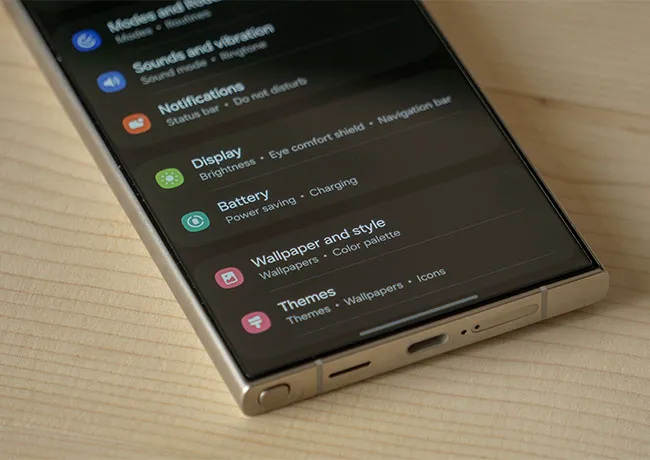
Typing symbols on your Android keyboard will be a lot faster once you know this little trick: instead of tapping the ?123 key and then selecting a symbol, you can simply press and hold the ?123 key and swipe your finger to the symbol you want. When you lift your finger, the keyboard will automatically return to the letters — no extra taps are needed.

Author:

Lisa Fogarty is a lifestyle writer and reporter based in New York who covers health, wellness, relationships, sex, beauty, and parenting.

Checking the time while enjoying a healthy breakfast.
Close-up of doctor assessing woman's scalp health.
Woman applying eyeshadow from a colorful palette.
Woman exercising for a healthier lifestyle and beauty.
Woman enjoying fresh summer watermelon salad
Sarah Jessica Parker showcasing her stylish silver hair
Two friends engaged in a lively conversation.
Hairdresser giving a trendy haircut to a client
Cooked salmon served with rice, avocado, and greens.
Woman applying sunscreen for sun protection
Woman checking UV index while applying sunscreen
Woman taking magnesium supplement for wellness.
Getting a stylish lob haircut in a salon
Delicious s'mores brownies selection from Aldi's bakery.
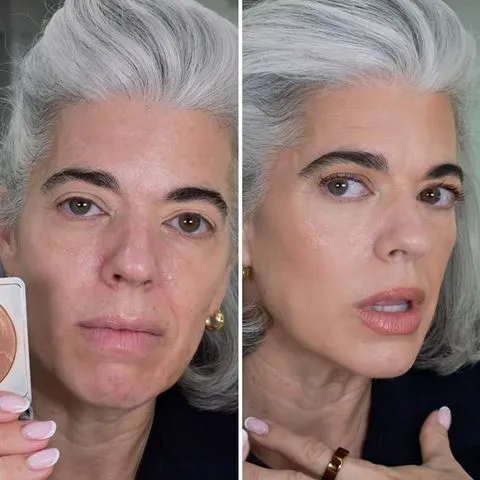
Top mature skin foundations for flawless coverage
Grilled chicken breast with crispy fries and fresh salad.
Reminder to wear sunscreen for skin health
Peacock logo shown on a mobile device
High-protein dip made with chicken and chickpeas
Dumbbell exercise for strength training and fitness.
Checking the time while enjoying a healthy breakfast.
Close-up of doctor assessing woman's scalp health.
Woman applying eyeshadow from a colorful palette.
Woman exercising for a healthier lifestyle and beauty.
Woman enjoying fresh summer watermelon salad
Sarah Jessica Parker showcasing her stylish silver hair
Two friends engaged in a lively conversation.
Hairdresser giving a trendy haircut to a client
Cooked salmon served with rice, avocado, and greens.
Woman applying sunscreen for sun protection
Woman checking UV index while applying sunscreen
Woman taking magnesium supplement for wellness.
Getting a stylish lob haircut in a salon
Delicious s'mores brownies selection from Aldi's bakery.
Top mature skin foundations for flawless coverage
Grilled chicken breast with crispy fries and fresh salad.
Reminder to wear sunscreen for skin health
Peacock logo shown on a mobile device
High-protein dip made with chicken and chickpeas
Dumbbell exercise for strength training and fitness.