
When your iPhone starts feeling sluggish, it’s easy to point the finger at social media apps with their endless scrolling and background refreshes. But the real slowdown culprits might be hiding in plain sight: essential, everyday apps you rely on constantly without a second thought. Apps you least expect can eat up storage, drain your battery, and slow down performance over time. The truth is, even the most practical apps can take a toll if they’re not managed properly. Here’s a closer look at which ones might be dragging your phone down and what you can do to lighten the load without giving them up entirely.

Women Are Swapping Their Boring Water For This Ice Pop Electrolyte Mix!
1. Weather Apps
Weather apps may seem harmless, but many of them constantly update in the background to deliver real-time forecasts, alerts, and radar data, even when you're not actively using them. This can drain both your battery and data, and contribute to overall sluggish performance. To minimize the impact, go to Settings > General > Background App Refresh and turn it off for your weather app, or limit location access by going to Settings > Privacy > Location Services, and changing it to “While Using the App.”
2. Facebook
Facebook is notorious for being one of the heaviest apps on your phone. Between background activity, auto-playing videos, location tracking, and a hefty cache of saved data, it can eat up storage and slow down performance fast. To lighten the load, consider deleting and reinstalling the app every few months to clear out built-up data. You can also turn off Background App Refresh, disable autoplay videos, and use Facebook Lite or access the site through a browser if you’re not ready to part with it completely.
3. Safari
Safari may be your go-to browser, but over time, all those open tabs, cached websites, and auto-playing videos can slow down your iPhone. It’s easy to forget just how much data builds up behind the scenes. To clean things up, go to Settings > Safari, then scroll down and tap “Clear History and Website Data.” You should also get into the habit of closing unused tabs and disabling autoplay under Settings > Accessibility > Motion > Auto-Play Video Previews.
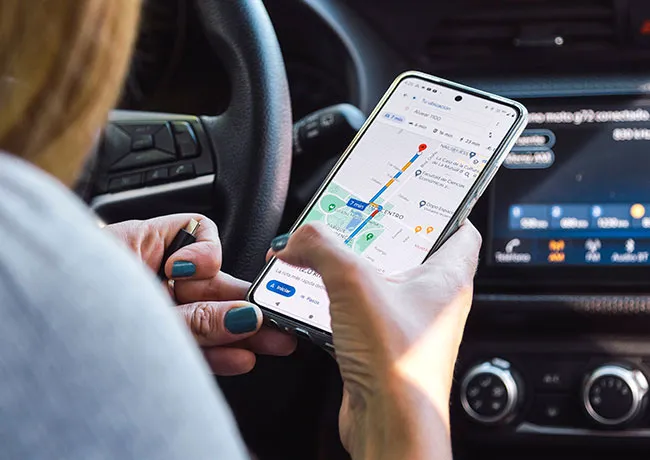
4. Google Maps
Google Maps is incredibly useful, but its heavy use of GPS, background activity, and cached data can take a toll on your phone’s speed and battery life. If you leave it running in the background after navigation, it can keep using your location unnecessarily. To fix this, go to Settings > Location Services > Google Maps and switch it to “While Using the App.” Also, regularly clear your app cache and history in Google Maps settings under "Maps History" to reduce clutter and improve app performance.