If you’re a smartphone owner, then you know how frustrating it can be when both your device and storage space are running low.
Although there are many things you can do to preserve your iPhone or Android’s speed and clean up some storage space, one of the most effective ways to go about doing it is sitting on your homescreen – your apps. Having a lot of apps to choose from for entertainment or work purposes might seem neat, but at the end of the day, having an excessive amount of battery and storage-wasting apps can hurt your device in the long run. Read more about five apps you should consider uninstalling for more storage space and a faster phone below.

Women Are Swapping Their Boring Water For This Ice Pop Electrolyte Mix!

1. Excess Gaming Apps
When you first download a smartphone, it's understandable to want to download several different kinds of gaming apps that can easily entertain you during downtime. However, as time goes by, there's a good chance that these games will go ignored on your phone and end up taking up storage, subsequently slowing down your phone.
"Large mobile games store gigabytes of cached data, even when unused," says tech and cybersecurity expert Eugene Uguomore. "Removing them instantly frees space and improves device responsiveness."
2. Retail Apps With Ads
If you're reading this, there's a good chance that you have one or two favorite stores to get your clothes from, and you might even have an app for the store downloaded to your phone. However, many retailers rely on advertisements and pack their apps with them, and ads are notorious for slowing down the speed of smartphones. You're likely better off if you remove the retailer ads and stick to shopping online, rather than being able to close the website.
3. Traveling & Airline Apps
When you're planning a big trip or in the middle of an eventful vacation, it's convenient to have apps for the airline you're using, as well as others that help you book hotels, excursions, and other trip arrangements. However, that can add up to a lot of storage space and data usage, and if you're no longer using those apps after your trip is over, then it's probably worth deleting them.
"Apps from past trips usually stay logged in and sync location data," adds Ugumore. "They use unnecessary background permissions."

4. Snapchat
Out of all the social media apps, surprisingly, Snapchat can be one of the biggest offenders when it comes to slowing down your smartphone. Due to all of its latest features, from the Snap Map to holding 'memories,' upgrades, and more, the app can improve life and storage at the same time.
"Snapchat runs in the background continuously and checks for messages, new stories, it keeps using your camera, and tracks your location," says tech pro Amy Mortlock. "Users have reported their phones randomly lagging after they installed Snapchat, with multiple processes running even after closing the app."

5. Preinstalled or Bloatware Apps
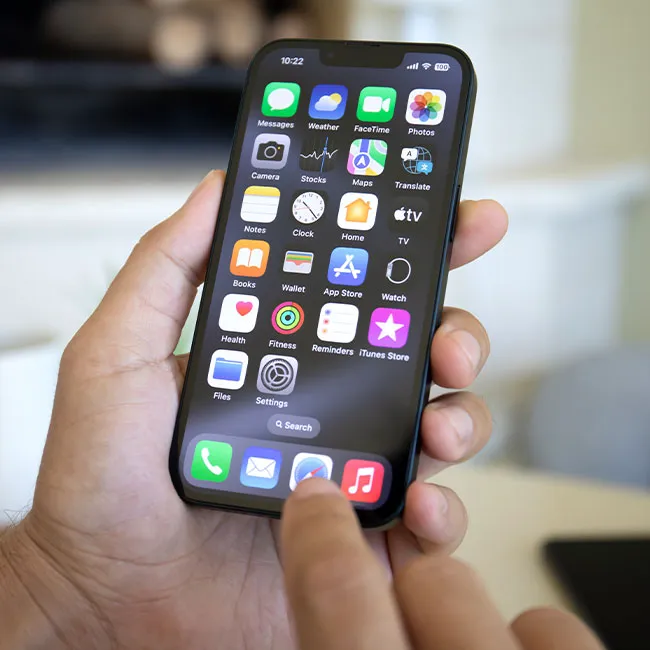
On both iPhones and Androids, there are apps that come with the phone and are already installed. These can range from note-taking apps to messaging apps, and more. While they might seem useful when you first get your phone, you might want to get rid of the ones you don't use.
"Bloatware apps come pre-installed from manufacturers or carriers, and they should be deleted or disabled whenever possible," notes Mortlock. "Unnecessary apps consume storage space, processing power, and battery, and don't even provide any value, and slow down phone startup."