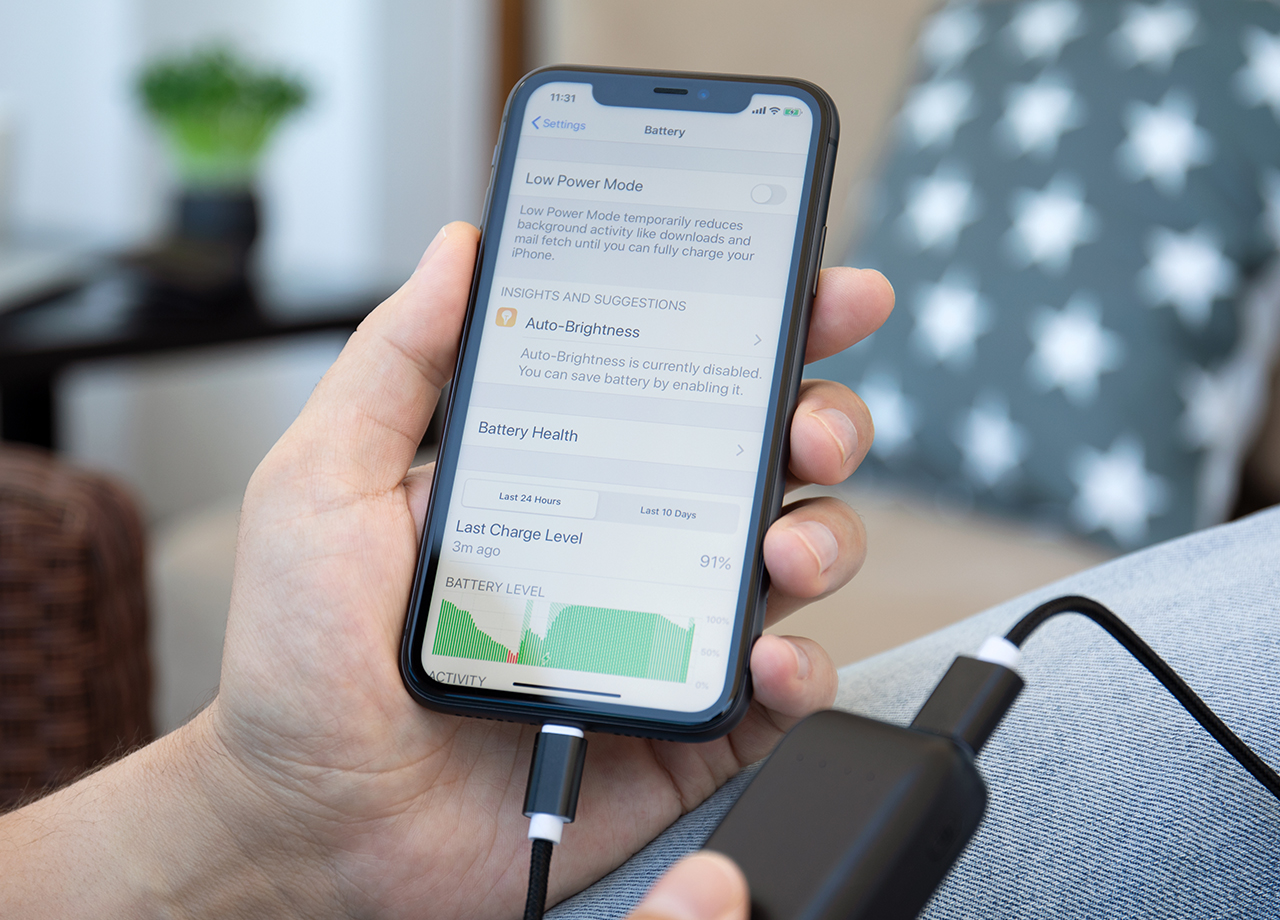
A better-working iPhone is also a longer-lasting iPhone — and that can ultimately mean saving money and not having to replace your phone (or its battery) every few years. To get your smartphone into great working condition, it helps to perform regular maintenance on your device. This may seem like a chore, but it really only requires a commitment to making a few fast changes to some of your phone’s settings and keeping on top of updates.
Start with these seven changes that you can make to your phone for a longer-lasting battery and faster device.

Women Are Swapping Their Boring Water For This Ice Pop Electrolyte Mix!
1. Lower Screen Brightness
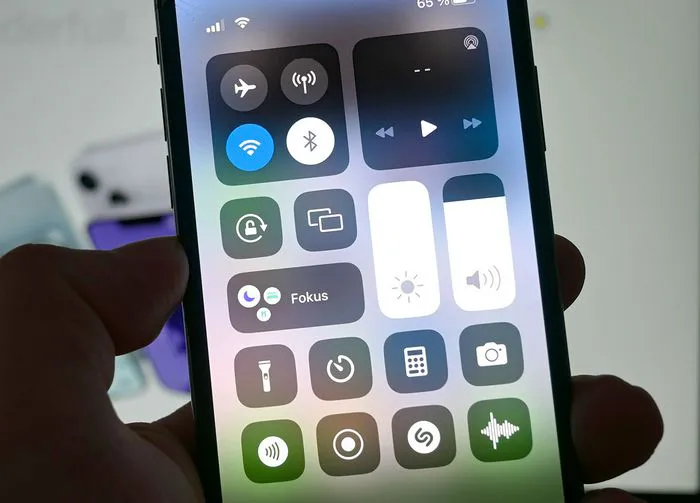
A bright screen means less battery power — there’s no getting around this one. Try to adjust your screen brightness so that it’s as bright as you need, without overdoing it. Go to Settings > Display & Brightness and adjust the toggle so that your bright screen is dimmed. You can also set your phone to Dark Mode to save more battery.

2. Turn Off Background App Refresh
Background App Refresh is a setting that updates your apps in the background so that they are always ready with the latest content, but the setting is taxing on your phone’s resources. If you’re willing to do away with this convenience you can benefit from a longer-lasting battery. Go to Settings > General > Background App Refresh and turn it off.
3. Reduce Motions & Animations
Animations look great on your device and can enhance your user experience, but they come at a cost: battery power. Go to Settings > Accessibility > Motion and turn on Reduce Motion and Prefer Cross-Fade Transitions to save battery.
4. Delete Old Apps
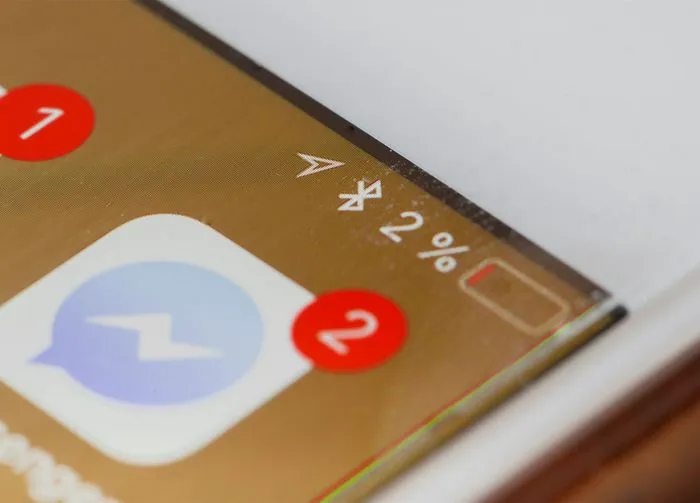
Old apps that you never use or update, photos, and media files take up tons of storage space and this can weigh on your battery. First, find out which of your apps is taking up the most space by going to Settings > iPhone Storage. Next, consider deleting as many of these apps as you can for a faster phone.
5. Disable Location Services
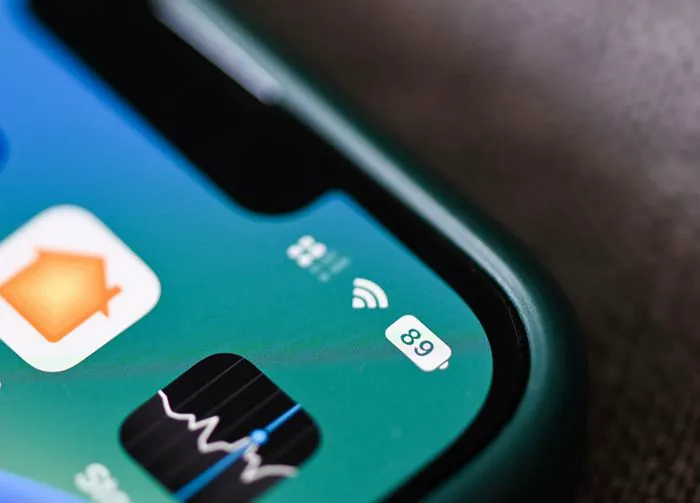
Location Services relies on your phone’s GPS, which takes up considerable battery power. Go to Settings > Privacy & Security > Location Services. Set apps to “while using” or “never” to limit or prohibit them from having access to your location.
6. Letting Your iPhone Battery Fall to 0 Percent
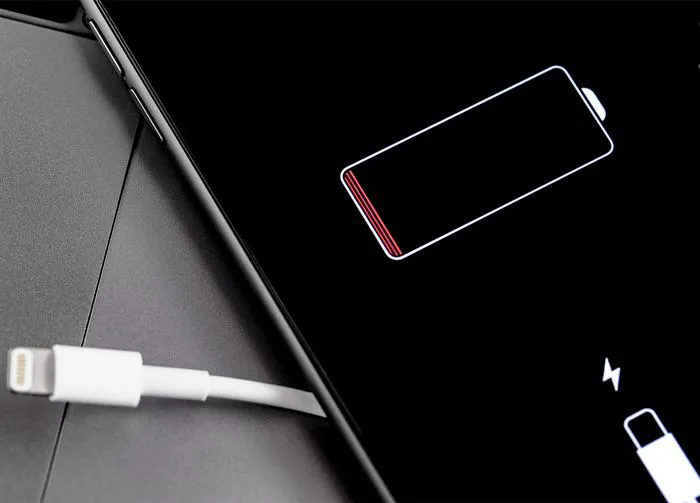
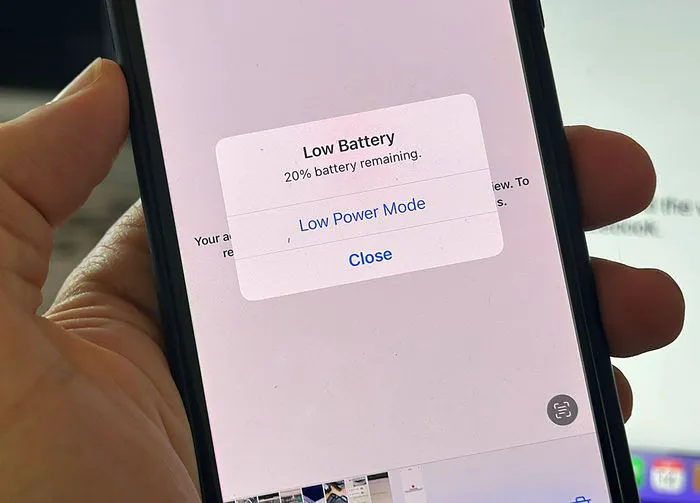
One of the best charging changes you can make for your phone is to power it up more often and for shorter spurts. Doing this — and keeping your phone charged in the sweet spot of 30 to 80 percent — helps keep your phone’s battery stable. One mistake to avoid is allowing your phone battery to fall to 0 percent too often. Doing this can degrade the battery faster.
7. Enable Low Power Mode
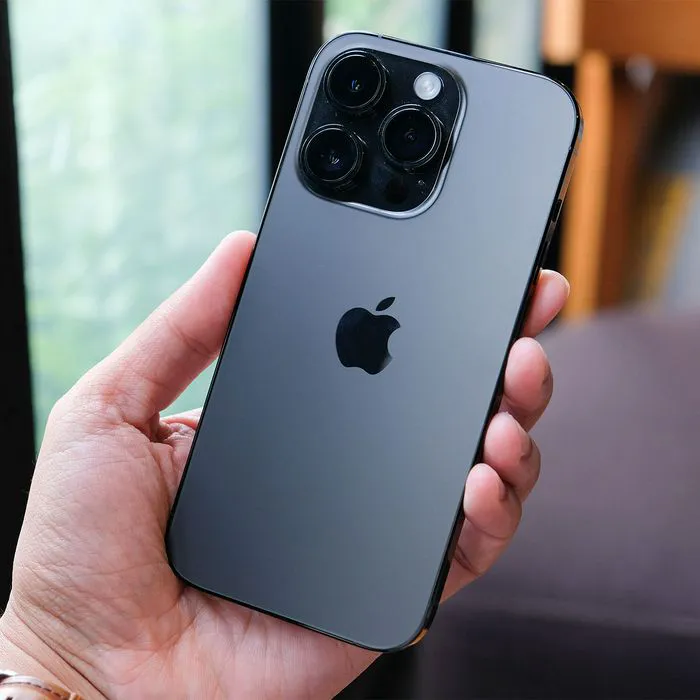
When your phone’s battery begins to lose power in a way that puts it in danger of dropping below 20 percent, enable Low Power Mode. This setting temporarily disables non-essential features, such as visual effects and mail fetch, to conserve energy. To enable the setting, go to Settings > Battery > Low Power Mode.