



Madonna at the Met Gala in stunning fashion.
Taylor Swift boarding a private jet in 2024.
Woman experiencing fatigue from lack of sleep.

Homepage

Tech Employees Say Deleting These 3 Apps Will Help Your iPhone Run Faster: Streaming Apps, More

September 19, 2025 by Abigail Connolly
shefinds | Homepage
Featured image

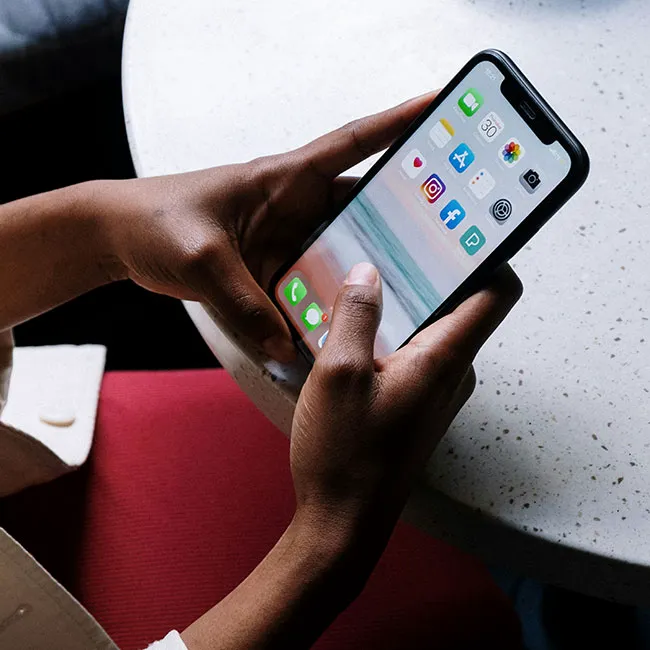
While our iPhones are often our lifelines and we’re super reliant on them, it can be incredibly frustrating when you feel like your phone is running a bit slower than usual.

An iPhone can start slowing down for so many reasons. Your storage may be full and need some cleaning out, your battery may be old, or your phone may be reacting to some kind of damage. While there are certain things that are out of your control regarding getting your iPhone to run faster, there are some things that are, like the kind of apps you have on your iPhone. Some apps can make your phone run slower, so we spoke to tech experts to figure out which ones you should delete if you need your iPhone to speed back up.

house unit img
Women Are Swapping Their Boring Water For This Ice Pop Electrolyte Mix!
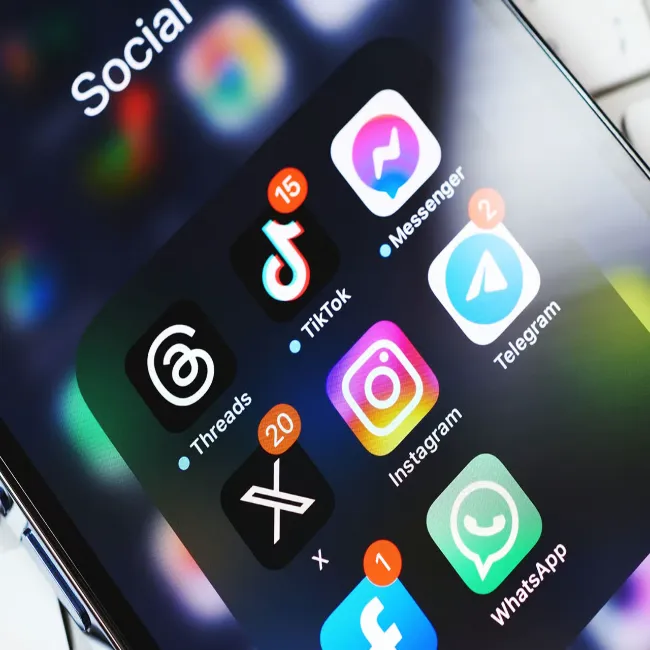
Image from SHEfinds

1. Social Media Apps (Facebook, TikTok, Pinterest, Etc.)

For many people, their social media apps are their life, and it can seem hard to live without them. However, these apps are doing a lot more in the background and using a lot of your phone's power, to the point where, whether they're being used or not, they can slow down your phone.


"They're refreshing in the background, doing background tasks, giving you notifications," says Steven Athwal, founder of The Big Phone Store. "Even if you don't use them, they're taking up memory. If you're an avid social media user, even just deleting the ones you use the least, like Reddit or X, can get your phone to go a little faster."
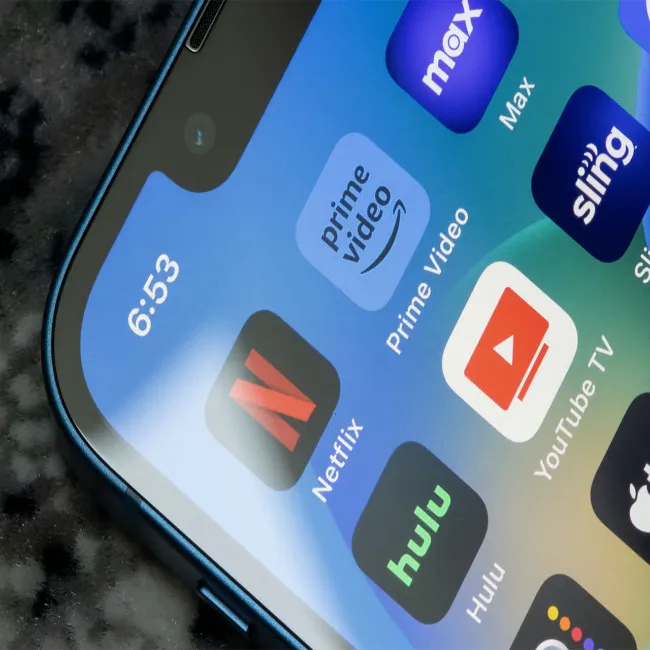
Image from SHEfinds

2. Streaming Apps (Netflix, Disney+, More)

It's no secret that most people with access to technology are using some kind of streaming app to watch their shows and movies, from Netflix and Hulu to Disney+ + and Peacock. However, if you're not traveling and don't watch the shows and films on these apps on your tiny phone screen, but rather on your television, then you should take them off your iPhone.


"I've lost count on how many phones I've seen with Netflix, Disney+, Prime, all sitting unused, hardly touched because you watch them on the TV," explains Athwal. "They take up data in the background. If you're not actively watching on your phone, get rid of them."
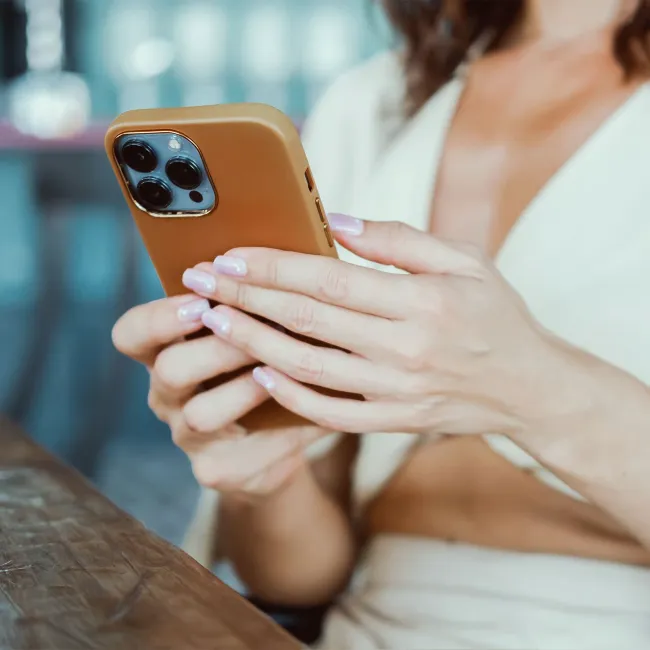
Image from SHEfinds

3. Utility Programs

Some people take the time to download third-party apps and utility programs onto their phones, like extra email apps, internet browsers, and more. However, filling up your phone with these extra apps, when it already has the basics covered in its preinstalled apps, can end up slowing your iPhone down over time.


"Apple's already giving you in-house versions of those, and that extra stuff just takes up space sitting around draining your battery and slowing things down," adds Athwal. "iPhones slow down when there's almost no storage space left or when apps are running in the background continuously. Deleting the ones that take up a lot of space or the ones that run constantly gives your phone some breathing room."


Author:

Editorial Assistant

Abigail is a journalist based in Brooklyn, New York. As an Editorial Assistant for SheFinds, she covers topics ranging from celebrity news and fashion to wellness. She has written for other publications, including Chip Chick, Bandsintown, BroadwayWorld, and more. When she isn't writing, Abigail loves spending time in the city with her friends, being a 'dog mom' to her Chihuahua, and singing along to some of her favorite music.

Jennifer Lopez in stunning Defaience gown at 2025 American Music Awards.
Emma Stone shines at the Annual Actor Awards ceremony.
Salma Hayek attends the 12th Annual Breakthrough Prize Ceremony.
Collagen-boosting superfoods for summer glowing skin.
Middle-aged woman enjoying a glass of wine.
Best Prime Day beauty deals on Amazon right now.
Ariana Grande dazzles at the Golden Globes.
Kylie Jenner showcases sleek black style at Met Gala 2025.
Woman applying sunscreen to protect her skin.
Taylor Swift and Travis Kelce share a moment together.
Healthy seeds versus pastries for better snacking choices.
Ivanka Trump and Jared Kushner at a public event.
Bad Bunny rocking the red carpet at the Grammys.
iPhone charging, plugged into a laptop for power.
iPhone charging settings displayed on the screen.
The viral Italian bob hair trend for summer 2023.
Angelina Jolie receives the Trophee Chopard Award.
Selena Gomez at the 3rd Annual Rare Impact Fund Benefit.
Poolside cocktail and trail mix for a relaxing day.
Brad Pitt and Ines de Ramon at F1 World Premiere.
Jennifer Lopez in stunning Defaience gown at 2025 American Music Awards.
Emma Stone shines at the Annual Actor Awards ceremony.
Salma Hayek attends the 12th Annual Breakthrough Prize Ceremony.
Collagen-boosting superfoods for summer glowing skin.
Middle-aged woman enjoying a glass of wine.
Best Prime Day beauty deals on Amazon right now.

Beauty

Prime Day is basically a holiday for anyone who's ...

Ariana Grande dazzles at the Golden Globes.
Kylie Jenner showcases sleek black style at Met Gala 2025.
Woman applying sunscreen to protect her skin.
Taylor Swift and Travis Kelce share a moment together.
Healthy seeds versus pastries for better snacking choices.
Ivanka Trump and Jared Kushner at a public event.
Bad Bunny rocking the red carpet at the Grammys.
iPhone charging, plugged into a laptop for power.
iPhone charging settings displayed on the screen.
The viral Italian bob hair trend for summer 2023.
Angelina Jolie receives the Trophee Chopard Award.
Selena Gomez at the 3rd Annual Rare Impact Fund Benefit.
Poolside cocktail and trail mix for a relaxing day.
Brad Pitt and Ines de Ramon at F1 World Premiere.

















