Kim Kardashian at the Kering's 3rd Annual Caring for Women Dinner.
Madonna at the Met Gala in a stunning outfit.
Taylor Swift arriving in a private jet in 2024.

Homepage

3 iPhone Features You Didn't Know Were Tracking You—And How To Turn Them Off

October 14, 2025 by Abigail Connolly
shefinds | Homepage
Featured image

If you’re an iPhone user, then you likely have heard a lot more about how you need to be careful about any apps or dangerous downloads that cause your smartphone’s location to be tracked.

While it might not have been something people worried about years back, now, ensuring that your iPhone’s location isn’t getting into the hands of the wrong person is more important than ever, especially because people tend to keep a lot of information on them.

“Many users of the iPhone are unaware of how much location tracking is already built into the system—not for the purposes of invasion of privacy, but for ‘convenience,'” says cybersecurity expert Anar Israfilov with Cyberoon Enterprise. “The reality is: every step we take leaves a digital footprint.”

We spoke with Irsrafilov about three iPhone features you should adjust because they allow your location to be tracked. Read more about them below.

house unit img
Women Are Swapping Their Boring Water For This Ice Pop Electrolyte Mix!
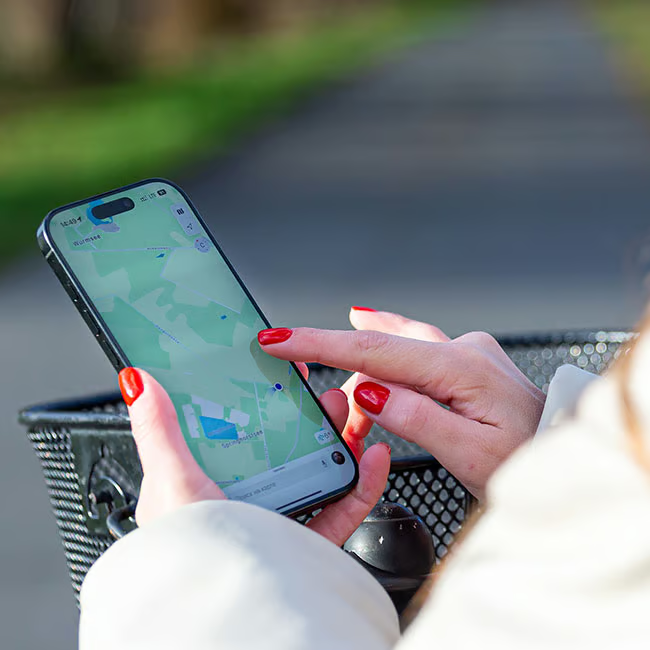
Young woman checking location on her smartphone outdoors.

1. Significant Locations

The Significant Locations feature on the iPhone is part of Apple's Location Services that keeps track of places you visit frequently to provide personalized features, like better Maps suggestions, predictive traffic updates, and updated photo memories. However, this means that your device is consistently keeping track of your most-visited locations.


"It quietly logs the detailed patterns of your movements to better improve 'contextual awareness' in Apple's ecosystem," explains Israfilov.


You disable this feature by going to Settings, then Privacy & Security, tapping on Location Services, then System Services, and toggling off Significant Locations.
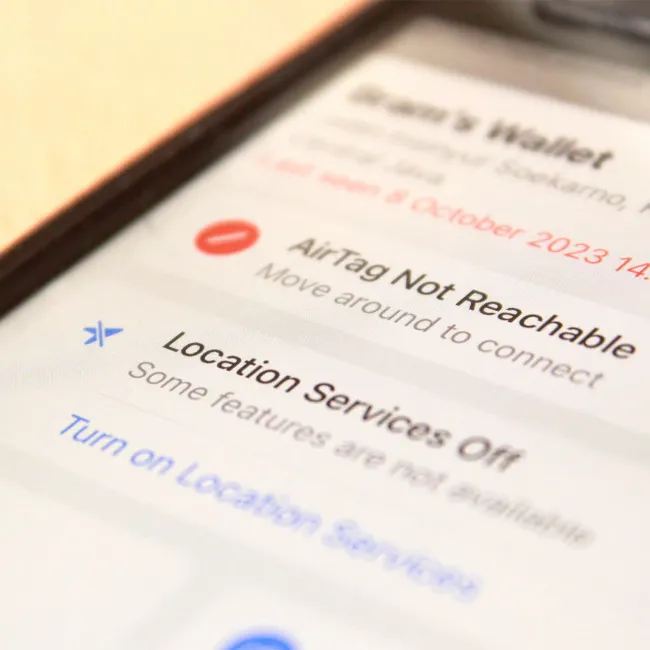
iPhone location services settings for enhanced privacy control.

2. Find My Network

The Find My Network feature on iPhones helps you locate your Apple devices even when they're offline or turned off. It uses an encrypted network that can anonymously detect your device's Bluetooth signal and relay its location back to you, making it helpful for finding items like AirTags or lost iPhones. While it's a nifty feature for finding your phone, Israfilov says it's "disconcerting from a privacy standpoint."


To turn this off, you have to go to Settings, then Apple ID, before selecting Find My, then Find My iPhone, and then Find My network.
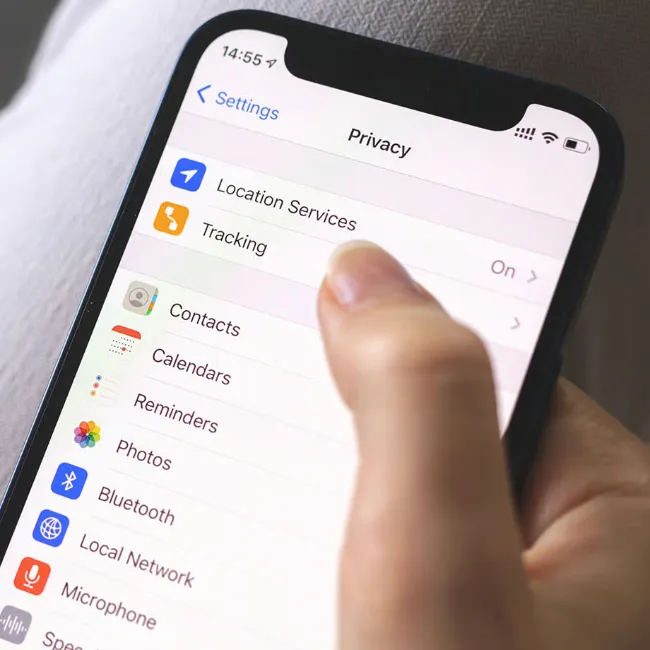
iPhone privacy settings for location services management.

3. Location-Based Ads & Suggestions

You might not realize that some of the reviews and ads you see on your phone are being personalized through this setting on your iPhone. It uses your current location to deliver more personal or relevant ads, suggestions, and content across Apple services. For example, it might show nearby restaurants in Maps or suggest local apps in the App Store.


As Israfilov notes, it "updates based on your real-time location," so if you want a bit more privacy and stop your phone from being unnecessarily tracked, you can find it by clicking on Settings, then Privacy & Security, then Location Services, then System Services.


Author:

Editorial Assistant

Abigail is a journalist based in Brooklyn, New York. As an Editorial Assistant for SheFinds, she covers topics ranging from celebrity news and fashion to wellness. She has written for other publications, including Chip Chick, Bandsintown, BroadwayWorld, and more. When she isn't writing, Abigail loves spending time in the city with her friends, being a 'dog mom' to her Chihuahua, and singing along to some of her favorite music.

Creamy banana nice cream topped with fresh fruit.
Jennifer Lopez in Defaience at the 2025 American Music Awards.
Vittoria Ceretti with Leonardo DiCaprio at a gala.
Emma Stone attending the Annual Actor Awards ceremony.
Salma Hayek at the 12th Annual Breakthrough Prize Ceremony.
Summer superfoods for boosting collagen and glowing skin.
Kate Middleton during a state visit looking elegant.
Middle-aged woman enjoying a glass of wine at home.
Best beauty deals on Amazon during Prime Day.
Ariana Grande showcasing her fashion at the Golden Globes.
Kylie Jenner's elegant ensemble at the Met Gala 2025.
Woman applying sunscreen for sun protection outdoors.
Taylor Swift and Travis Kelce enjoying a night out.
Healthy seeds displayed, contrasting with unhealthy pastries.
Ivanka Trump and Jared Kushner attending a public event.
Brad Pitt and Ines De Ramon at the European premiere.
Bad Bunny's glamorous Grammy moment, celebrating music and style.
iPhone charging while connected to a laptop
iPhone charging settings displayed on screen
The viral Italian bob hair trend for summer 2026.
Creamy banana nice cream topped with fresh fruit.
Jennifer Lopez in Defaience at the 2025 American Music Awards.
Vittoria Ceretti with Leonardo DiCaprio at a gala.
Emma Stone attending the Annual Actor Awards ceremony.
Salma Hayek at the 12th Annual Breakthrough Prize Ceremony.
Summer superfoods for boosting collagen and glowing skin.
Kate Middleton during a state visit looking elegant.
Middle-aged woman enjoying a glass of wine at home.
Best beauty deals on Amazon during Prime Day.

Beauty

Prime Day is basically a holiday for anyone who's ...

Ariana Grande showcasing her fashion at the Golden Globes.
Kylie Jenner's elegant ensemble at the Met Gala 2025.
Woman applying sunscreen for sun protection outdoors.
Taylor Swift and Travis Kelce enjoying a night out.
Healthy seeds displayed, contrasting with unhealthy pastries.
Ivanka Trump and Jared Kushner attending a public event.
Brad Pitt and Ines De Ramon at the European premiere.
Bad Bunny's glamorous Grammy moment, celebrating music and style.
iPhone charging while connected to a laptop
iPhone charging settings displayed on screen
The viral Italian bob hair trend for summer 2026.