


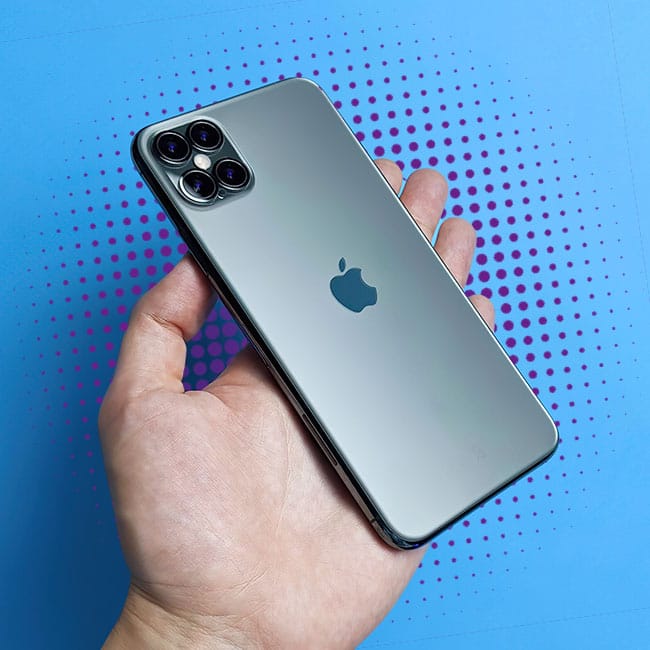
We like to think we always do the right thing by our iPhones and have our good phone habits down to a science. But the reality is: we’re probably all making a mistake here and there that, unbeknownst to us, costs us battery power (even if it’s just a little at a time). Over the course of months and years, however, battery degradation adds up. As our phones age, they can lag more, and can lead to issues that cost us money, such as needing a new battery or having to replace our phones altogether.
Getting ahead of the problem by avoiding bad iPhone habits and mistakes is the best way to avoid costly issues down the road. Stop making these four iPhone mistakes to avoid battery drainage and expensive repairs.

Struggling With Sleep? This Rechargeable Sound Machine Is A Total Game-Changer
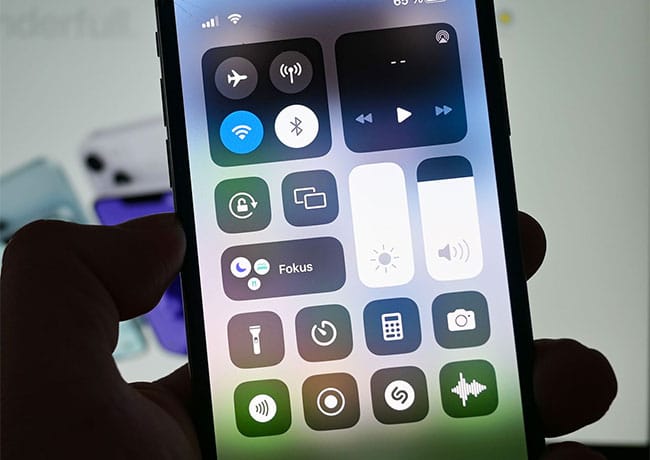
1. High Screen Brightness
The brighter your phone screen, the more battery power your phone is taking up to provide that bright screen — it’s that simple. You can avoid this issue by manually changing your screen brightness: open Control Center and drag the brightness slider down as much as possible. You can also turn off Auto-Brightness by heading to Settings > Accessibility > Display & Text Size. Scroll to the bottom and toggle off Auto-Brightness.

2. Too Many Apps Have Access to Your Location
There are a few reasons why it’s not good to enable location services for all of your apps. They don’t all require your location to perform their tasks (for starters). When location is enabled for these apps, it takes more resources from your device for the apps to use your GPS and WiFi and track you. And then there’s the issue of your privacy — many apps use your location and sell it to third parties to make money.

3. Background App Refresh
For reasons that purely pertain to your battery, it’s a good idea to limit Background App Refresh, which is a setting that consistently updates your apps so that they are always providing the most recent content. This is a nice feature, but it comes with a cost: it taxes your phone’s resources and kills its battery.

4. Push Email is Set to Fetch Constantly
Setting Fetch to "constantly" or very frequently forces your iPhone to work harder than necessary, and this is draining to the battery. Switch to Push (when supported) or Manual/less frequent Fetch to give you much better battery life. To do this, go to Settings > Mail > Accounts > Fetch New Data. Choose Manually or increase Fetch to every 30 minutes or hourly.