


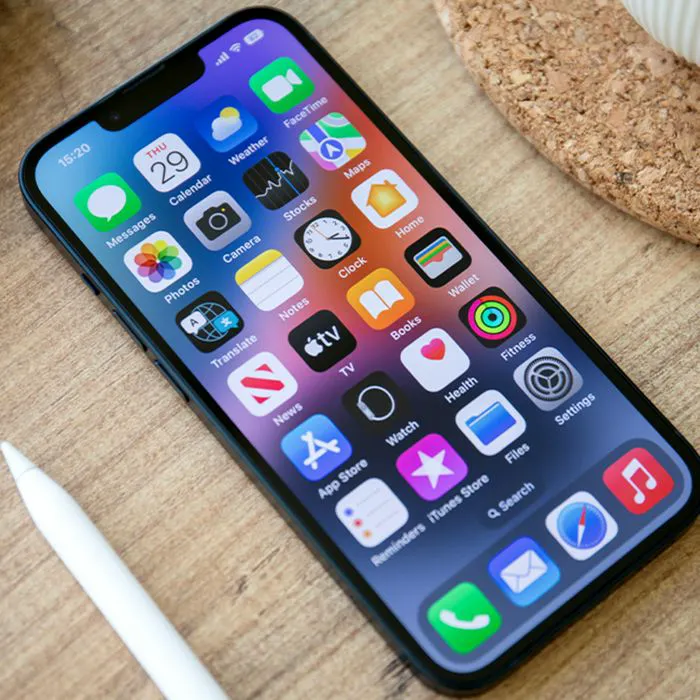
When your iPhone slows down, it can be really easy to panic and think you need to replace it right away. But there are some things you should take a look at first.
A slow iPhone can be incredibly frustrating, especially when simple tasks like opening an app, scrolling, or sending a text suddenly take longer than they should. While an old device, a worn-out battery, or even physical damage can sometimes be to blame, the apps taking up space on your phone may also play a role. If you’re looking to speed up your device and get rid of some apps that might be bogging it down, read more about three to take a look at below.

Women Are Swapping Their Boring Water For This Ice Pop Electrolyte Mix!
1. TikTok
TikTok can be a fun way to pass the time, but the app can also take up a surprising amount of space as you use it regularly. If you're noticing that your iPhone has started to feel sluggish, experts may recommend taking a look at TikTok and considering whether you really need it on your phone.
"TikTok can quietly consume several gigabytes by caching videos and other temporary data," explains tech and cybersecurity pro Calvin Brown. "Deleting and reinstalling the app can clear that data, but if you rarely use it, I'd remove it completely."

2. Old/Large File Games
Mobile games are oftentimes the biggest apps sitting on your iPhone, especially when they have detailed graphics and lots of downloadable content. If you have games installed that you rarely play, removing them could be a simple way to reclaim some much-needed storage.
"Old games are my first target. Some grow way past their original download size," notes tech expert Jake Wardle. "Streaming apps come next if they're holding movies, shows, or music you forgot you saved."
3. Unused Streaming Apps
Streaming services are another type of app in your library worth checking when you're trying to clean up your device. Even if you aren't actively using an app, keeping multiple streaming services like Netflix, HBO Max, or more, and any downloaded content associated with them, can eat into your available storage and subsequently slow down your iPhone.
"Apps like Netflix, Spotify, and YouTube may store downloaded shows, music, and cached files," adds Brown. "I'd start by removing old downloads, then delete any streaming apps you're no longer using."