

<link rel="stylesheet" href="https://www.shefinds.com/wp-content/themes/shefinds_14/custom-content-builder/styles/ccb-frontend.min.css?ver=1.0.10"> The ‘Important’ iPhone Settings You Need To Change ASAP For Pri... Skip to main content
Shakira at Zootopia 2 premiere in a stunning outfit.
Kai Trump and Donald Trump at NBA Finals event
Sarah Jessica Parker showcasing the 'Quiet Silver' hair trend

Homepage

The 'Important' iPhone Settings You Need To Change ASAP For Privacy And Security

December 7, 2024 by Lisa Cupido
shefinds | Homepage
Featured image

Your iPhone’s settings can keep you safer, if you are aware of which of them can help you most.

There are three specific settings that are “important” and it’s worth understanding how each one can keep your data more private and, in turn, keep you more secure and safe.

https://www.tiktok.com/@appledsign/video/7331025295002111265?q=iphone%20security&t=1733100509497

One Apple expert on TikTok shared the settings that you need to turn off (and in one case, there’s a setting that you should turn on if it serves you in the moment because it can help keep your data more private).

house unit img
The Difference Between Dragging Through Your Day And Feeling Great On Your Feet? These Arch Support Insoles
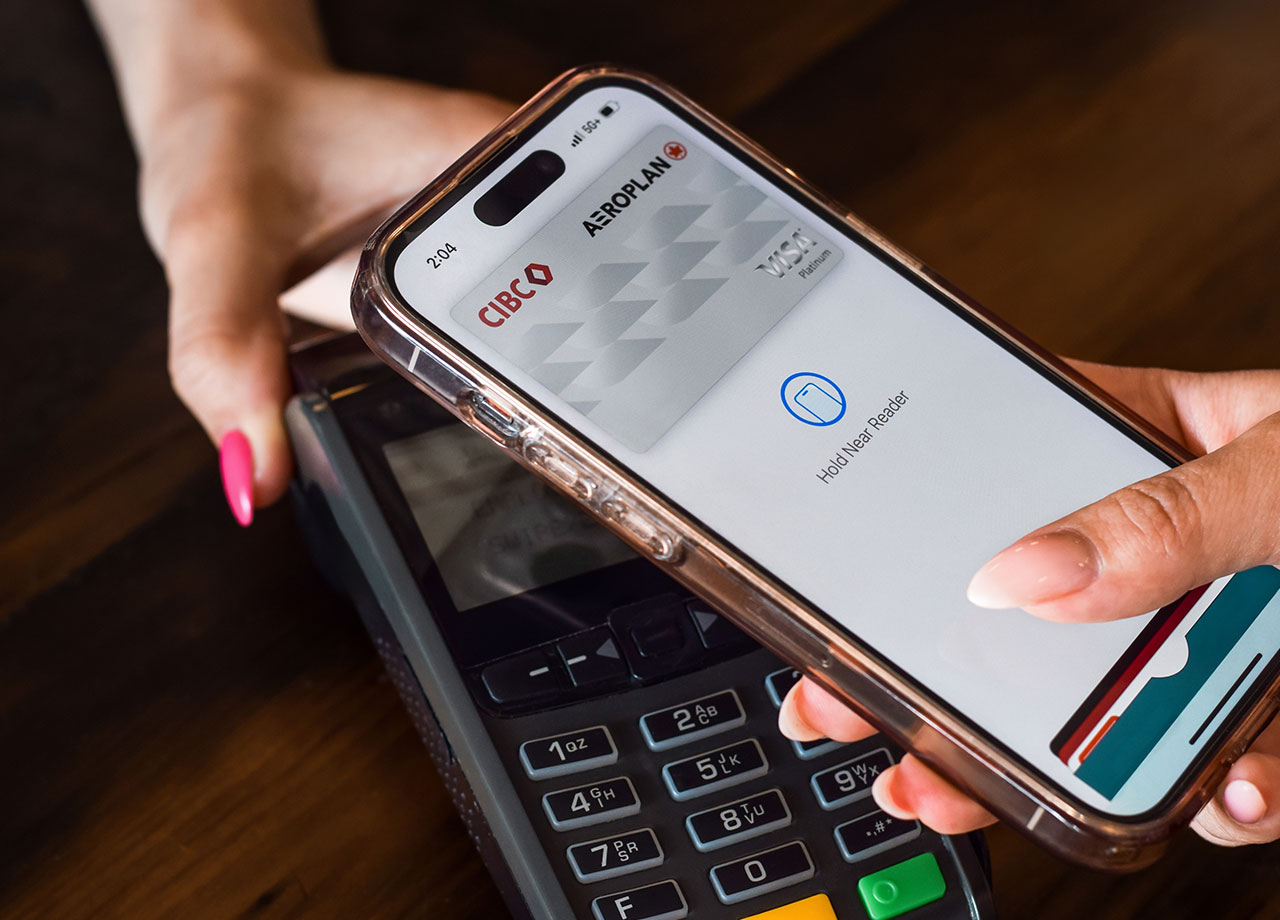
woman-using-apple-pay

1. Apple Wallet


You should keep your phone locked at all times to avoid anyone being able to access your Apple Wallet. This is because there could be a ton of sensitive information stored in your Apple Wallet, including credit cards, ATM cards, and other cards that contain things of monetary value (such as train passes and boarding passes). Make sure you configure your settings in iOS to require authentication like Face ID, Touch ID, or a passcode for Apple Wallet, even when the phone is locked.

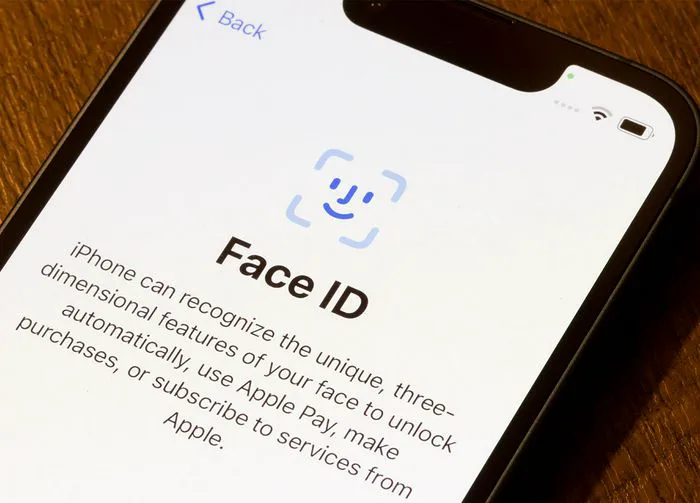
airplane-mode-settings

2. Airplane Mode


Airplane Mode can be an effective setting when it comes to helping you remain more secure and private. By enabling this setting at times when you can afford to do less on your device than usual, you disable Wi-Fi, Bluetooth, and cellular networks, as well as GPS and location services, all of which keep others from connecting to your device and prevent apps from accessing your location.
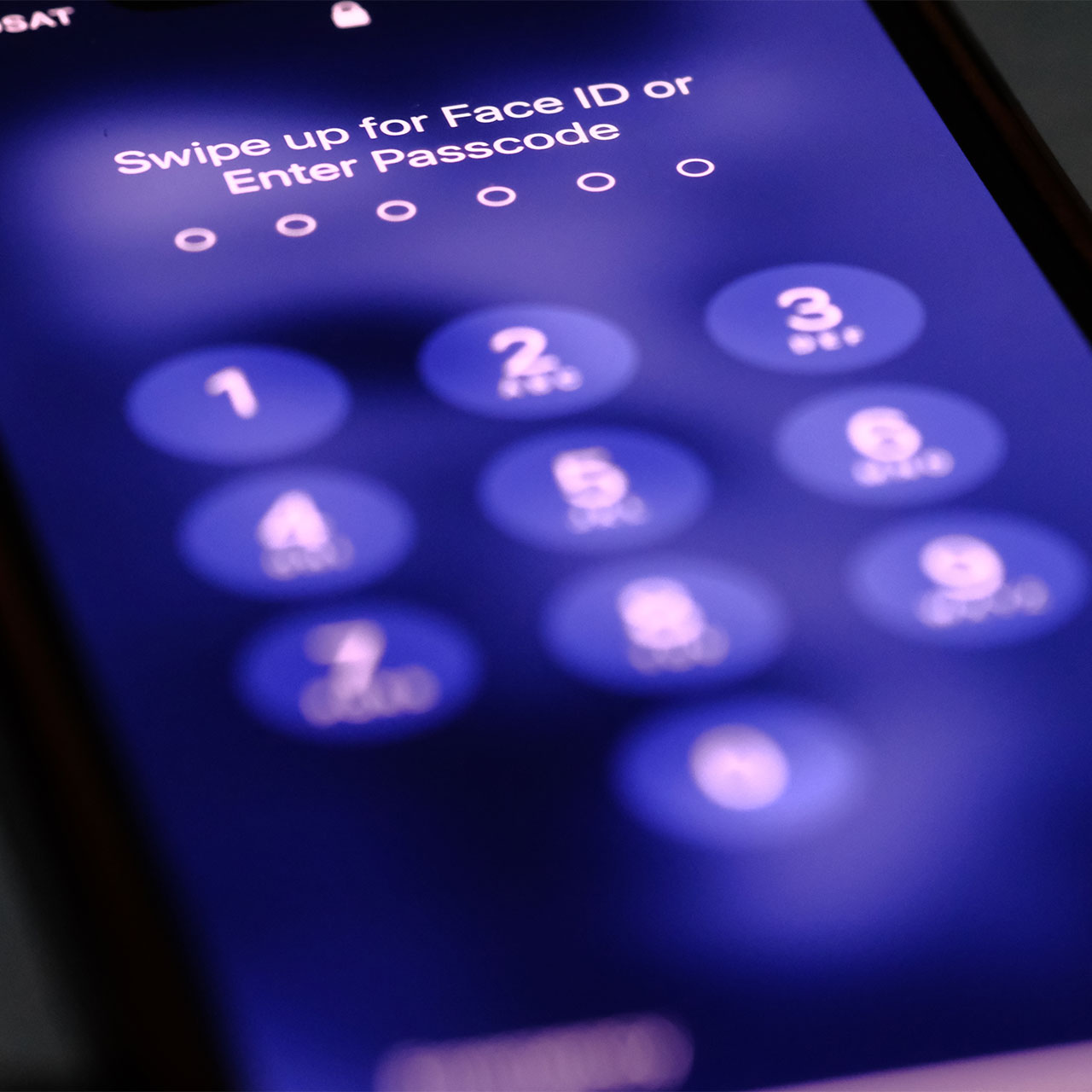
set-up-passcode-iphone

3. Lock Screen Access


Limiting Lock Screen Access keeps unauthorized users from accessing sensitive information on your device. These features can include Siri, Notification Center, and Apple Wallet. To do this go to Settings > Face ID & Passcode (or Touch ID & Passcode). Disable Allow Access When Locked for features like Siri, Control Center, Notification Center, and Wallet. You may also want to turn off Reply With Message and Show Previews to keep others from seeing notifications you receive on your Lock Screen.
Author:

Lisa Fogarty is a lifestyle writer and reporter based in New York who covers health, wellness, relationships, sex, beauty, and parenting.

Post Malone at the 57th Annual CMA Awards showcasing his unique style.
Brad Pitt at the premiere of 'Wolfs' event.
Gisele Bündchen at the Met Gala
Ozzy and Sharon Osbourne posing together
Hairdresser giving a trendy haircut to a client
Princess Beatrice with Princess Eugenie and King Charles at an event
Bianca Censori at the 67th Annual Grammy Awards, showcasing fashion
Christina Aguilera celebrating The Abbey's 35th Anniversary Party
King Charles with Prince William and Sarah Ferguson at a gathering
Beauty tools for an at-home spa experience
Donald Trump during a news conference at Mar-a-Lago Club
Ariana Grande and Ethan Slater sharing a moment together
Nicole Kidman attending the 4th Annual Academy Museum Gala
Bill Gates with Melinda Gates at a public appearance
Vitamins and supplements displayed on a shelf
Delicious cooked salmon with rice and greens
Jaden Smith at the premiere of Focus Features' Nosferatu
Person holding smartphone displaying various apps
Woman applying sunscreen for skin protection and beauty.
Angelina Jolie at a photocall for her latest project
Post Malone at the 57th Annual CMA Awards showcasing his unique style.
Brad Pitt at the premiere of 'Wolfs' event.
Gisele Bündchen at the Met Gala
Ozzy and Sharon Osbourne posing together
Hairdresser giving a trendy haircut to a client
Princess Beatrice with Princess Eugenie and King Charles at an event
Bianca Censori at the 67th Annual Grammy Awards, showcasing fashion
Christina Aguilera celebrating The Abbey's 35th Anniversary Party
King Charles with Prince William and Sarah Ferguson at a gathering
Beauty tools for an at-home spa experience

Beauty

You know the saying, "An artist is only as good ...

Donald Trump during a news conference at Mar-a-Lago Club
Ariana Grande and Ethan Slater sharing a moment together
Nicole Kidman attending the 4th Annual Academy Museum Gala
Bill Gates with Melinda Gates at a public appearance
Vitamins and supplements displayed on a shelf
Delicious cooked salmon with rice and greens
Jaden Smith at the premiere of Focus Features' Nosferatu
Person holding smartphone displaying various apps
Woman applying sunscreen for skin protection and beauty.
Angelina Jolie at a photocall for her latest project