Trendy haircuts for women over 50 in 2026
Donald Trump promoting maternal healthcare at an event.
Queen Camilla and Kate Middleton together at an event.

Homepage

You Should Delete These Pre-Installed Apps To Make Your iPhone Run Faster And Smoother: Apple Games, More

January 15, 2026 by Abigail Connolly
shefinds | Homepage
Featured image

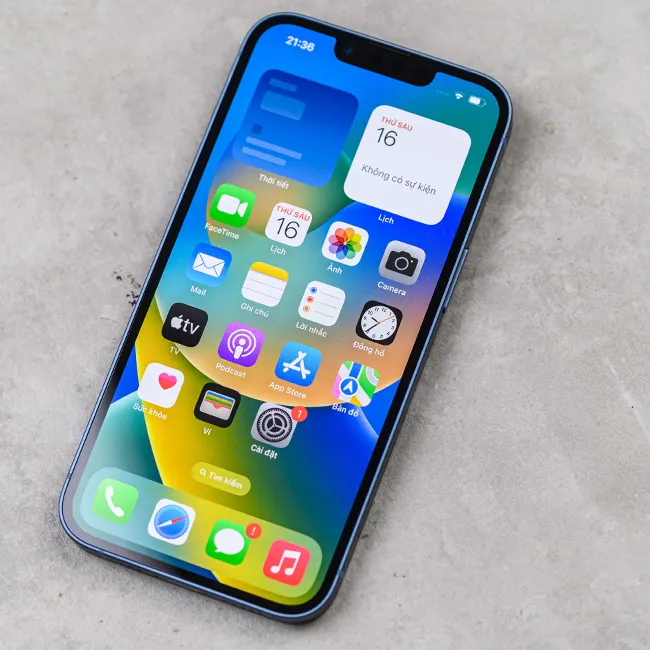
If you’ve ever owned an iPhone or have one currently, then you know what a pain and inconvenience it can be when it’s running slowly.

There is a whole lot that can contribute to an iPhone running slower than usual. For instance, your phone might be getting old. Or, perhaps, the battery is about to die, or maybe your storage is totally full. However, another component that people don’t often think about is apps, more specifically, preinstalled apps. Using information from tech pros, we’re listing 3 preinstalled apps you should consider deleting to speed up a slow iPhone. Read more about them below.

house unit img
Women Are Swapping Their Boring Water For This Ice Pop Electrolyte Mix!
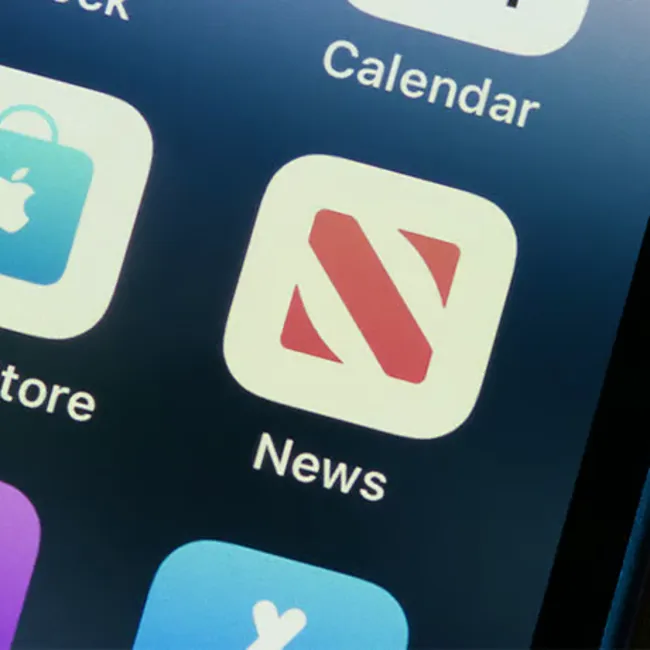
Image from SHEfinds

1. Apple News

If you're a smartphone owner, chances are, you have some kind of platform you use to get your daily news. It could be a social media app, an online publication you access via Safari, etc. However, your iPhone comes with Apple News, which you could easily delete if you prefer to get your news elsewhere. Why should you do it? Because it's a news app, there are often many updates happening, as well as a lot of background activity. That background activity, which brings you updated stories and feeds, can end up slowing down your device.
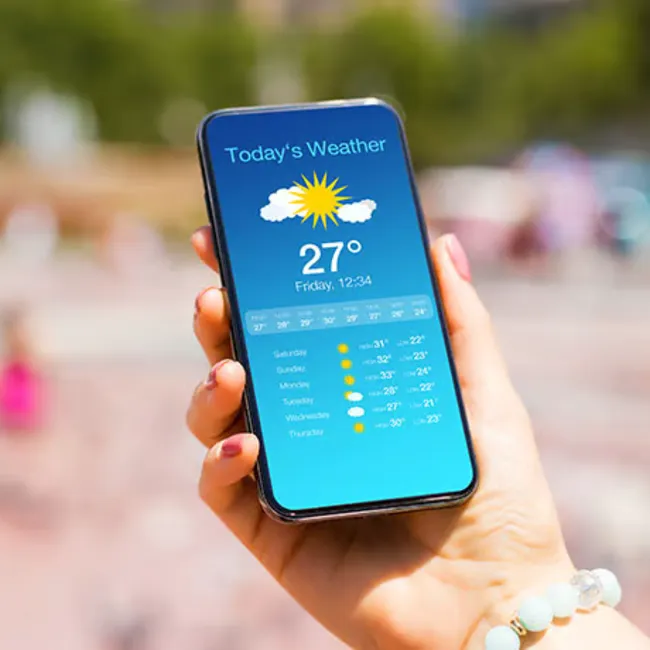
Image from SHEfinds

2. Weather App

If your phone is moving quite slowly and you're desperate to speed it back up, you might want to sacrifice your weather app. While it can be quite convenient, like Apple News, your weather app is another preinstalled app that does a lot of running in the background with updates and location changes. If you need space, consider checking a weather website instead of keeping the app. Like all preinstalled Apple apps, if you change your mind and prefer having the app after deleting it, you can always redownload it for free.
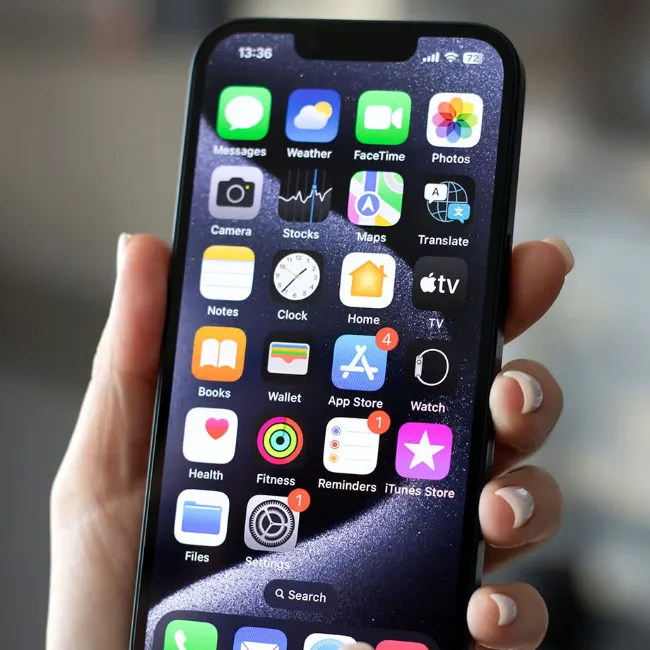
Image from SHEfinds

3. Apple Games

It's totally understandable to want to have a decent amount of games on your iPhone, especially if you need things to pass the time or decompress with. After all, who doesn't love a fun or silly little game to distract you as you ride the train to work or are sitting in a waiting room? However, the Apple Games app that comes preinstalled on iPhones is not necessary, and instead is mostly used to connect with friends to share game stats, libraries, and more. Games can take up a significant amount of space in this app, subsequently eating up storage and slowing down your phone. So, if you're not using it, feel free to delete it.


Author:

Editorial Assistant

Abigail is a journalist based in Brooklyn, New York. As an Editorial Assistant for SheFinds, she covers topics ranging from celebrity news and fashion to wellness. She has written for other publications, including Chip Chick, Bandsintown, BroadwayWorld, and more. When she isn't writing, Abigail loves spending time in the city with her friends, being a 'dog mom' to her Chihuahua, and singing along to some of her favorite music.

Kylie Jenner with Stormi and Timothée Chalamet.
Madonna attending the Met Gala event.
Taylor Swift boards her private jet in 2024.
Woman showing signs of sleep deprivation the next morning.
Banana nice cream dessert, a healthy treat.
Jennifer Lopez in Defaience at American Music Awards 2025.
Vittoria Ceretti and Leonardo DiCaprio together at an event.
Emma Stone at the Annual Actor Awards ceremony.
Salma Hayek at the 12th Annual Breakthrough Prize Ceremony.
Superfoods for collagen-boosting summer skin glow.
Kate Middleton at a formal state visit event.
Middle-aged woman savoring wine outdoors.
Top Amazon beauty deals during Prime Day.
Ariana Grande at the Golden Globes red carpet.
Kylie Jenner showcasing Met Gala 2025 black style.
Woman using sunscreen for sun safety.
Taylor Swift and Travis Kelce at a public event.
Seeds displayed on a wooden surface, not pastries.
Ivanka Trump and Jared Kushner posing together.
Brad Pitt and Ines De Ramon at F1 premiere.
Kylie Jenner with Stormi and Timothée Chalamet.
Madonna attending the Met Gala event.
Taylor Swift boards her private jet in 2024.
Woman showing signs of sleep deprivation the next morning.
Banana nice cream dessert, a healthy treat.
Jennifer Lopez in Defaience at American Music Awards 2025.
Vittoria Ceretti and Leonardo DiCaprio together at an event.
Emma Stone at the Annual Actor Awards ceremony.
Salma Hayek at the 12th Annual Breakthrough Prize Ceremony.
Superfoods for collagen-boosting summer skin glow.
Kate Middleton at a formal state visit event.
Middle-aged woman savoring wine outdoors.
Top Amazon beauty deals during Prime Day.

Beauty

Prime Day is basically a holiday for anyone who's ...

Ariana Grande at the Golden Globes red carpet.
Kylie Jenner showcasing Met Gala 2025 black style.
Woman using sunscreen for sun safety.
Taylor Swift and Travis Kelce at a public event.
Seeds displayed on a wooden surface, not pastries.
Ivanka Trump and Jared Kushner posing together.
Brad Pitt and Ines De Ramon at F1 premiere.