






This post has been updated since it originally published on April 25, 2023.
It’s easy to assume that what comes with your iPhone should stay with your iPhone. In other words: if Apple had the foresight to
already install a number of apps on your phone, then clearly that means that they are useful and should stick around.
Except: that isn’t always true.
The apps that one person finds convenient and worth the storage space aren’t always going to be the same apps others appreciate. What’s more: keeping useless apps on your phone can take up valuable space that you may need for all of the other apps that you do want to keep around. So, what should you do? For starters: be aware of these preinstalled iPhone apps that experts say take up so much space — and that you probably never even use.

Women Are Swapping Their Boring Water For This Ice Pop Electrolyte Mix!
Preinstalled apps that take up storage space
Preinstalled apps, or native apps, come already preinstalled on your device — which can be handy (sometimes), but is often kind of annoying. “If you're anything like me, you've probably wondered which pre-installed iPhone apps are hogging the most storage on your device,” says Tech Expert Nick Jordan at Workello. “Well, I will share my findings with you and even throw in some tips on deleting those pesky storage hogs.”
GarageBand: As a music fan, Jordan says he applauds Apple's decision to ship its products with a capable music-making tool like GarageBand. “But this application uses up almost 1..5 GB of storage, which is a significant amount,” he says. “You should remove this one if you aren't trying to become a musician.”
iMovie: “iMovie is an excellent program for editing and producing videos while on the go,” Jordan admits. “But with its rich feature set comes a hefty storage requirement — around 700 MB. This app can consume space on your iPhone if you don't routinely edit films there.”
Keynote, Numbers, and Pages: These iWork programs from Apple are excellent for making documents, spreadsheets, and presentations — but they are total storage stealers. “They can, however, use up to 500 MB each,” Jordan reveals. “If you primarily use other productivity apps like Google Drive or Microsoft Office, you may want to say goodbye to these space invaders.”
Some other preinstalled apps that can take up significant storage include Tips and Podcasts.
Why do these apps take up so much space?
There’s a reason these apps take up so much space. “These pre-installed programs frequently utilize a lot of storage because these extras include photos, audio files, and complicated code structures,” Jordan says. “As these programs get updated, they frequently expand in size, providing new features and improvements.”
What can be done to gain back storage space?
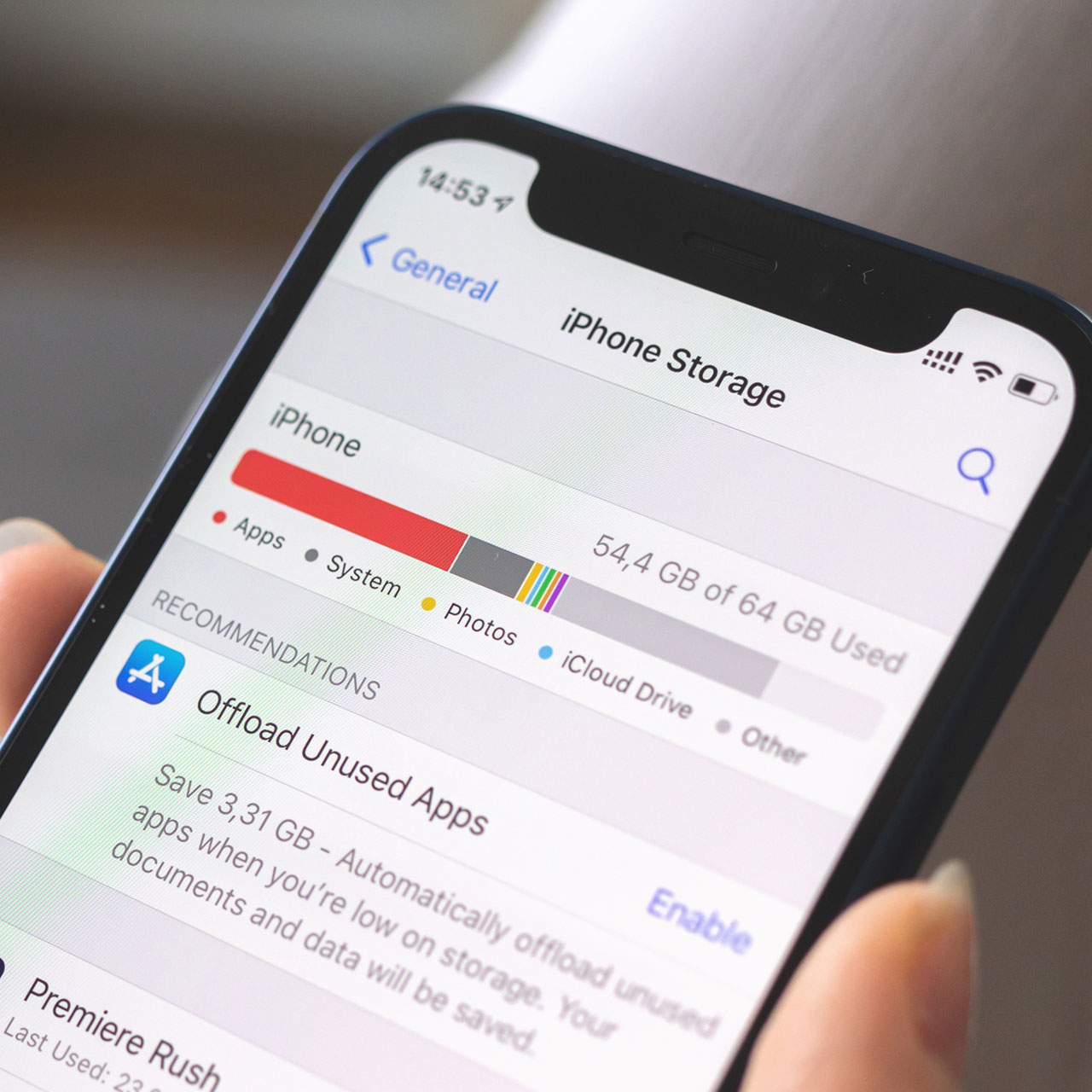
While you cannot delete preinstalled iPhone apps, you can disable them to free up space on your device, explains Tech Expert Sheena Marundan at Archicfurniture.com. “To do this, go to Settings, then General, then iPhone Storage, and scroll down to the app you want to disable,” Marundan says. “From there, you can offload or delete any data associated with the app to free up space.”
Even if it seems like these apps are just hanging out, not causing trouble, remember that they could be consuming a lot of storage.
“Overall, it's important to regularly review your phone's storage space and disable or delete any apps that are taking up unnecessary space to ensure that your device is running efficiently,” Marundan says.



















