



Woman struggling with hair loss, looking concerned.
Woman enjoying a donut at night, cozy setting.
Bianca Censori showcasing fall/winter fashion collection.

Homepage

Want More Privacy On Your iPhone? Apple Experts Reveal 3 Settings You Should Turn Off Now

August 8, 2024 by Lisa Cupido
shefinds | Homepage
Featured image

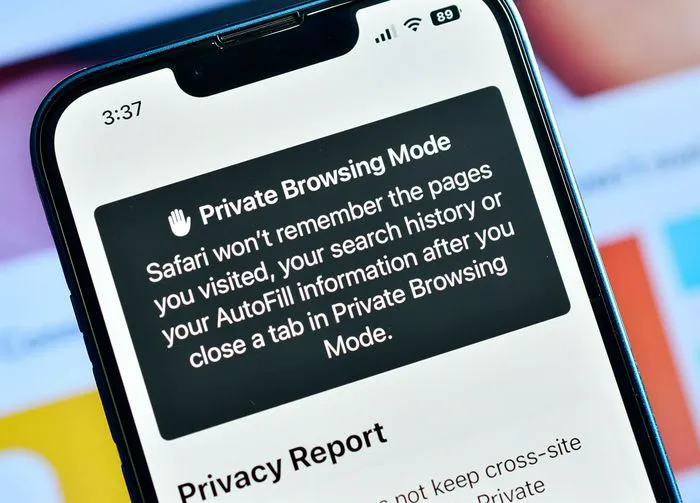
Keeping your iPhone data private may take some maintenance on your part. It needn’t be a full-time job to keep your phone secure and protected, but making some of your device’s settings work in your favor is one of the best ways you can ensure your data is sealed and for your eyes only.

Unfortunately, some of your phone’s settings could be enabled — without your knowledge — and may be masquerading as wonderful for convenience purposes. Others are enabled for the sheer purpose of turning a profit (for Apple!) and disabling them off will actually make your iPhone experience that much better.

If you want more privacy on your iPhone, start by turning off these three settings.

house unit img
Women Are Swapping Their Boring Water For This Ice Pop Electrolyte Mix!
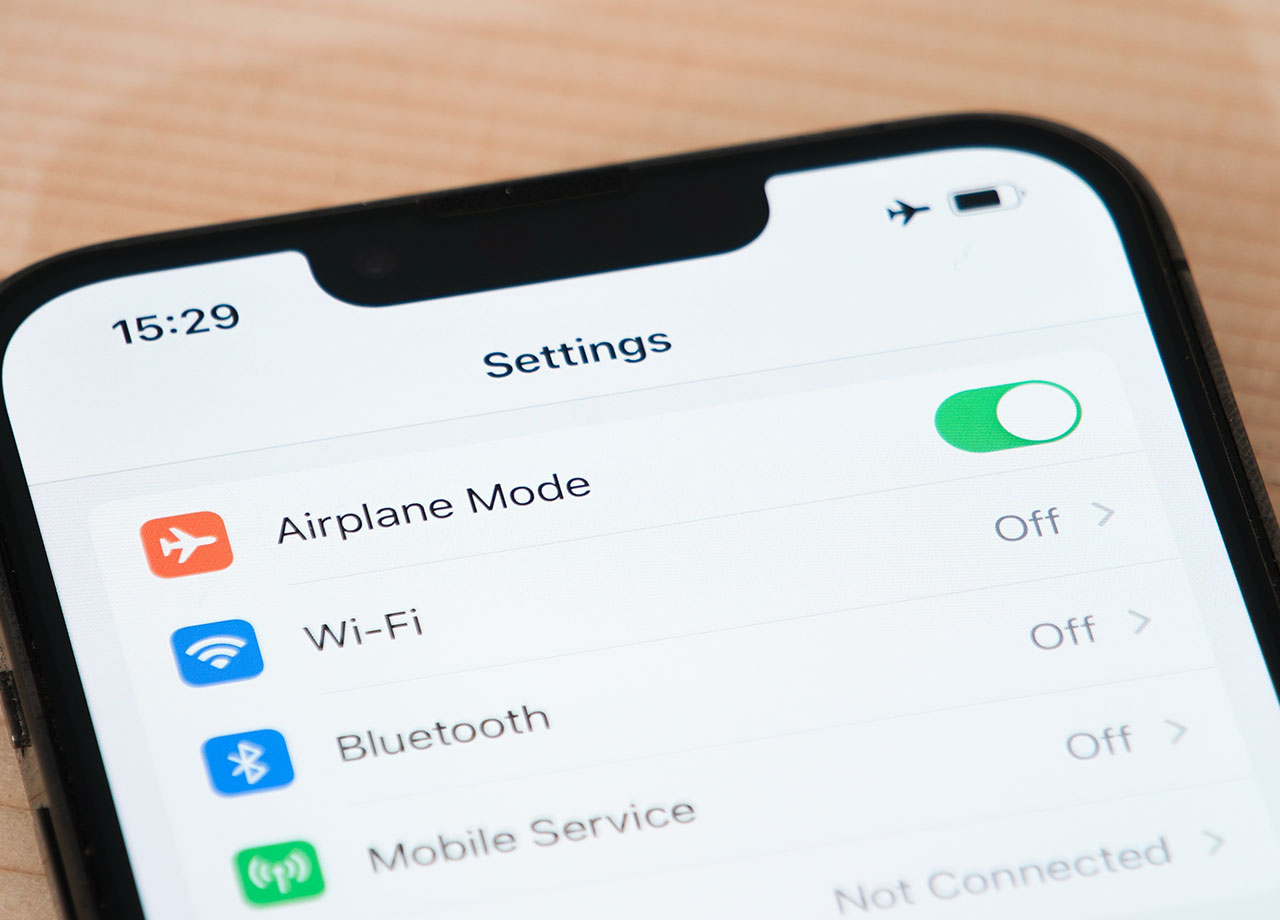
iphone-settings-page

Background App Refresh


Background App Refresh is one of those settings that is going to make your experience better, before making it worse. What it does in the short term: continually refreshes your apps so that content is new and ready for your viewing pleasure as soon as you open an app. Sounds great, but in the long run this app can use up data, run down battery life, and even possibly transmit personal information without your consent or awareness.


To adjust this setting, go to Settings > General > Background App Refresh. Either disable it for all apps, or pick which apps you want to keep it enabled for and disable it for the others.


Location Services


This one is more obvious than others: when Location Services is enabled for a variety of apps, more apps — and possibly third-party sources like advertisers — will gain access to your locations. This prohibits you from being as private as possible. You don’t have to allow apps to know and use your location and you can manage these settings so that only the apps that need this info have it (and only when you’re using the app). Go to Settings > Privacy & Security > Location Services. Choose among the options “never,” “While using the app,” or “ask next time.”
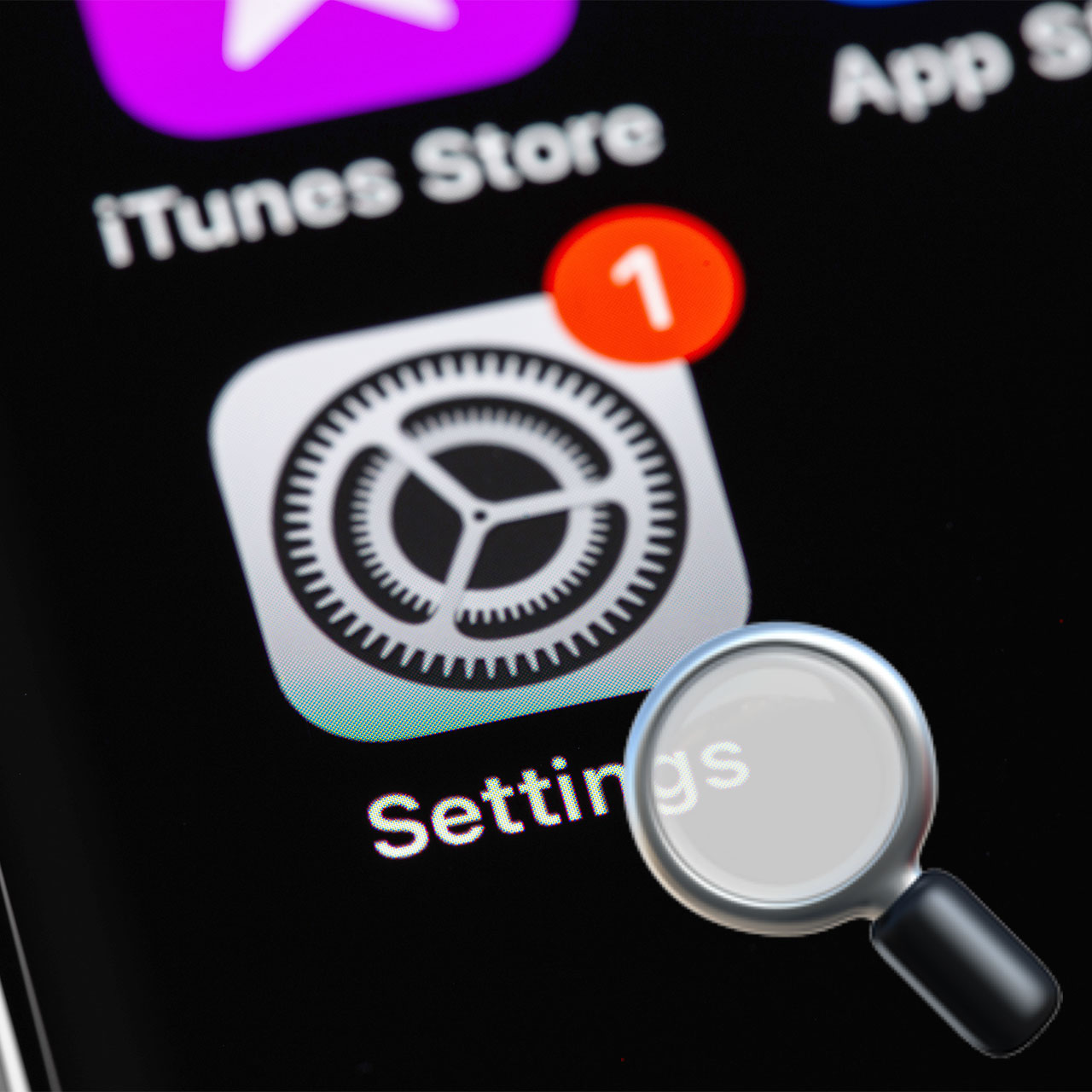
iphone-settings

Ad Tracking


Here’s a setting you absolutely want to disable ASAP: Ad Tracking. Ad Tracking, when enabled, gives apps and advertisers carte blanche to track your activity across different websites and use this information to send you targeted ads. Go to Settings > Privacy & Security > Tracking. Toggle off “Allow Apps to Request to Track” to keep apps from being able to ask you for permission to track you.

Author:

Lisa Fogarty is a lifestyle writer and reporter based in New York who covers health, wellness, relationships, sex, beauty, and parenting.

Shania Twain performing at the Annual Academy of Country Music.
Modern workspace with a person typing on a laptop.
Chic haircuts for women over 50 trending in 2026.
Donald Trump discussing maternal healthcare at a public event.
Queen Camilla and Kate Middleton attending a royal function.
Middle-aged woman engaged in a fitness routine.
Kim Kardashian at the Kering's 3rd Annual Caring for Women Dinner.
Kylie Jenner and Stormi Aire with Timothée Chalamet at an event.
Madonna at the Met Gala in a stunning outfit.
Taylor Swift arriving in a private jet in 2024.
Woman experiencing fatigue after a sleepless night.
Creamy banana nice cream topped with fresh fruit.
Jennifer Lopez in Defaience at the 2025 American Music Awards.
Vittoria Ceretti with Leonardo DiCaprio at a gala.
Emma Stone attending the Annual Actor Awards ceremony.
Salma Hayek at the 12th Annual Breakthrough Prize Ceremony.
Summer superfoods for boosting collagen and glowing skin.
Kate Middleton during a state visit looking elegant.
Middle-aged woman enjoying a glass of wine at home.
Best beauty deals on Amazon during Prime Day.
Shania Twain performing at the Annual Academy of Country Music.
Modern workspace with a person typing on a laptop.
Chic haircuts for women over 50 trending in 2026.
Donald Trump discussing maternal healthcare at a public event.
Queen Camilla and Kate Middleton attending a royal function.
Middle-aged woman engaged in a fitness routine.
Kim Kardashian at the Kering's 3rd Annual Caring for Women Dinner.
Kylie Jenner and Stormi Aire with Timothée Chalamet at an event.
Madonna at the Met Gala in a stunning outfit.
Taylor Swift arriving in a private jet in 2024.
Woman experiencing fatigue after a sleepless night.
Creamy banana nice cream topped with fresh fruit.
Jennifer Lopez in Defaience at the 2025 American Music Awards.
Vittoria Ceretti with Leonardo DiCaprio at a gala.
Emma Stone attending the Annual Actor Awards ceremony.
Salma Hayek at the 12th Annual Breakthrough Prize Ceremony.
Summer superfoods for boosting collagen and glowing skin.
Kate Middleton during a state visit looking elegant.
Middle-aged woman enjoying a glass of wine at home.
Best beauty deals on Amazon during Prime Day.

Beauty

Prime Day is basically a holiday for anyone who's ...

















