
As technology has evolved, there are, unfortunately, so many different ways for us to fall into tricks from high-tech scammers.
We’re constantly bombarded with warnings about new scam texts, calls, emails, and more that we should avoid in order to protect our safety, and it can be challenging to keep up with all the strategies out there to avoid them. However, aside from the obvious tips like not answering calls, texts, or emails from people you don’t know, there are actually iPhone settings you can adjust in order to keep yourself safe. We spoke with tech expert and tech company founder, Gor Gasparyan, with Passionate Agency, about one particular iPhone setting users should have on in order to protect themselves from scammers. Read more about it below.

Struggling With Sleep? This Rechargeable Sound Machine Is A Total Game-Changer
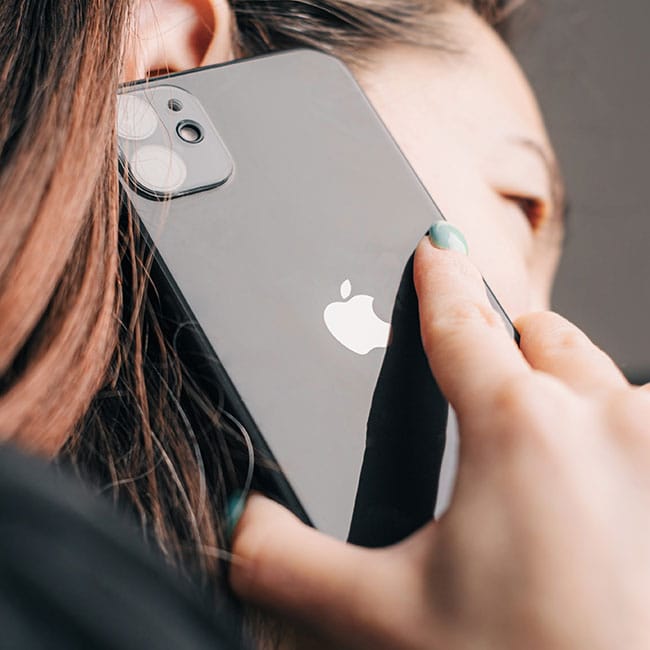
Why It's Important To Protect Your iPhone & Avoid Spam Calls
With all of today's modern technology, for people with smartphones like iPhones, it can seem impossible to avoid spam calls from scammers who are trying to collect your information.
Spam calls may seem like just an annoying interruption, but they can actually pose serious risks to your privacy and security if you're not careful. Scammers often use these calls to trick people into sharing personal information and can also send them texts to get them to click on malicious links, or even send money under false pretenses. For instance, several smartphone users have received calls from people who claim to be from their bank, insurance agency, or even some who pretend to be calling on behalf of a relative.
That's why it's so important to protect yourself as many ways as possible, and that can look like a lot of things. Taking a few extra precautions can help you avoid falling victim to fraud and keep your personal information safe.

The Hidden Setting You Should Turn On For Privacy & Security
When it comes to blocking and avoiding phone calls from scammers who are trying to invade your privacy and security, many people rush to download third-party apps or pay for services that will block them. However, some iPhone users fail to realize that there's actually a setting built into the smartphones to help keep them out of their call log.
"One setting most iPhone users don't consider is Silence Unknown Callers," says Gasparyan.
"It blocks numbers that are not saved in your contacts, haven't previously messaged you, or are not from recent outgoing calls," he continues. "This very simple filter blocks most scam attacks before they even have a chance to be launched, because robocalls and phishing exploits depend on being able to hit as many targets as possible with high detection."
While most iPhones come with the setting already on, if you're worried about getting spam calls, you should go to your Settings > Phone > Silence Unknown Callers, then make sure the toggle is in the "on" position.
Once the setting is activated, calls from numbers not saved in your contacts, or numbers you haven't dialed before, will go straight to voicemail, helping you cut down on spam and scam calls.