It can feel like your iPhone battery is out to get you — or, at the very least, isn’t always being mindful of your needs. No one’s phone battery should die within a few hours after charging it. If your phone is taking an unusual turn toward the constantly drained, and your phone and its battery are fairly new, the culprits are likely one of the same issues that constantly arise. Your phone is undergoing processes that are draining its battery, plain and simple.
Most of the time, it’s easy to make changes that can help your phone retain more battery power. Here are five unexpected reasons your phone battery keeps dying, and simple ways to fix it.

Women Are Swapping Their Boring Water For This Ice Pop Electrolyte Mix!
1. Screen Brightness
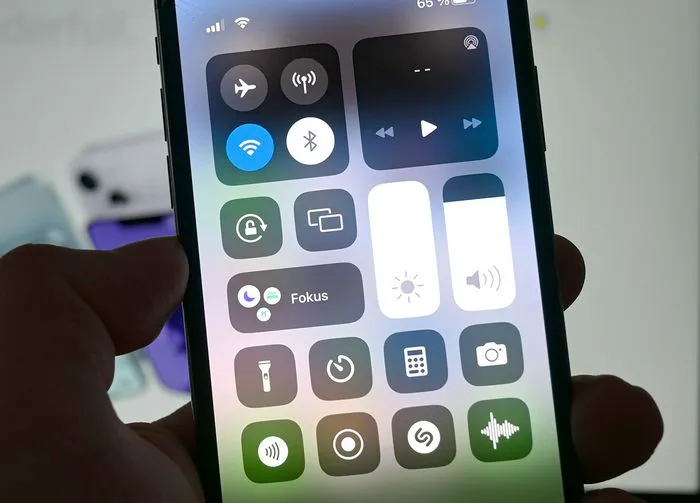
If you’re experiencing issues with your phone battery, one of the first places to start investigating is your screen’s brightness. A too-bright screen will result in a dwindling battery, there’s no way around this. To lower your screen brightness, go to Settings > Display & Brightness > adjust the Brightness sliders. You can also toggle on Auto-Brightness, which is a setting that adjusts your phone screen’s brightness to suit the ambient light around you.
2. Disable Location Services
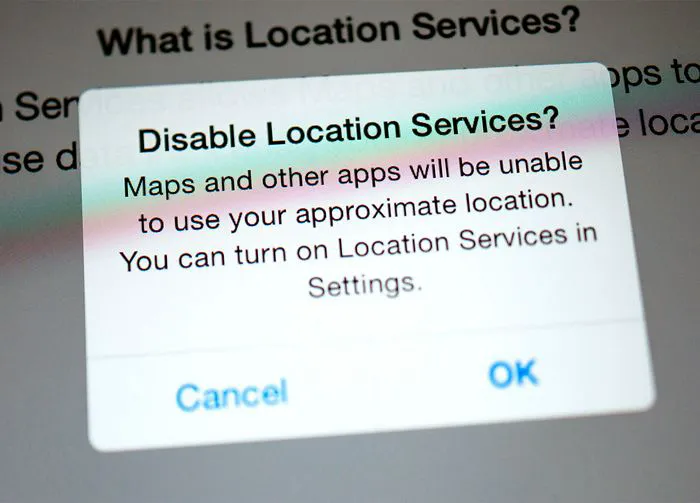
When Location Services is on, your phone pulls from battery-sucking resources to access your GPS locations. This is a necessity for some apps, like Apple Maps and Weather, to function. But there’s a chance other apps that don’t need your location have asked for permission and this could take up battery. Adjust this by going to Settings > Privacy & Security > Location Services. You’ll see a list of apps that have access to your location. Choose which to turn off or adjust so that they only track your location when you’re using that app.
3. Outdated Software
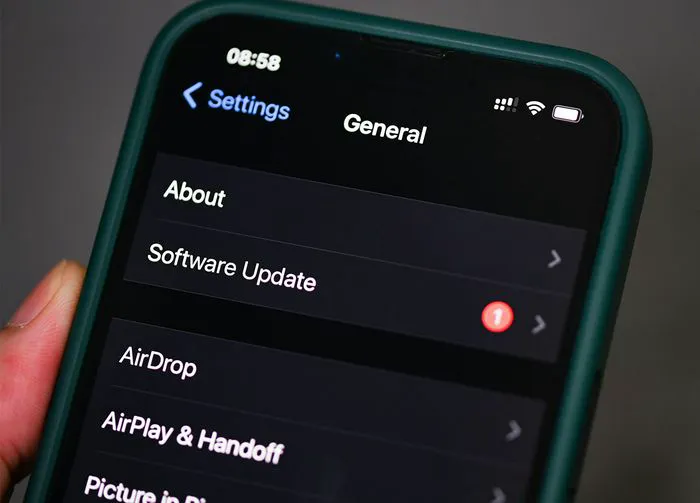
Every so often, Apple’s software developers will issue updates to your phone’s software and it’s important to stay on top of these. Updates can address issues like bugs and help protect your data. But they can also ensure your phone is running effectively and efficiently. To check for updates, go to Settings > General > Software Update. Download and install any new updates.
4. Battery-Draining Apps
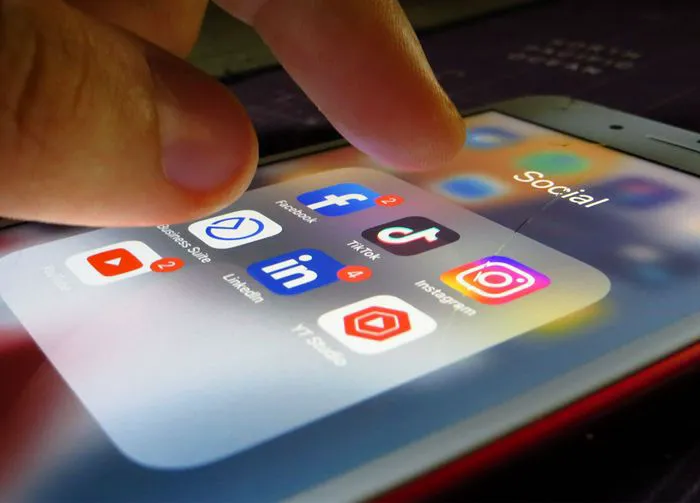
It’s not the answer you want to hear, but it has to be said: some of your apps could be contributing greatly to battery drainage. If you have every social media app downloaded AND you stream media constantly on apps like Netflix or Hulu, you could be running so many battery-draining apps that your phone’s battery can’t keep up with the demand. Deleting apps will help, and short of that, you can look into clearing out old files from apps like NetflIx.

5. Apps Are Running in the Background
Background App Refresh is a setting that consistently refreshes new content on your apps so that you never have to wait to receive the freshest posts and info when you click on that app. The downside of taking advantage of this convenience is that your battery can suffer big time from all that it’s being asked to do. To disable Background App Refresh and free up your battery, go to Settings > General > Background App Refresh.