

Prince William and Prince Harry at a public event.
Woman struggling with hair loss, looking concerned.
Woman enjoying a donut at night, cozy setting.

Style

The One Social Media Setting You Should Change Right Now Because It's Slowly Destroying Your iPhone's Battery

April 8, 2020 by Lisa Cupido
shefinds | Style
Featured image

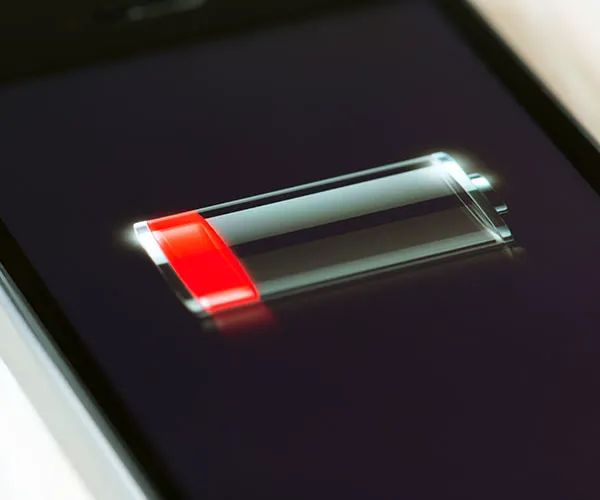
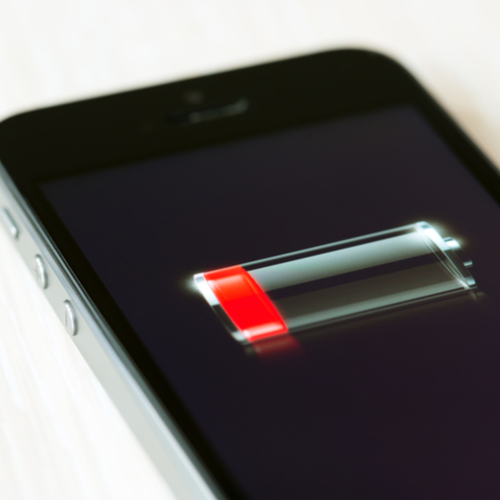
Social media apps can take a lot out of you smartphone battery. Apps like Facebook and Snapchat are constantly working —streaming video, updating posts, and so on — and these actions come at a cost to your phone’s battery and data plan.

What can you do about it? Aside from deleting the app, there isn’t a whole lot that can be done. But you can lessen the hit your battery takes by simply changing a setting. This is the one social media setting you should change right now because it’s slowly destroying your iPhone’s battery.

house unit img
Women Are Swapping Their Boring Water For This Ice Pop Electrolyte Mix!
iphone

Location Services


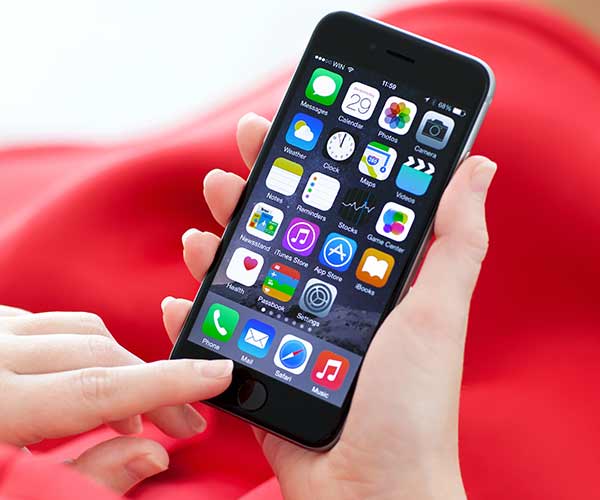
It sounds creepy, but location services is actually a valuable setting — when used properly. Apps with GPS or weather apps rely on knowing your exact location so that they can provide you with the info and service you expect from them. But far too many other apps, including social media apps, track your location. Not only is it unnecessary in many cases, but it’s also taxing your battery.
iphone

Popular social media apps like Facebook and Snapchat both track your location — unless you change their settings and forbid them from doing so.
iphone

The Facebook app, which is by and large one of the most battery consuming of all apps, often tracks location. To turn off this setting, follow these steps:


Launch the Facebook app on your phone, and then go to Settings and Privacy and tap on Settings.’


Scroll down to the Privacy section and tap on the Location option.


Click on Location and select your preferred setting as shown in the screenshot; I prefer minimal tracking on my phone, so I went with ‘Don’t allow.’ Alternatively, you can set this to access your location ‘Only while using the app.’
iphone

Want to keep Snapchat from having access to your location? Here’s the simple way to turn off the location services setting:


Open the Snapchat app.
Tap on your profile picture on the top left side of the screen.
Tap on the settings gear on the top right of the screen.
Scroll down to the Who Can… section and tap See My Location.
Select Ghost Mode.

Author:

Lisa Fogarty is a lifestyle writer and reporter based in New York who covers health, wellness, relationships, sex, beauty, and parenting.

Jennifer Lopez in Defaience at the 2025 American Music Awards.
Ariana Grande showcasing her fashion at the Golden Globes.
Kylie Jenner's elegant ensemble at the Met Gala 2025.
Ivanka Trump and Jared Kushner attending a public event.
The viral Italian bob hair trend for summer 2026.
Brad Pitt and Ines De Ramon at the F1 premiere event.
Travis Kelce and Taylor Swift enjoying a public outing together.
Amazon Prime Day logo displayed on digital devices
Britney Spears at the 4th Annual Hollywood Beauty Awards event.
Six beauty habits causing skin inflammation unknowingly.
Reese Witherspoon at Apple TV's "The Last Thing He Told Me" premiere.
Hillary Clinton at the Broadway opening night of "Suffs."
Kaia Gerber at the 41st Annual Film Independent Spirit Awards.
Kylie Jenner at the Acne Studios photocall during Paris Fashion Week.
Hair mistakes that may age you, according to stylists.
Kim Kardashian with son Saint West at a public event.
Jaden Smith at The Metropolitan Museum of Art Costume Institute Benefit.
Zendaya at the photocall for "Spider-Man: Brand New Day."
Best foundation types for mature skin to minimize wrinkles.
Nicole Kidman featured at Kering Women in Motion.
Jennifer Lopez in Defaience at the 2025 American Music Awards.
Ariana Grande showcasing her fashion at the Golden Globes.
Kylie Jenner's elegant ensemble at the Met Gala 2025.
Ivanka Trump and Jared Kushner attending a public event.
The viral Italian bob hair trend for summer 2026.
Brad Pitt and Ines De Ramon at the F1 premiere event.
Travis Kelce and Taylor Swift enjoying a public outing together.
Amazon Prime Day logo displayed on digital devices

Fashion

This summer, I might be shopping for more clothes and ...

Britney Spears at the 4th Annual Hollywood Beauty Awards event.
Six beauty habits causing skin inflammation unknowingly.
Reese Witherspoon at Apple TV's "The Last Thing He Told Me" premiere.
Hillary Clinton at the Broadway opening night of "Suffs."
Kaia Gerber at the 41st Annual Film Independent Spirit Awards.
Kylie Jenner at the Acne Studios photocall during Paris Fashion Week.
Hair mistakes that may age you, according to stylists.
Kim Kardashian with son Saint West at a public event.
Jaden Smith at The Metropolitan Museum of Art Costume Institute Benefit.
Zendaya at the photocall for "Spider-Man: Brand New Day."
Best foundation types for mature skin to minimize wrinkles.
Nicole Kidman featured at Kering Women in Motion.