<link rel="stylesheet" href="https://www.shefinds.com/wp-content/themes/shefinds_14/custom-content-builder/styles/ccb-frontend.min.css?ver=1.0.10"> Skip to main content
Sarah Jessica Parker showcasing the 'Quiet Silver' hair trend
Two friends discussing the 'Quiet Silver' hair trend for women over 50.
Post Malone at the 57th Annual CMA Awards showcasing his unique style.

Homepage

4 Storage-Hogging Features Everyone Should Disable On iPhones And Androids: Live Photos, More

September 12, 2025 by Abigail Connolly
shefinds | Homepage
Featured image

It’s always frustrating when your smartphone runs out of storage. Between apps, photos, videos, and system files, space fills up quickly, and those constant “storage full” notifications can be both inconvenient and stressful.

The good news is that even small changes in your phone’s settings and their features can make a big difference in how much storage you’re able to save. There are several automatic features on iPhones and Androids you can adjust to free up space without having to get rid of the things you actually want to keep. These little changes can make a big difference, and some ‘fun’ phone features could be making a larger impact on your storage than you may think. Read more about four storage-hogging features you should consider disabling below.

house unit img
The Difference Between Dragging Through Your Day And Feeling Great On Your Feet? These Arch Support Insoles
Image from SHEfinds

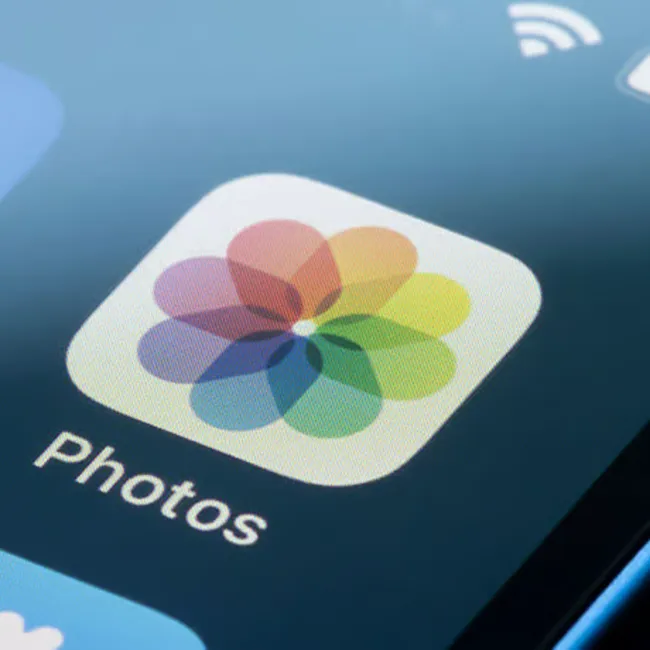
1. Live Photos

These days, one of the most notable features in the photo albums section of both iPhones and Androids is live photos or, for Androids, motion photos. They're a feature that captures a few seconds of video and sound along with a still image, so when you press and hold the photo, it comes to life with movement and audio. However, these moving images take up more storage space than regular, still photos on your smartphone. While they can be fun to watch, chances are, you won't take the time to watch the live commentary as often as you'd expect. Better to leave the feature off if you're worried about your storage.
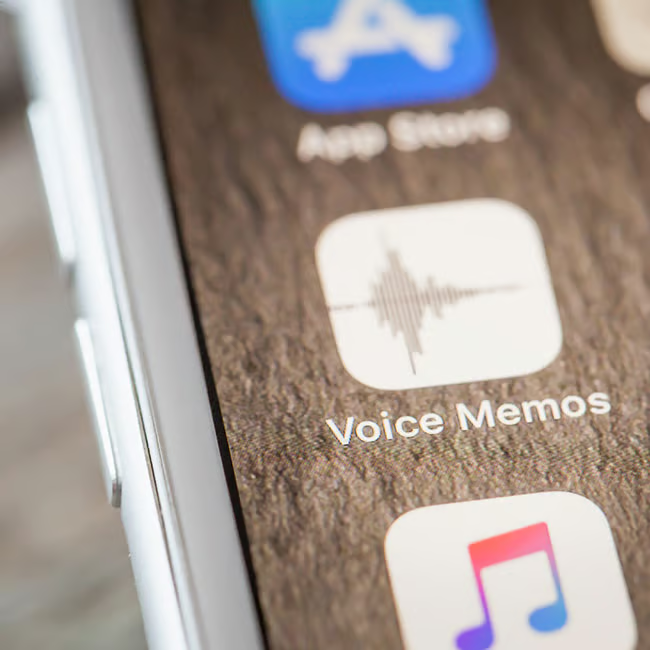
Image from SHEfinds

2. Voice Memos & Notes

One of people's favorite ways to communicate with other smartphone users is by sending back and forth voice memos instead of texting or getting on the phone. It's a fun way to hear other people's voices without having to stay on the phone in the middle of a busy day. Voice notes are helpful for many as well, as instead of typing up a note, they can simply record something. However, holding onto voice notes and memos without clearing them out every once in a while can easily fill up storage. To maximize your storage, you can avoid using these features, or you can be mindful to delete voice memos and notes routinely.
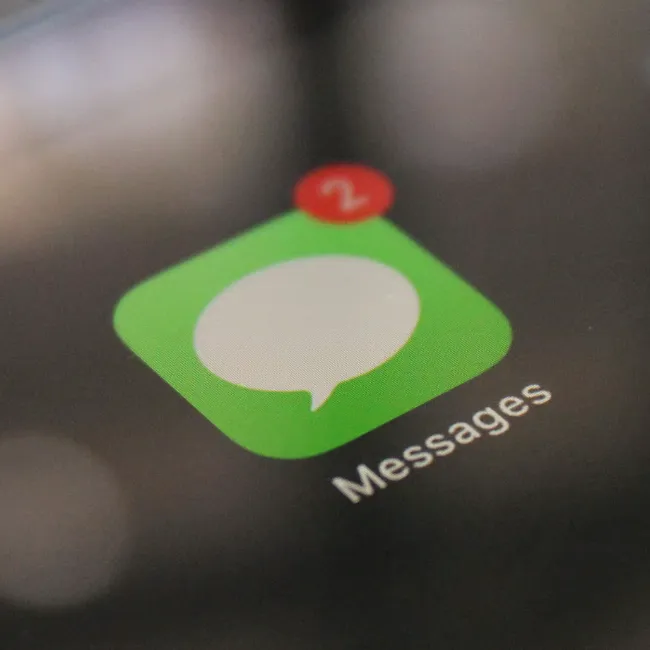
Image from SHEfinds

3. Message Attachments

This is a big issue for iPhone users! Message attachments like photos, videos, GIFs, and even large files sent through iMessage or text are automatically stored in your Messages app, and over time, they can take up a surprising amount of space. Unless you manually delete these attachments or set your messages to auto-delete after a certain period, they continue to pile up in your storage, even if you've forgotten about them.

Image from SHEfinds

4. WhatsApp Auto-Downloads

Similar to message attachments on the iPhone, when you're using WhatsApp on an Android, it can also be difficult for your storage. Apps like WhatsApp often have a media auto-download feature that automatically saves photos, videos, and voice notes you receive into your phone's storage. While this makes accessing files easier, it can quickly eat up space, especially if you're in busy group chats where lots of media is shared. If left unchecked, these downloads add up in your gallery and hog more storage.


Author:

Editorial Assistant

Abigail is a journalist based in Brooklyn, New York. As an Editorial Assistant for SheFinds, she covers topics ranging from celebrity news and fashion to wellness. She has written for other publications, including Chip Chick, Bandsintown, BroadwayWorld, and more. When she isn't writing, Abigail loves spending time in the city with her friends, being a 'dog mom' to her Chihuahua, and singing along to some of her favorite music.

Gisele Bündchen at the Met Gala
Ozzy and Sharon Osbourne posing together
Hairdresser giving a trendy haircut to a client
Princess Beatrice with Princess Eugenie and King Charles at an event
Bianca Censori at the 67th Annual Grammy Awards, showcasing fashion
Christina Aguilera celebrating The Abbey's 35th Anniversary Party
King Charles with Prince William and Sarah Ferguson at a gathering
Beauty tools for an at-home spa experience
Donald Trump during a news conference at Mar-a-Lago Club
Ariana Grande and Ethan Slater sharing a moment together
Nicole Kidman attending the 4th Annual Academy Museum Gala
Bill Gates with Melinda Gates at a public appearance
Vitamins and supplements displayed on a shelf
Delicious cooked salmon with rice and greens
Jaden Smith at the premiere of Focus Features' Nosferatu
Person holding smartphone displaying various apps
Woman applying sunscreen for skin protection and beauty.
Angelina Jolie at a photocall for her latest project
Inside a Costco store showcasing products
Jennifer Garner supporting Baby2Baby charity event
Gisele Bündchen at the Met Gala
Ozzy and Sharon Osbourne posing together
Hairdresser giving a trendy haircut to a client
Princess Beatrice with Princess Eugenie and King Charles at an event
Bianca Censori at the 67th Annual Grammy Awards, showcasing fashion
Christina Aguilera celebrating The Abbey's 35th Anniversary Party
King Charles with Prince William and Sarah Ferguson at a gathering
Beauty tools for an at-home spa experience

Beauty

You know the saying, "An artist is only as good ...

Donald Trump during a news conference at Mar-a-Lago Club
Ariana Grande and Ethan Slater sharing a moment together
Nicole Kidman attending the 4th Annual Academy Museum Gala
Bill Gates with Melinda Gates at a public appearance
Vitamins and supplements displayed on a shelf
Delicious cooked salmon with rice and greens
Jaden Smith at the premiere of Focus Features' Nosferatu
Person holding smartphone displaying various apps
Woman applying sunscreen for skin protection and beauty.
Angelina Jolie at a photocall for her latest project
Inside a Costco store showcasing products
Jennifer Garner supporting Baby2Baby charity event