



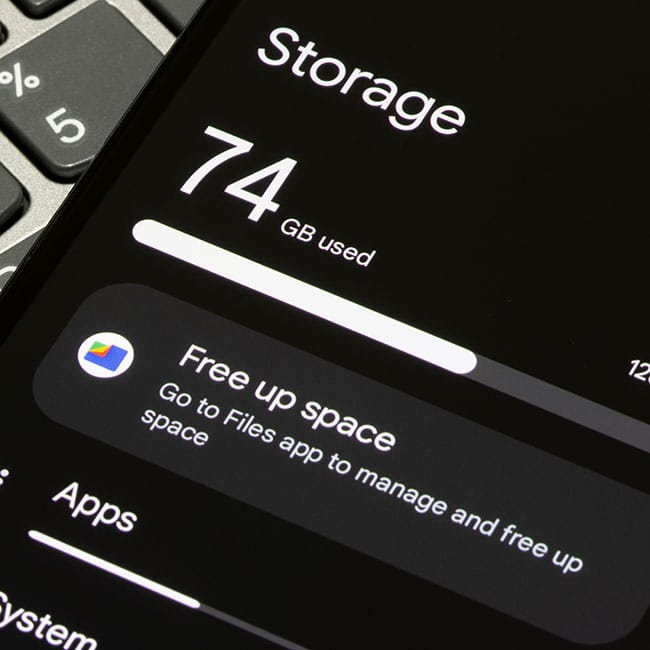
While there are so many different things you can do with an iPhone, all of your ideal actions become limited when it runs out of storage.
Having your iPhone run out of storage is extremely frustrating, as not only does it prevent you from downloading new content or files, but it can also cause your phone to run slowly, messing up your day-to-day tasks. Whenever this happens, some people are quick to delete things they might not want to get rid of, like texts, documents, pictures, songs, etc. Instead, you should be looking at your apps, which can take up a lot more storage than you may realize. We spoke with tech expert and media strategist, Rachita Chettri, with Linkible, about two storage-hogging iPhone apps you likely hardly use and should consider deleting.

Struggling With Sleep? This Rechargeable Sound Machine Is A Total Game-Changer

1. Apple Podcasts
If you're an iPhone user and listen to podcasts, there's a good chance you're listening to them on today's top streaming apps and platforms like Spotify and Apple Music rather than the preinstalled Apple podcast app.
"Apple Podcasts will download your podcast episodes as soon as you open them (often downloading 1 to 2 gigabytes of content), and if you never listen to them, they're just taking up space. If you delete the Podcast app or clear the Podcast app's cache, you'll see an instant increase in available space," explains Chettri.
Chettri suggests deleting the neglected app and sticking to your go-to streaming app for your podcasts.

2. Mail
Believe it or not, your mail app can take up a lot more space on your iPhone than you may think, even if it's an app that you feel might be necessary. Sometimes, it's super easy to forget about just how many files, downloads, older emails, and more are floating around in that inbox. So, if you're not using it and instead are using a different app or platform to access your email, it's best to let it go.
"Mail is also a sneaky hoarder. Mail stores all of your attachments, preview images, and cached data for years, sometimes up to 3 to 5 gigabytes when you've never accessed the account," says Chettri. "Reinstalling Mail will remove the build-up almost instantly."
The tech expert also points out that "both apps appear to be necessary, but both are slowly slowing down your device and using up valuable space that could be used for photos or improving system performance."


