<link rel="stylesheet" href="https://www.shefinds.com/wp-content/themes/shefinds_14/custom-content-builder/styles/ccb-frontend.min.css?ver=1.0.10"> The 3 iPhone Settings You Should Turn Off ASAP For More Privacy - S... Skip to main content
Shakira at Zootopia 2 premiere in a stunning outfit.
Meghan Markle at the Lost Screen Memorial event.
Kai Trump and Donald Trump at NBA Finals event

Lifestyle

The 3 iPhone Settings You Should Turn Off ASAP For More Privacy

July 30, 2025 by Lisa Cupido
shefinds | Lifestyle
Featured image

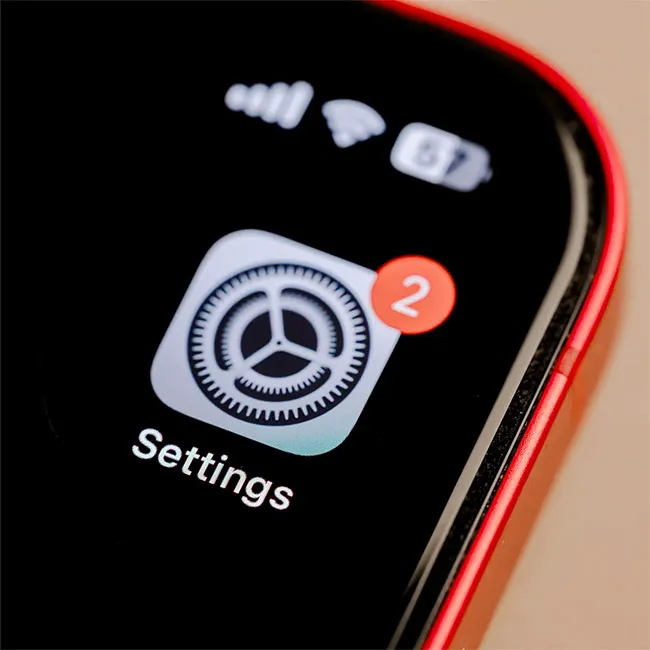
Your iPhone might feel like a secure little vault for your personal information, but some of its default settings can compromise your privacy without you realizing it. From location tracking to ad targeting, there are built-in features that share more data than you might be comfortable with. But with just a few quick tweaks, you can take back more control over who sees what—and keep your personal info safer in the process.

If privacy is a priority (and these days, it really should be), it’s worth taking a few minutes to review your iPhone’s settings. While there are lots of options to explore, some settings make a bigger impact than others. Focus on these three key iPhone settings you can turn off today to instantly boost your privacy.

house unit img
The Difference Between Dragging Through Your Day And Feeling Great On Your Feet? These Arch Support Insoles
iphone-location-services

1. Location Services


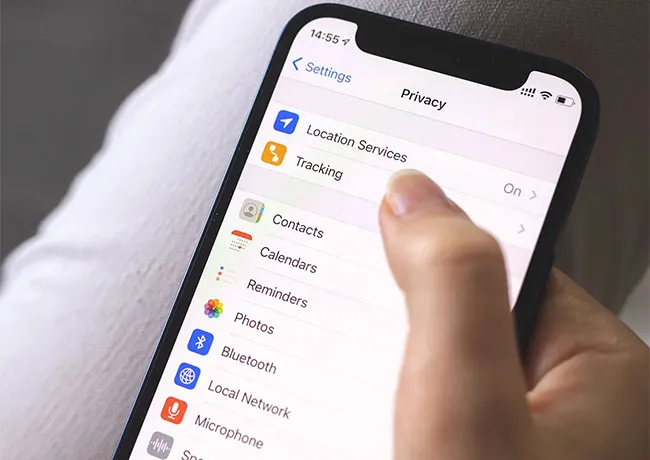
Location Services can be very helpful when you're using maps or trying to find the nearest gas station—but it also means your iPhone (and apps) are constantly keeping tabs on where you are. Many apps track your location even when you're not actively using them, and some of that data can be used for advertising or even sold to third parties.


To take control back, go to Settings → Privacy & Security → Location Services, and either turn it off entirely or review each app to make sure only the ones you trust are allowed to access your location when you're using the app.
limit-ad-tracking

2. Ad Tracking (Personalized Ads)


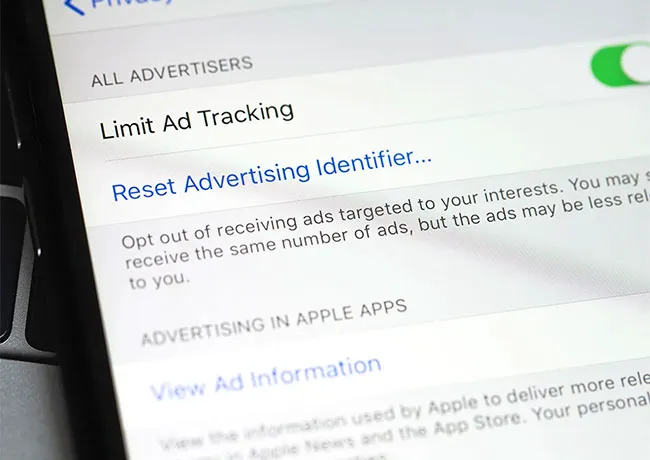
Your iPhone collects data about your app usage and online behavior to serve you personalized ads. While Apple has made some privacy improvements, ad tracking is still enabled by default for Apple’s own advertising platform. And this means your preferences, interests, and activity could still be used to target you.


To limit this, go to Settings → Privacy & Security → Apple Advertising and turn off Personalized Ads. It won’t stop ads completely, but it will stop Apple from using your personal data to tailor them to you.
iphone-siri

3. Microphone and Camera Access


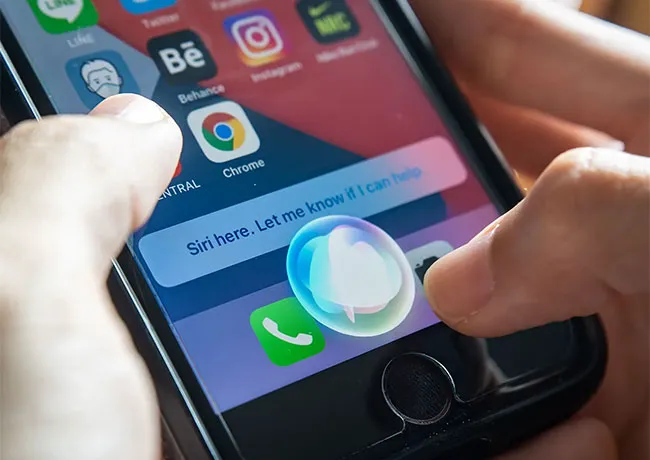
Some apps request access to your microphone or camera for valid reasons (like video calls or voice memos), but others might keep that access even when they don’t need it—which is a serious privacy concern. Apps with unnecessary access could potentially listen or view through your device in the background.


To review and control this, head to Settings → Privacy & Security → Microphone and Camera, then toggle off access for any apps that don’t really need it. 

 

Tags:

Author:

Lisa Fogarty is a lifestyle writer and reporter based in New York who covers health, wellness, relationships, sex, beauty, and parenting.

Woman applying sunscreen for skin protection and beauty.
Woman checking UV index while applying sunscreen outdoors.
Woman taking magnesium supplement for better health.
Getting a lob haircut in the salon for a fresh look.
Selection of smores brownies from Aldi's baked ricotta line.
Top three mature skin foundations for enhancing beauty at any age.
Grilled chicken breast with fries and salad.
Reminder to wear sunscreen for skin health and aging prevention.
Peacock logo displayed on a smartphone screen.
High-protein dip made with chicken, chickpeas, eggs, and rice.
Woman exercising with dumbbells for fitness and strength.
Long hair being cut in a salon for a trendy style.
Brown, blue, and yellow blooming nails designed by Nails by Elisee.
Crispy fried fish served with golden fries.
Woman with moisturizer on her cheek for skincare routine.
Woman enjoying a protein drink for fitness and health.
Pouring vitamin C pills into hand for health.
Woman washing her hair in the shower for healthy locks.
Eyeliner technique that may be aging women, shared on Instagram.
Moringa powder and fresh leaves on display.
Woman applying sunscreen for skin protection and beauty.
Woman checking UV index while applying sunscreen outdoors.
Woman taking magnesium supplement for better health.
Getting a lob haircut in the salon for a fresh look.
Selection of smores brownies from Aldi's baked ricotta line.
Top three mature skin foundations for enhancing beauty at any age.
Grilled chicken breast with fries and salad.
Reminder to wear sunscreen for skin health and aging prevention.
Peacock logo displayed on a smartphone screen.
High-protein dip made with chicken, chickpeas, eggs, and rice.
Woman exercising with dumbbells for fitness and strength.
Long hair being cut in a salon for a trendy style.
Brown, blue, and yellow blooming nails designed by Nails by Elisee.
Crispy fried fish served with golden fries.
Woman with moisturizer on her cheek for skincare routine.
Woman enjoying a protein drink for fitness and health.
Pouring vitamin C pills into hand for health.
Woman washing her hair in the shower for healthy locks.
Eyeliner technique that may be aging women, shared on Instagram.
Moringa powder and fresh leaves on display.