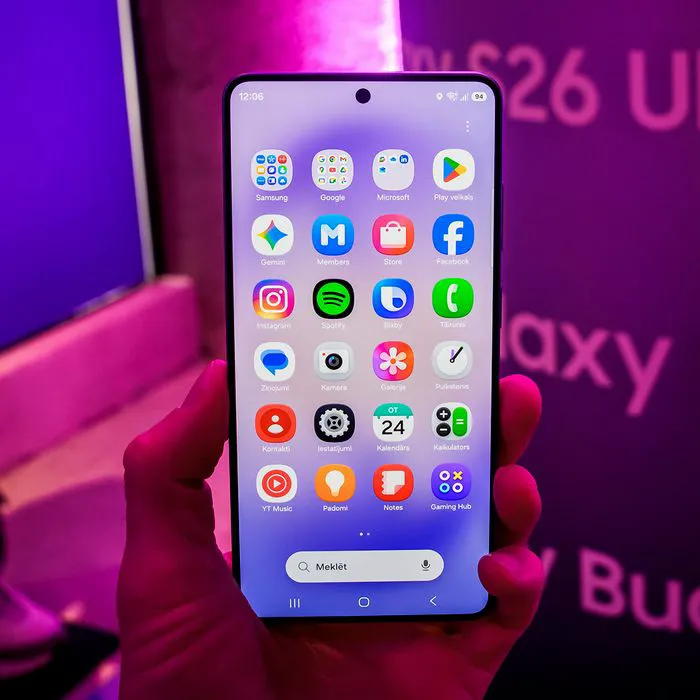




When your iPhone starts to run low on battery, it’s easy to feel stressed, frustrated, and overall anxious, especially if you’re not near a charger.
There are so many tips out there and a whole lot of things that can contribute to a frequently draining iPhone battery. Sometimes certain apps drain it, full storage can make it go faster, and more. However, a lot of people tend to fail to look at their settings, where there are actually some great battery-saving features hidden. Read more about two of them below.

Women Are Swapping Their Boring Water For This Ice Pop Electrolyte Mix!
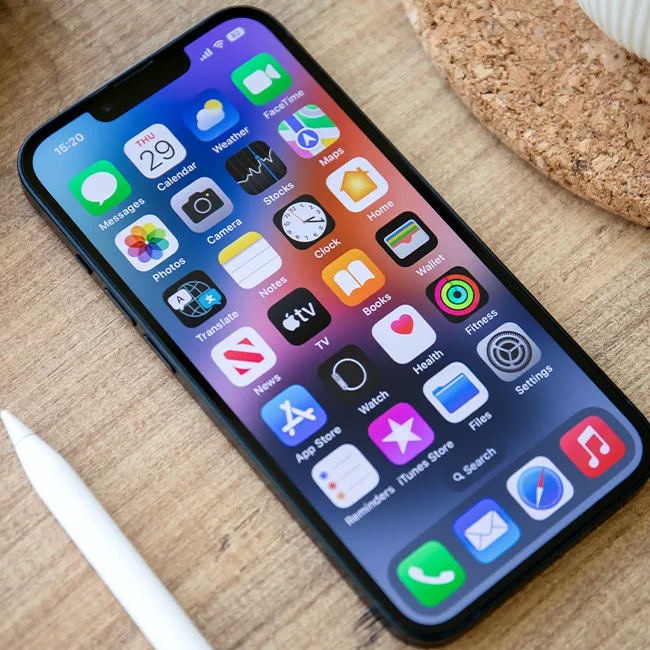
1. Auto-Brightness
A lot of people tend to forget just how much an iPhone's display settings, brightness, etc., can impact their iPhone battery. However, when your screen is super bright, and your iPhone has settings like Auto-Brightness turned off, it's much more likely to drain your battery life.
"Running the screen at maximum brightness or leaving it on for long periods drains the battery quickly," explains tech expert Steven Athwal. "Enabling Auto-Brightness and shortening the Auto-Lock time ensures the screen dims and turns off when you're not using it, which can help your battery stretch throughout the day, or multiple days."

Why You Should Never Keep Passwords & Login Info In Your Notes App
Again, because there are so many sites and apps that require you to have some kind of login or password in order to use them, it can be easy to get overwhelmed. A lot of people will use the same email and password for various logins, which tech pros have expressed is not a good idea.
However, as it turns out, it's also not a good idea to keep them written down in your device's notes app. That can be surprising, especially since for many, it seems like the most logical place to keep them. But you're actually putting that information in a place that can be just as at risk as other pieces of your data.
"Unlike dedicated password managers or cloud storage services, the Notes app on your iPhone doesn’t offer end-to-end encryption," wrote tech pros at Total Defense. "This means that anyone with access to your device can potentially view your notes, including sensitive information like credit card numbers, passwords, or personal details."
Additionally, there's also the risk that if your phone gets hacked or stolen by someone who can get into your notes app, you're providing them with all of that precious login information right off the bat.
"If your device is lost or stolen, anyone who finds it could potentially access your notes and use your information for malicious purposes," they continue. "If you accidentally share your Notes app with others, your sensitive information could be exposed to unintended recipients."
Some tech pros suggest keeping your passwords in the iCloud Keychain if you own an iPhone, as it "uses end-to-end encryption," or a trusted encrypted password manager if you own an Android. However, it's also a wise choice to write them down on a sheet of paper you can keep in a safe, protected spot at home for ultimate protection.