Your iPhone might feel like your most trusted companion, considering how it holds so much about you like photos, messages, apps, and even your health data. But while many of the default settings on your iPhone are designed for convenience, they also open the door to serious privacy concerns. From tracking your location to sharing your app activity and even your browsing habits when you aren’t on the app, your device could be handing over sensitive information to advertisers, third-party apps, and Apple itself. You may not even know it’s happening.
If you want to take back control and keep your personal data truly personal, experts say it only takes a few simple changes in your settings to boost your privacy. Whether you’re concerned about targeted ads, app tracking, or just don’t want your phone constantly watching your every move, adjusting these settings can help make your data more secure. Here’s what you need to check and change.

Women Are Swapping Their Boring Water For This Ice Pop Electrolyte Mix!
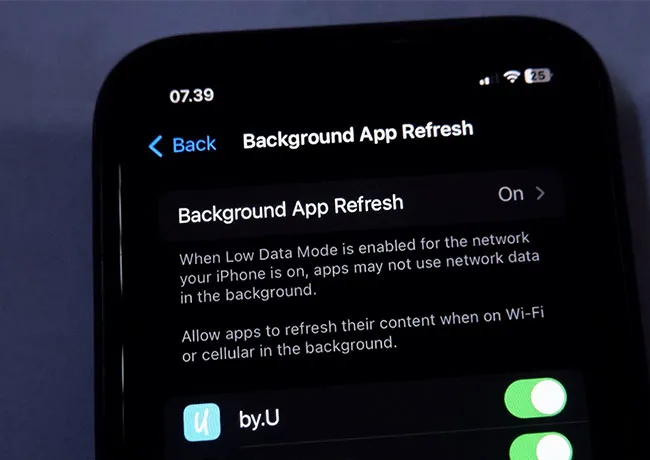
1. Background App Refresh
Background App Refresh is a setting that lets apps update their content even when you're not actively using them, which might sound helpful, but it can also compromise your privacy. Apps running in the background can collect data about your activity, location, and online habits. This can also drain your battery and share more information than you intend with third-party services. To limit this, go to Settings > General > Background App Refresh and either turn it off completely or select “Wi-Fi only” to reduce unnecessary data sharing. You can also toggle it off for specific apps that don’t need to update.
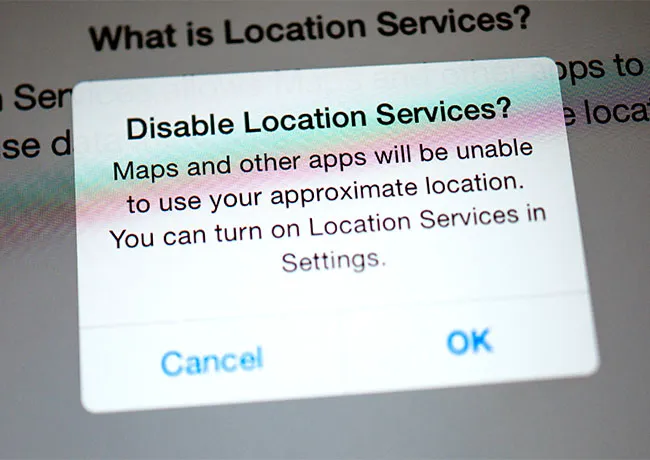
2. Location Services
Location Services can be incredibly useful for navigation and weather apps, but many apps request access to your location even when they don’t need it—or use it far more often than necessary. This constant tracking can lead to a detailed digital footprint of your movements being stored or shared. To change this, go to Settings > Privacy & Security > Location Services. You can change most apps to “While Using the App” or “Never.”
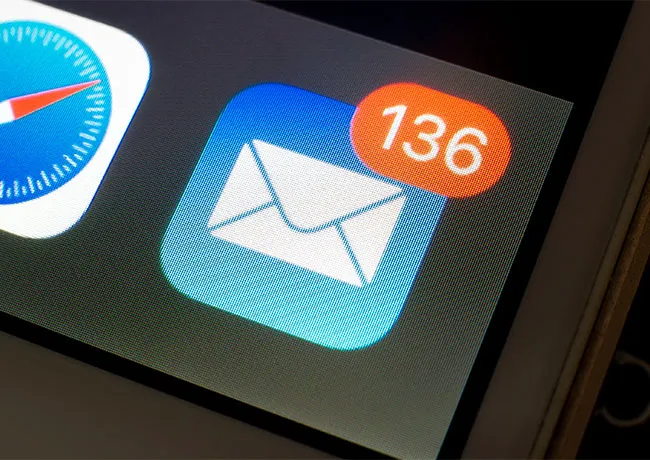
3. Push Email
Push email keeps your inbox updated in real time, but it drains battery life and can also expose your activity patterns and some data (like IP addresses) to your email provider or third parties. Switching from “Push” to “Fetch” gives you more control. To adjust this, go to Settings > Mail > Accounts > Fetch New Data.
4. Bluetooth
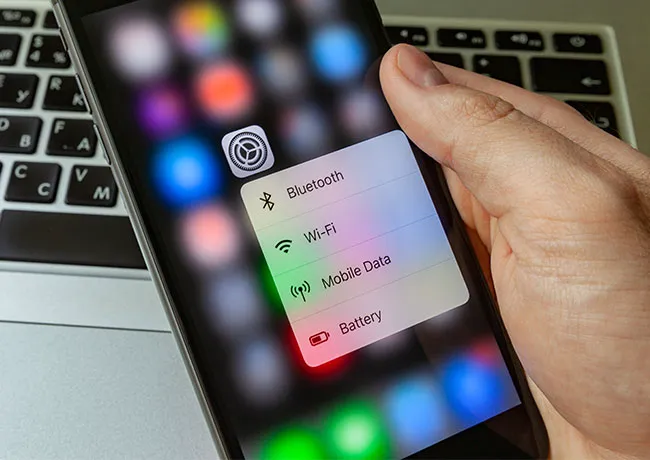
Bluetooth is a great feature for connecting to wireless headphones or car systems, but leaving it on all the time allows apps to track your location or behavior. Some apps use Bluetooth to gather proximity data, even when it isn't necessary. To protect your privacy, go to Settings > Privacy & Security > Bluetooth and review which apps have access. Disable Bluetooth access for any app that doesn’t need it.