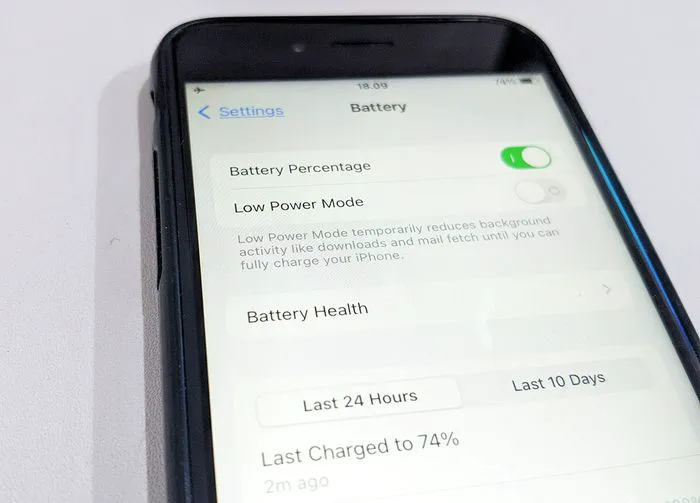
Nearly everyone with an iPhone could benefit from a better, longer lasting battery. So many of our daily actions on our phones cause wear and tear on the battery, whether that means keeping the screen brightness kicked up to intense levels, using battery-sucking apps like social media and streaming apps into the ground, and other actions. Fortunately, there are settings that can help reduce your phone’s battery usage and make it possible to extend the time you need between charging sessions.
An Apple expert explains why turning on this one setting can do wonders for your iPhone battery.

Women Are Swapping Their Boring Water For This Ice Pop Electrolyte Mix!
Location Services
The Location Services app provides location-based services so that your phone can provide relevant content to your based on where you are at the moment. This is very helpful if you’re searching for the nearest gas station or place to get a good coffee. It’s much less helpful if certain apps have gained hold of your location and are using it to send you location-targeted ads for products you don’t want (among other things they do with your location).
Location services uses GPS satellite signals to figure out your location, as well as cell towers, Wi-Fi networks, and even Bluetooth. If all of this sounds like a drain on your battery, you’re right: it is. Now add the fact that you may have Location Services enabled for several apps — or maybe even all of them — at once. Managing Location is a top priority for both your battery power and your privacy.

How to Manage Location Services
The good news is that it doesn’t take much time out of your day to manage location services and course correct. Start by going to Settings > Privacy > Location Services. You could toggle services off completely, but this may not be the most convenient action since you’ll need it for apps like Maps and Weather. A better plan may be to choose among options like “Never,” “Ask Next Time,” “While Using the App,” and “Always” so that you can control how and when your phone uses your location.
You’re not done — yet. It’s important to scroll down in this setting and see which apps are using your location. There are probably quite a few that don’t need access to your whereabouts, ever. If apps like your bank or games have your location, feel free to cut off their permissions permanently.
Managing Location Services is a smart step you can take to keep your data as private as possible and give your phone battery a nice little break from working so hard.