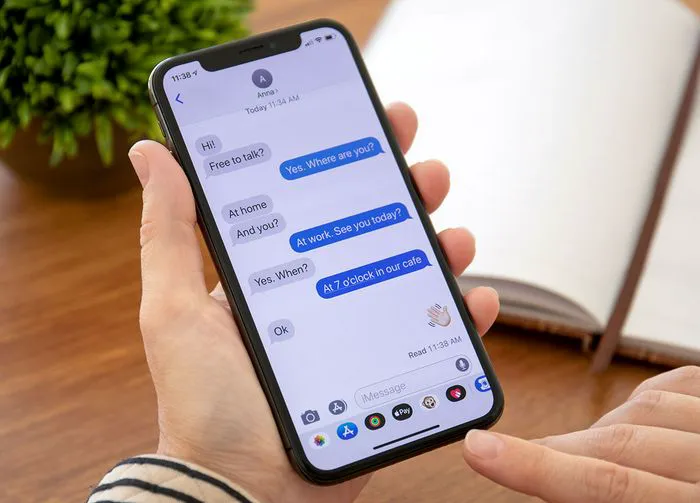
When your phone is in need of more storage it won’t be shy about letting you know. To start off, it will cease working in the way you are used to it working — you won’t be able to do the same things with it, such as taking countless more photos and videos or downloading files. Next, you’ll begin getting iPhone alerts in the form of pop-ups that tell you are dangerously close to running out of storage. At this point it has become more important than ever to find ways of cutting down on your storage usage. You may rush to take those steps we all know work, like deleting large media files on our devices, including long videos. But there are a few lesser-known ways you can gain back storage space.
@cnetdotcom Need more storage on your #iPhone? Here are 5 ways to help with that. #Apple #tech #mobile #techtok #AppleTip #AppleHack #iphonestorage #iphonestoragefull #techtips #applestorage #offloading #applestoragefull #iPhone13Pro #optimization #safari #clearcache #appletipstiktok #appletipsandtricks
According to one tech expert on TikTok, here are five unknown ways you can free up storage space.

Women Are Swapping Their Boring Water For This Ice Pop Electrolyte Mix!

1. Optimize iPhone Storage
If you’re someone who loves taking loads of photos, it’s important to optimize iPhone storage. This settings helps you manage storage by storing full-resolution video and photo in iCloud and keeping the lower-resolution media files on your device. It can also offload apps and their data to iCloud. Enable this setting by going to Settings > Photos > Optimize iPhone Storage.
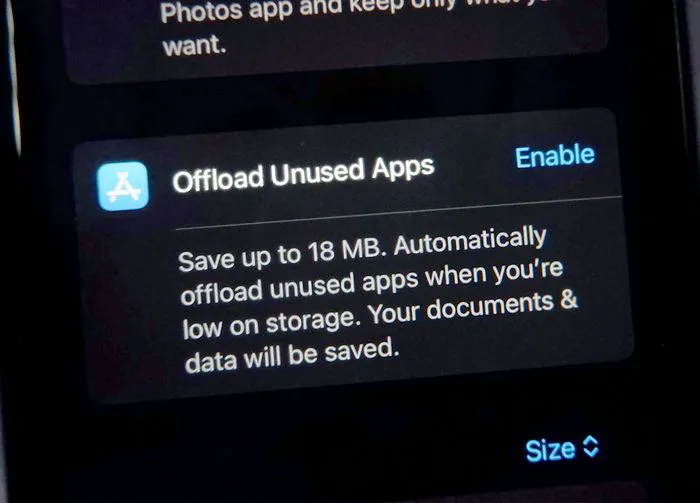
2. Offload Apps
If you can’t bring yourself to delete storage-hogging apps like social media apps, we understand: it can be difficult to part ways with these apps. One thing you can do to minimize the storage impact they have on your device is offload apps. This removes the apps from your device, but keeps its associated data and documents. If you ever change your mind and want to reinstall the app, all of the data will be right there for you.

3. Automatically Delete Old Text Messages
Old text messages aren’t serving any purpose, but they are taking up storage. If this task sounds daunting to you, set up your phone so that it automatically deletes old text messages after a certain amount of time. To do this, go to Settings > Messages > Message History > Keep Messages. Choose from options like 30 Days, 1 Year, and Forever.
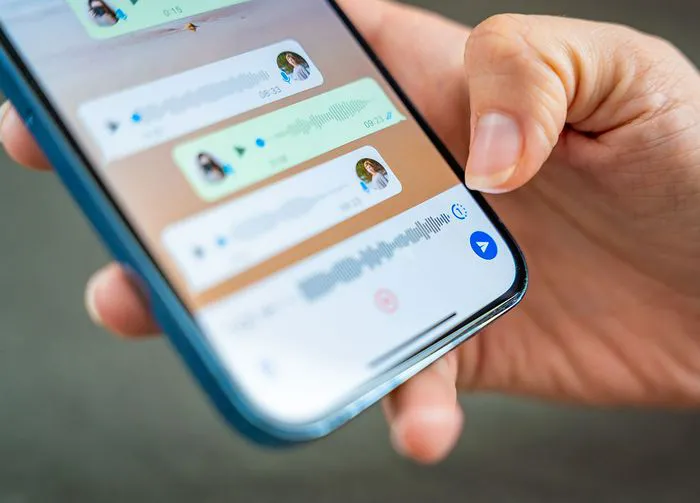
4. Delete Videos and Music from Apps
Apps like Netflix and other streaming apps save the videos and music that you’ve downloaded and take up a lot of storage space. Make sure you are carefully deleting these files after you’re finished enjoying them.
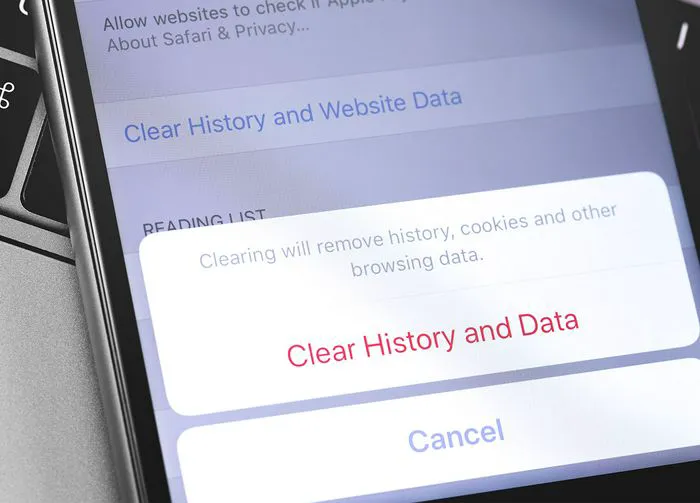
5. Clear Out Your Web Browser Cache
Your web browser retains a lot of data from various searches and websites you visit. To clear your Safari cache go to Safari > Clear History and Website Data > Clear History and Data.