Your iPhone is slow and lagging — yet again. You may think this is simply your fate with your phone until you are ready to upgrade and invest in a new phone, but that simply isn’t true. There are several reasons why you could be contributing to a slower phone, and there is absolutely no reason why you can’t change course.
The important first step is to actually know which common mistakes can lead to a slower phone. Here are two that so many people make without realizing: they’re making your phone lag.

Women Are Swapping Their Boring Water For This Ice Pop Electrolyte Mix!
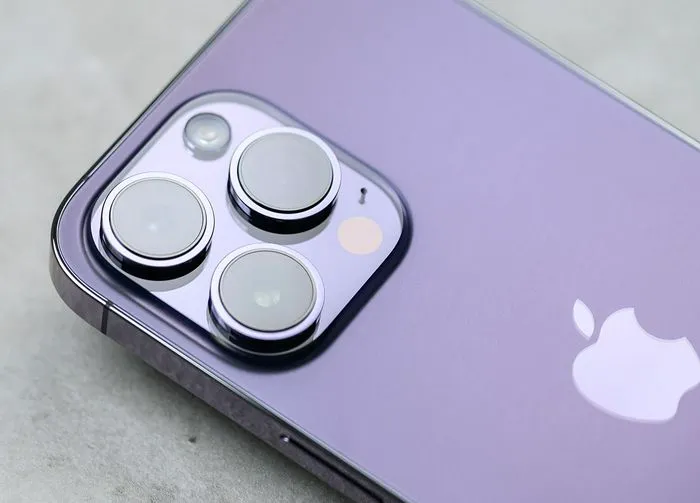
All of Your Storage Space is Taken Up
When so much of your storage space is taken up with files, the result can be a device that works at a slower speed. The key here is to perform regular maintenance on your device so that you don’t get to a point where your storage is gone and you’re scrambling to make changes or buy more storage space. This sounds laborious, but it’s not a huge task at all — if you keep up with it.
For starters, go through your photos and videos once a week and save any that are meaningful to you on iCloud so that you can remove them from your device and save storage. These files tend to be among the largest and most space-consuming on your phone. Make sure your social media apps, like Instagram and Snapchat, are set so that they do not automatically save copies of every image that you post — this is an unnecessary use of storage space.
If you use the Podcasts and Music apps on your phone, know that these can become clogged with files and can be a major source of storage space loss. Periodically delete the podcasts and tunes you’ve enjoyed but don’t think you need forever stored on your device.
And don’t neglect simple text messages, either: they add up. Set your messages so that they automatically delete every 30 days. If a message contains a larger file, such as a photo or video, make sure you delete this as soon as possible.
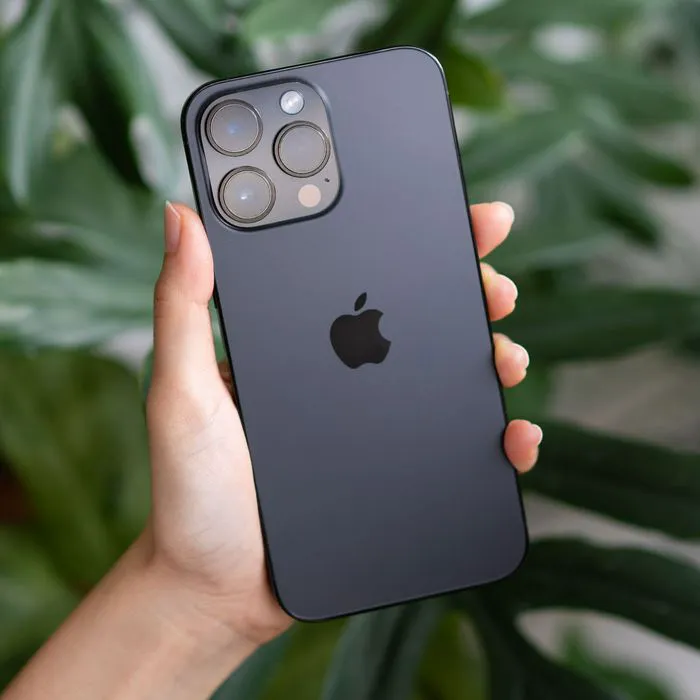
Remove Old Apps
It’s common to download a bunch of apps over time, use a handful, and forget the rest even exist. The problem with doing this is that those apps are taking up space. And if you aren’t regularly updating them — or if they’ve become so old that their developers no longer issue updates for them, you are left holding the bag for old apps that could have bugs and other issues and are taking up needless amounts of space on your device.
Your first step is to simply delete the older apps that no longer serve you. Get rid of them and never look back (and chances are you won’t). But also weigh the pros and cons of keeping so many apps on your device and decide if you can get rid of a few more. You may want to look at which apps are taking up the most storage and decide from there if you can live without them. Go to Settings > General > [Device] Storage. Here you’ll see a list of the apps in order from the ones that are taking up most storage to the ones that aren’t.
Making these two easy changes can work in your favor by conserving storage space and helping your phone run more smoothly and efficiently.