
<link rel="stylesheet" href="https://www.shefinds.com/wp-content/themes/shefinds_14/custom-content-builder/styles/ccb-frontend.min.css?ver=1.0.10"> 3 iPhone Hacks For Faster Video Streaming, According To Tech Expert... Skip to main content
Sarah Jessica Parker showcasing the 'Quiet Silver' hair trend
Two friends discussing the 'Quiet Silver' hair trend for women over 50.
Post Malone at the 57th Annual CMA Awards showcasing his unique style.

|

3 iPhone Hacks For Faster Video Streaming, According To Tech Experts

November 23, 2023 by Lisa Cupido
shefinds | |
Featured image

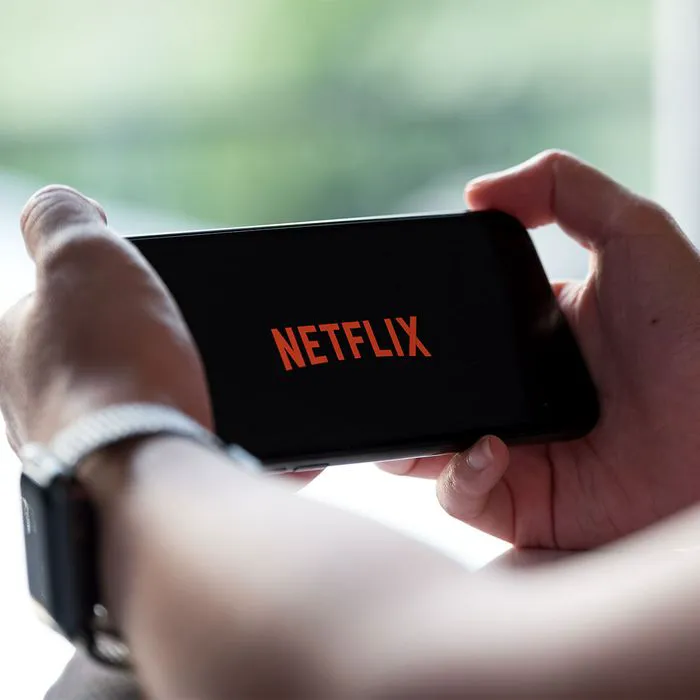
Hands down, the most annoying thing in the world when you’re trying to stream a TV show or movie on your iPhone is waiting … and waiting some more for scenes to load because your device just keeps stalling. There’s no way around the fact that media apps are resource-intensive, which means they often take up battery power and storage, which can slow your phone down — and, in turn, slow down your movie-watching experience. 

This is no one’s idea of a good time, of course. 

If you find your phone is super slow, and even slower when you’re trying to stream media, it’s time to take action. These three iPhone hacks will help make your video streaming faster and less frustrating. Bonus points: they’ll also help the rest of your iPhone tasks get up to speed. 

Download the Latest iOS 

Let’s start with a basic, common problem: you could be running an older software program that needs to be updated. If you’re stuck operating on a past iOS, your phone could be slower than usual. It’s important to check for new software updates and download them as soon as they become available — both for the performance of your phone, but also to make sure you aren’t vulnerable to bugs that could be present in older software. Go to Settings > General > Software Update and wait while iOS checks for updates. 

house unit img
The Difference Between Dragging Through Your Day And Feeling Great On Your Feet? These Arch Support Insoles
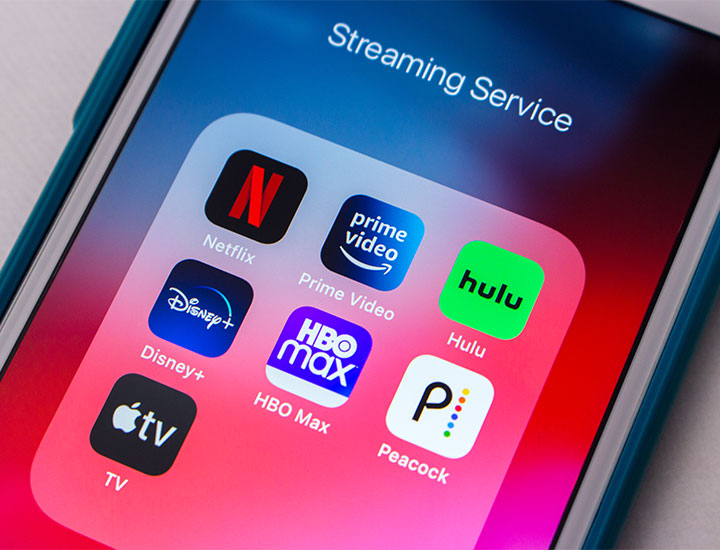
iphone-streaming-apps

Disable Low Power Mode 


Low Power Mode is very helpful when you’re trying to make your phone’s battery last just a little while longer — just until you can get to a charger, for instance. But this setting can also make your phone run slower than usual. To disable Low Power Mode, go to Settings > Battery > Low Power Mode.
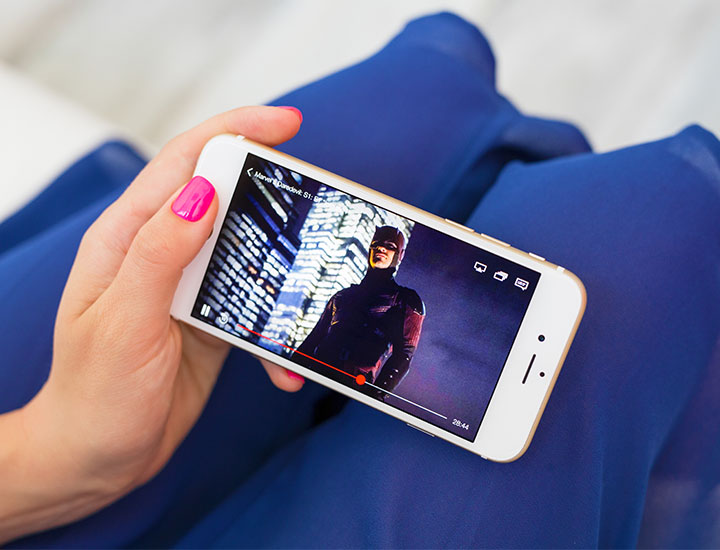
streaming-marvel-movie-iphone

Check Location Permissions 


Another common reason why your phone could be slow is that you are running location services. Location is important for many apps, including those that contain GPS or weather apps. But there’s a good chance you don’t need it on as often as it is on, and Location services can make your phone slower. Turn it off or edit it by going to Settings > Privacy & Security > Location Services. Here you can decide if you want to turn off Locations completely or keep it on for some apps. 

Author:

Lisa Fogarty is a lifestyle writer and reporter based in New York who covers health, wellness, relationships, sex, beauty, and parenting.

Image from SHEfinds
Image from SHEfinds
Image from SHEfinds
Image from SHEfinds
Image from SHEfinds
Image from SHEfinds
Image from SHEfinds
Image from SHEfinds
Image from SHEfinds
Image from SHEfinds
Image from SHEfinds
Image from SHEfinds
Image from SHEfinds
Image from SHEfinds
Image from SHEfinds
Image from SHEfinds
Image from SHEfinds
Image from SHEfinds
Image from SHEfinds
Image from SHEfinds
Assorted deli meats displayed at Boar's Head deli.
Donald Trump and Hillary Clinton engaged in a debate.
Melania Trump expressing love and gratitude in a candid moment.
Close-up of a stylish haircut showcasing modern trends.
Melinda Gates and Bill Gates attending a public event together.
Jessica Biel and Justin Timberlake at the Trolls screening event.
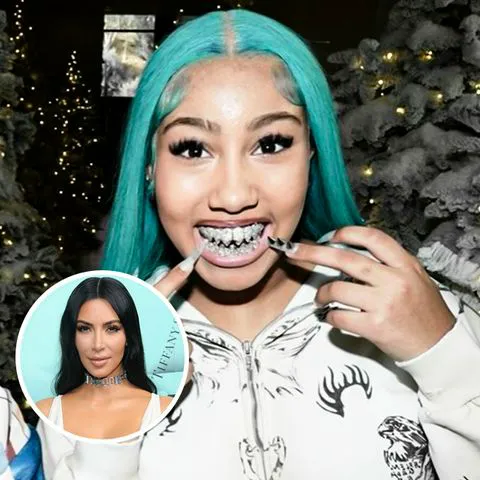
Kim Kardashian and North West sharing a playful moment.
Nicole Kidman and Keith Urban at the AFI Gala event.
Woman applying serum to her face in a beauty routine.
Kim Kardashian and North West posing together in a candid shot.
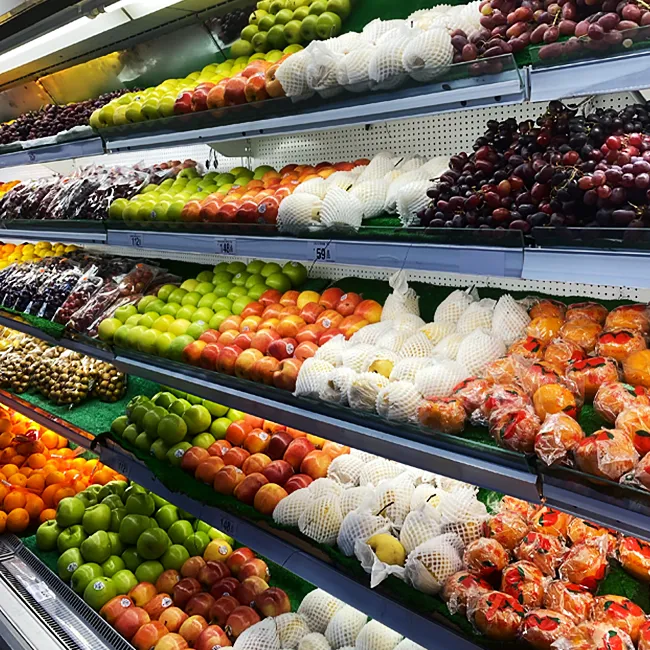
Fresh fruit displayed in a grocery store aisle.
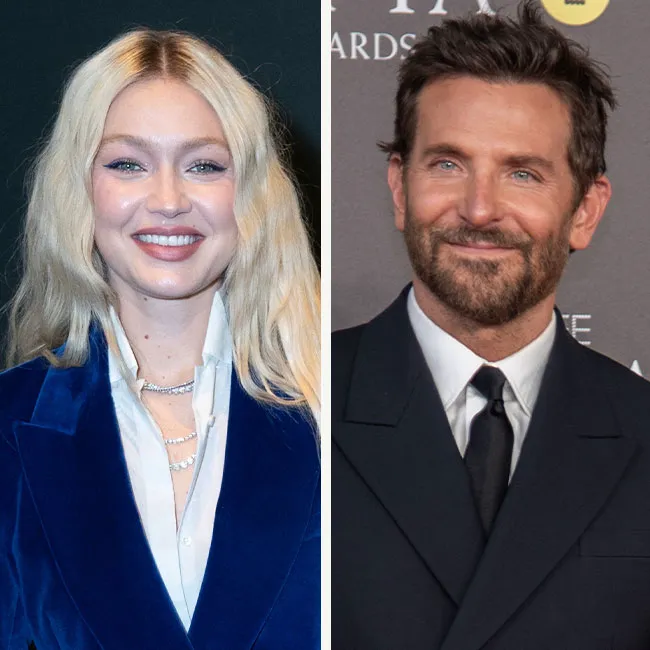
Gigi Hadid receiving an award at WWD Honors ceremony.
Ariana Grande at the 30th Annual Critics' Choice Awards.
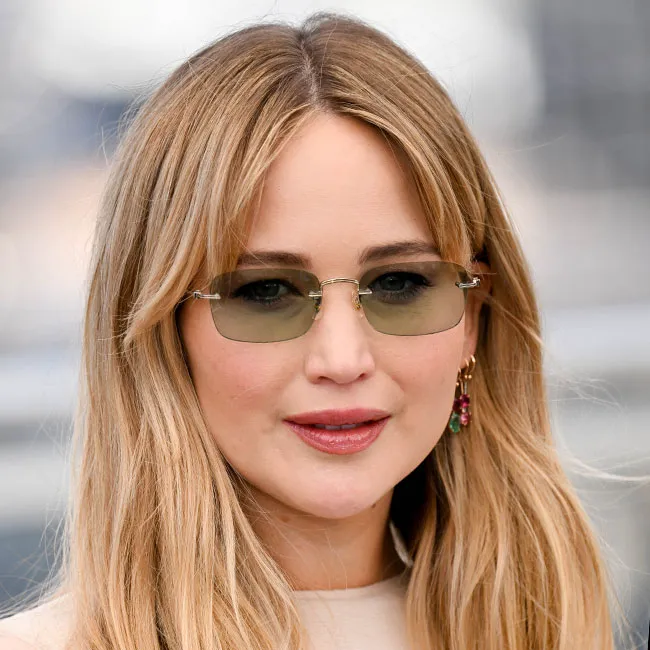
Jennifer Lawrence on the red carpet at Cannes Film Festival 2025.
Preparing a protein shake to boost metabolism and energy.
Natalie Portman attending the 78th Annual Cannes Film Festival.
Kendall Jenner walking in L'Oreal show during Paris Fashion Week.
Lauren Sanchez at the amfAR Gala 2025 event.
Tom Brady and Gisele Bundchen at the Hollywood for Science Gala.
Kendall Jenner at the Vanity Fair Oscars party celebration.