
Kim Kardashian and North West at a public event
Shampoo being poured into a hand for application.
Woman holding her head in frustration over food choices.

Homepage

4 Privacy Settings You Should Have Turned Off In 2024 Because They’re Putting Your Data At Risk

August 13, 2024 by Lisa Cupido
shefinds | Homepage
Featured image

In this day and age of what feels like numerous hacking attempts at every turn, it helps to become familiar with your phone’s privacy settings and to select those that you should turn off in order to keep your data as private as possible. There’s no need to complicate matters, either: there are four privacy settings on your phone that are notorious for putting your data, including your location, at greater risk of being exposed and captured by the wrong people.

In order to ensure your phone is as private and protected as possible, consider turning off these four privacy settings on your iPhone that could be putting your data at risk.

Advertising Tracking

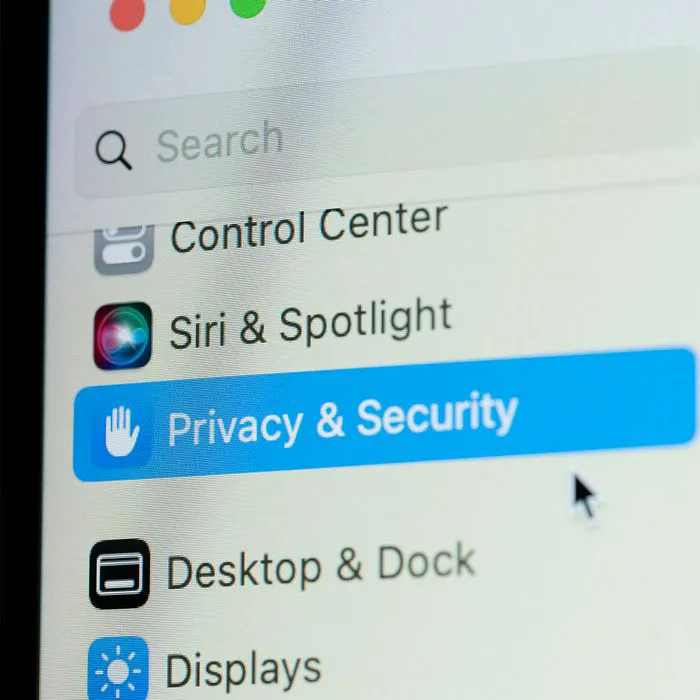
There is no good reason — none whatsoever — why your phone should expose you to advertising tracking that you didn’t sign up for, but there’s one problem. You may have accidentally enabled this setting or never turned it off, and therefore Apple has the green light to send you ads. Go to Settings > Privacy & Security > Apple Advertising. Turn off “Personalized Ads.”

house unit img
Women Are Swapping Their Boring Water For This Ice Pop Electrolyte Mix!
iphone-7

Background App Refresh


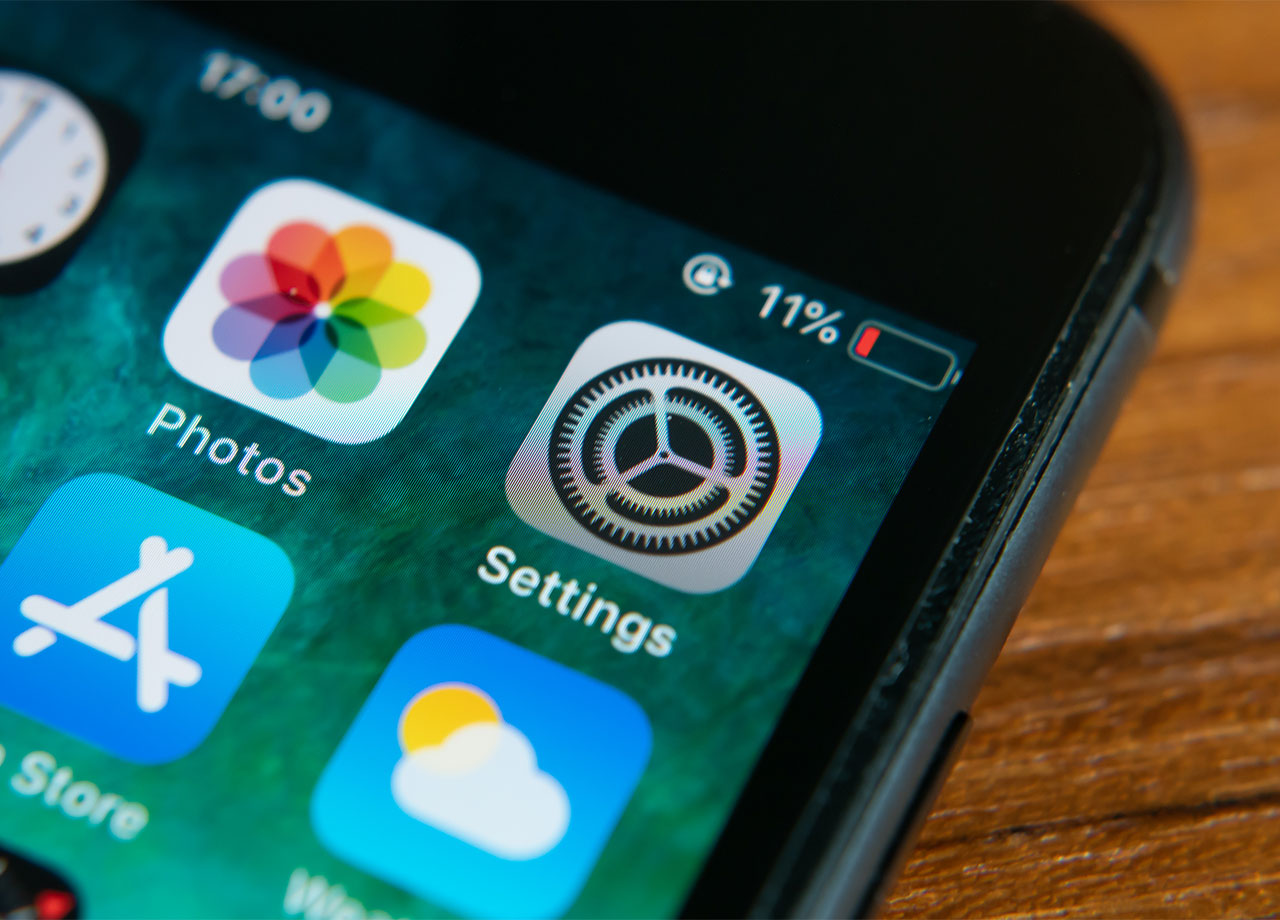
Background App Refresh is a setting that provides convenience — it prompts your apps to update even when you aren’t using them. But there’s a downside to a setting that ensures your apps are ready with new content at all times: the setting can collect data. Go to Settings > General > Background App Refresh. Disabling this setting can also help boost your battery power.
padlock-white-keyboard

Share My Location


There are times when you may want to share your location with friends and family, including when you’re traveling solo or are in an unfamiliar area or on a blind date. But there are so many more times when it doesn’t serve you to have this setting enabled and it can create privacy risks. Disable it by going to Settings > Privacy & Security > Location Services > Share My Location. Disable Share My Location.


Location Services


When Location Services is enabled for different apps, those apps have access to your location. They can use your location to promote products to you based on where you live (as one example of why they’d like this info so badly). Go to Settings > Privacy & Security > Location Services. Either disable this setting for all apps, or enable it only for those apps that you use often and require it to do their jobs, like weather or maps apps.
Author:

Lisa Fogarty is a lifestyle writer and reporter based in New York who covers health, wellness, relationships, sex, beauty, and parenting.

Jelly Roll at Pre-Grammy Gala red carpet event.
Smartphone plugged in, charging on a table.
Prince Harry and Meghan Markle at the World Mental Health Day Gala.
Donald Trump speaks at maternal healthcare event, promoting women's health.
Woman experiencing joint pain possibly related to diet.
Bianca Censori showcases vibrant pink hair in a stylish portrait.
Gwyneth Paltrow and Brad Falchuk attend a glamorous event together.
Colorful assortment of healthy foods on a table.
Natalie Portman shines at the Golden Globes after-party celebration.
Tom Brady and Gisele Bündchen share a moment at a public event.
Popular coffee brands including Dunkin', Chick-fil-A, and Starbucks.
JD Vance visits University of Georgia for college tour event.
Jennifer Aniston and Benny Blanco pose together at a social event.
Best summer scents and fragrances recommended by beauty editors.
Julia Roberts dazzles at the Critics' Choice Awards red carpet.
Popular iPhone apps displayed on a smartphone screen.
Sofia Vergara enjoys a glamorous evening at the Oscars.
Kate Middleton and Prince George attend a royal event together.
Woman adding sugar to a cup of aromatic coffee.
Gwyneth Paltrow stuns at the Golden Globes ceremony.
Jelly Roll at Pre-Grammy Gala red carpet event.
Smartphone plugged in, charging on a table.
Prince Harry and Meghan Markle at the World Mental Health Day Gala.
Donald Trump speaks at maternal healthcare event, promoting women's health.
Woman experiencing joint pain possibly related to diet.
Bianca Censori showcases vibrant pink hair in a stylish portrait.
Gwyneth Paltrow and Brad Falchuk attend a glamorous event together.
Colorful assortment of healthy foods on a table.
Natalie Portman shines at the Golden Globes after-party celebration.
Tom Brady and Gisele Bündchen share a moment at a public event.
Popular coffee brands including Dunkin', Chick-fil-A, and Starbucks.
JD Vance visits University of Georgia for college tour event.
Jennifer Aniston and Benny Blanco pose together at a social event.
Best summer scents and fragrances recommended by beauty editors.

Beauty

Summer is my favorite season. If I could bottle up ...

Julia Roberts dazzles at the Critics' Choice Awards red carpet.
Popular iPhone apps displayed on a smartphone screen.
Sofia Vergara enjoys a glamorous evening at the Oscars.
Kate Middleton and Prince George attend a royal event together.
Woman adding sugar to a cup of aromatic coffee.
Gwyneth Paltrow stuns at the Golden Globes ceremony.