The apps on your phone can really weigh it down — and you’ll realize they could be taking a toll when your phone’s speed suffers. No one wants to deal with a phone that takes forever to load web pages, upload files, or download attachments. Assuming your phone isn’t old or its battery doesn’t need to be replaced, one way you can help speed it up is by deleting certain apps that take up a ton of storage space.
These six app types are wasting tons of storage space, and this can have a negative effect on your phone’s speed and battery power. Consider deleting them (or a few of them and keeping only one) to help make your phone more efficient.

This Clean, Effective Powder Helps Support Muscle Growth, Endurance, And Recovery

1. Social Media Apps
Social media apps like Facebook, TikTok, and Snapchat consume a lot of storage space because they rely on uploading constant photos and video — media files take up notorious amounts of space. These apps also store data on your device in a cache. If you have Background App Refresh or Push Notification enabled, these settings also increase the amount of battery power your phone uses to keep the apps running well.
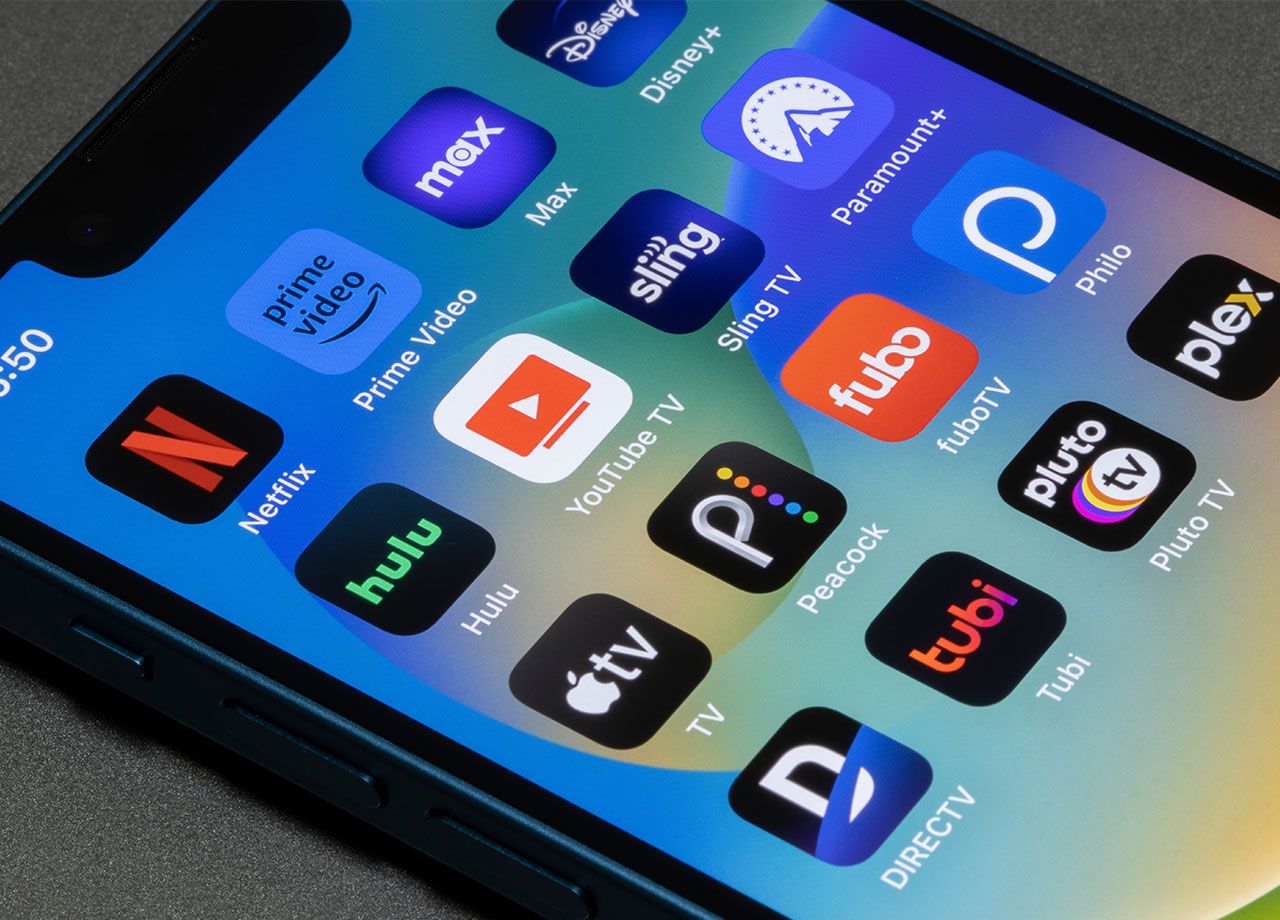
2. Streaming Apps
Streaming apps like Netflix, YouTube, and Spotify require data connections to continue streaming content, and video streaming and a bright screen also contribute to battery drainage. Deleting a few of these apps and keeping only one or two can help. If you aren’t eager to do this, you can reduce battery drainage by reducing screen brightness, downloading content for offline viewing, closing background apps, and streaming lower-quality video such as 720p instead of 1080p.

3. Games
Graphics-intensive games, such as those with 3D graphics and complex animations, put a lot of strain on your phone’s central processing unit. They can generate heat that deteriorates your battery and often require additional download updates and content like skins and game assets, which take up even more battery power.

4. Cloud Storage Apps
Cloud storage apps like iCloud and OneDrive work in the background in order to sync your files across different devices. If you have Automatic Downloads disabled, the app automatically transfers files (no matter how large they are) over to the Cloud. This takes up battery power and can temporarily slow down your device. To help minimize battery drain from iCloud services, turn off Background App Refresh, clear cached data, and disable automatic synching.

5. Photo Editing Apps
Photo editing apps require resources to process images and edit them to your liking. If you’re working on larger files, this consumes phone memory (or RAM). And editing and saving large files takes up storage space, which drains battery and affects your phone’s speed.

6. Navigation Apps
Navigation apps such as Waze and Apple Maps rely on GPS and your phone’s location services setting. Not only do these apps use sensors on your phone to detect movement and adjust their directions, but they also require your device’s graphics processing unit to display detailed maps that change in real time. These sophisticated features are great, but they put strain on your phone’s battery and how quickly it works while using them.