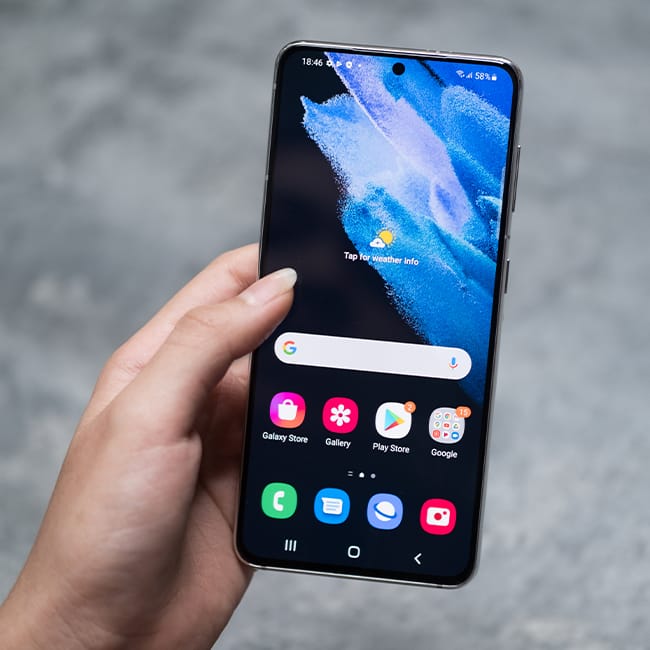
If you’re an Android owner, then you’ve likely had that irritating experience when your phone starts to slow down, and you can’t quite pinpoint why.
As it turns out, there’s a whole lot that can go into causing your smartphone to slow down, but you might not realize just how influential your apps can be. While it might be nice to have a plethora of apps on your Android, there’s a good amount of them that could be leading to your phone slowing down. We spoke with tech experts about some of them that you should consider deleting – read more about them below.

Struggling With Sleep? This Rechargeable Sound Machine Is A Total Game-Changer

1. Third-Party Navigation Apps
If you're a smartphone owner and you drive a lot or live in a big city, there's a good chance you have more than one navigation app on your Android. While some of these apps come with a lot of interesting features, aside from their GPS abilities, they can actually contribute to the slowing down of your phone.
"Get rid of those navigation apps you're barely using," says tech pro Steven Athwal. "People sometimes have multiple navigation apps downloaded, such as Waze and Google Maps, but these apps are such large storage hogs and speed users. They keep their maps in large files offline, and your location history and cached route data. So, even if you're not using them, they're still checking GPS, Bluetooth, and network data. Remove them, and you've already freed up a significant amount of storage and can reduce background sensor activity."
2. Older Social Media Apps
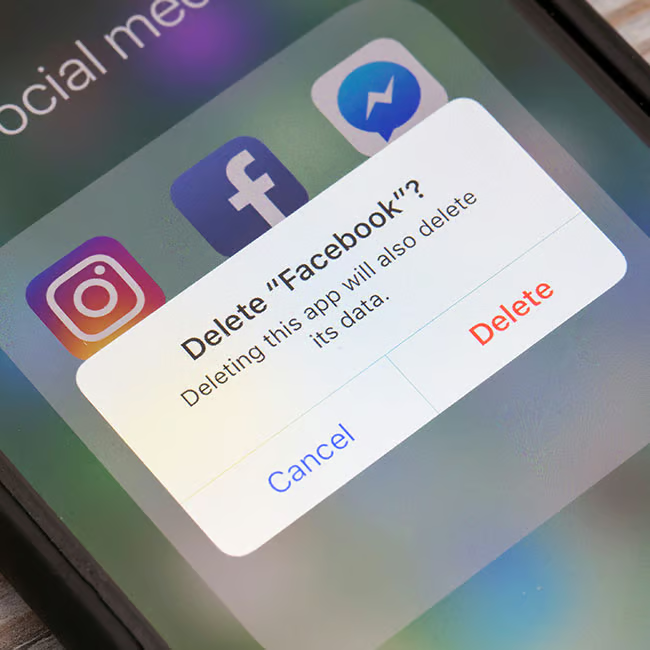
It seems that the majority of smartphone owners can't live without their social media accounts. However, after years of discovering new apps and posting online, some of those apps, whether it be Snapchat, Facebook, or others, might go ignored and are just sitting on your phone, taking up data and space.
"Looking at what I found in the performance logs allows me to see that Facebook and Snapchat are the largest output hogs in the background," explains Ethan Heine with Suntrek Solar. "All use location tagging, content prepositioning, and chat state synchronizing using apps that are still capable when the screen is off. On my phone, TikTok netted 17 percent of idle CPU time plus over 600 mb of background transfer time for a month. The Facebook Messenger service has to refresh from several processes for notification pings, continually slowing down the performance of an older processor while running quickly through battery cycles."
3. Free Utility Apps
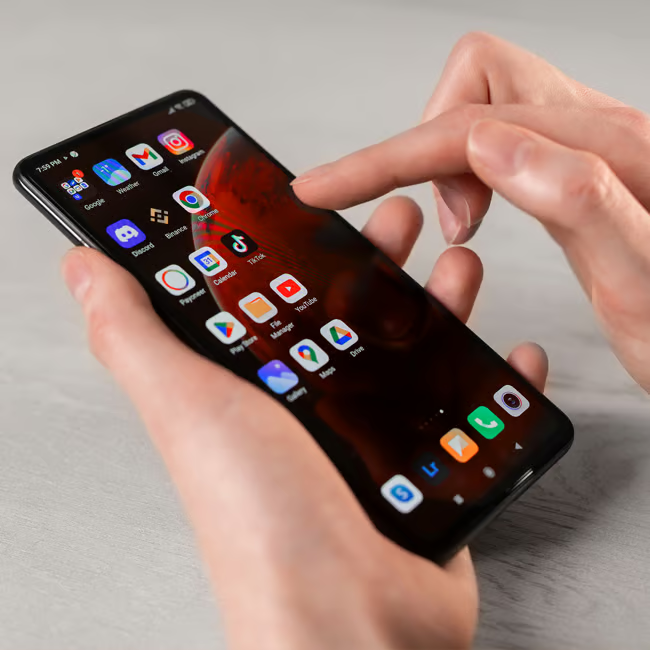
After you received your Android, there's a chance you might've downloaded some extra utility apps to make your user experience more convenient. These could include other flashlight apps, note-taking apps, and others that promise to elevate your device. However, tech experts often warn against these, as they can sometimes end up doing more harm than good.
"You should also definitely get rid of the 'free utility' apps, like the cleaner, battery booster, torch, and wallpaper apps," notes Athwal. "These are already native features to Android, like its storage management and optimisation tools. These third-party apps are running intrusive services in the background, and when you're using them, they're bombarding you with ads, in which they're collecting unnecessary data from you. Overall, they're slowing your phone down and adding no extra benefit to your device."

4. TikTok
Like the social media apps listed above, TikTok is a notorious app when it comes to data collection and the ability to slow down your phone. It's a slightly newer app that many people have become reliant on, but if you're not using it every day and don't feel attached to it, you might find your phone will run better if you delete it.
"TikTok aggressively caches video content so they can prevent load times and give a more enjoyable experience to its users," explains Athwal. "But, this builds up fast without you noticing, slowly eating into your storage. TikTok also runs frequent background processes for features like notifications, content ranking, and location. All in all, it's increasing memory pressure, which is a significant speed issue for older to mid-range Androids."