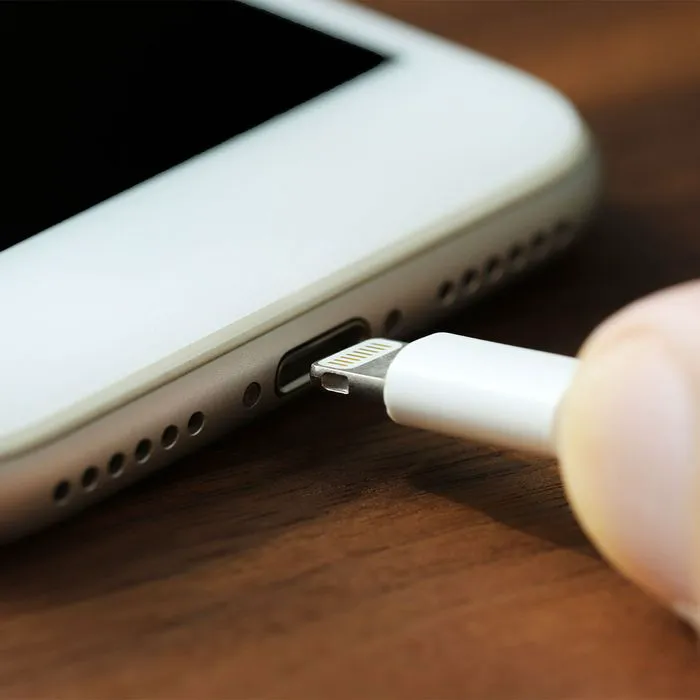
Since we’re still safely locked into the season of sun, fun, and water hijinks in the ocean, pool, or lake, it stands to reason that a warning is in order: your iPhone and water do NOT play well together. That means that, yes, even if you’ve got yourself a nifty waterproof bag for kayaking, covering it in several layers (or leaving it off the kayak) may be your safest bet.
In fact, one of the biggest mistakes that Apple experts are warning iPhone users about involves water and charging, and the effects of committing this tech sin are so serious that they can include literally destroying your device. Don’t become one of the many iPhone users who make this simple mistake.
Charging Your Phone When It Contains Liquid Inside
Apple tries to be as helpful to users as possible, and this is true even when something like liquid is detected inside of your phone. It doesn’t take much for your phone to become lodged with water — a few splashes by the pool or someone accidentally knocking it into the sink can suffice. But if Apple sends you a message that reads “Liquid has been detected in the Lighting connector. Disconnect to allow the connector to dry. This may take several hours” it’s best to follow directions and not be a maverick taking things into your own hands.

Women Are Swapping Their Boring Water For This Ice Pop Electrolyte Mix!
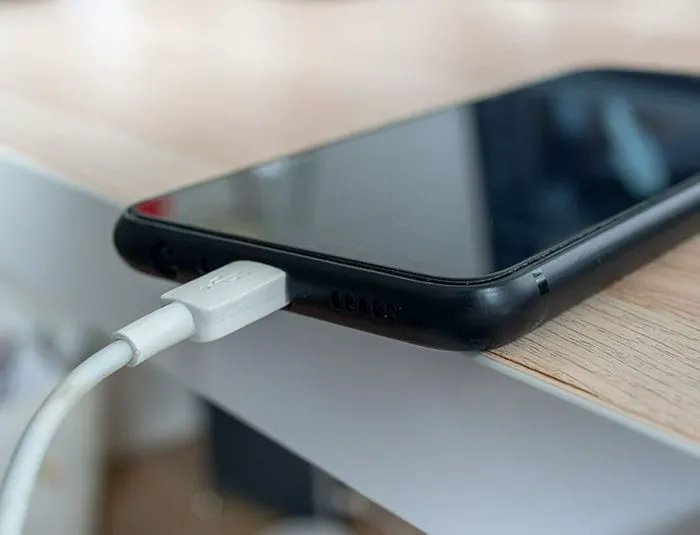
Give Your Phone Room & Time To Dry
This type of notification typically will only appear if you are attempting to charge your iPhone while it contains water inside (you may not even be aware of it being a problem beforehand). And the moment you receive it, experts say you should disconnect your phone from its charger immediately. According to Apple, keeping it charged “can corrode and cause permanent damage or stop functioning, causing connectivity issues for your iPhone or accessory.”
The best thing to do after this is to let your phone dry out naturally, even if it takes several hours. But don’t think of grabbing your hair dryer or putting your phone out in the sun to speed things along — increasing your phone’s heat will only increase the chance of causing it damage.
And that little tip you heard once upon a time about placing your wet phone in rice to dry it out? Also: a no-no. Being patient is your best course of action.