

Gigi Hadid at Le Grand Diner du Louvre photocall event.
iPhone apps exposing personal data risks
Jelly Roll and Bunnie Xo at Pre-Grammy Gala

Tech

4 Apps You Should Delete From Your iPhone RIGHT NOW To Save Battery

November 13, 2017 by Emily Belfiore
shefinds | Tech
Featured image

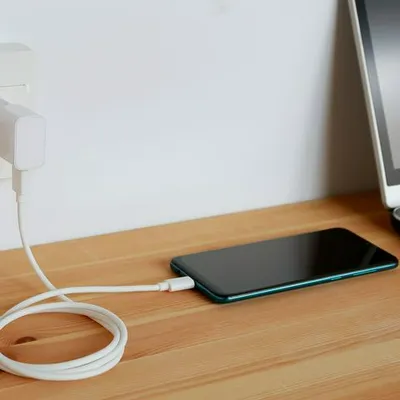
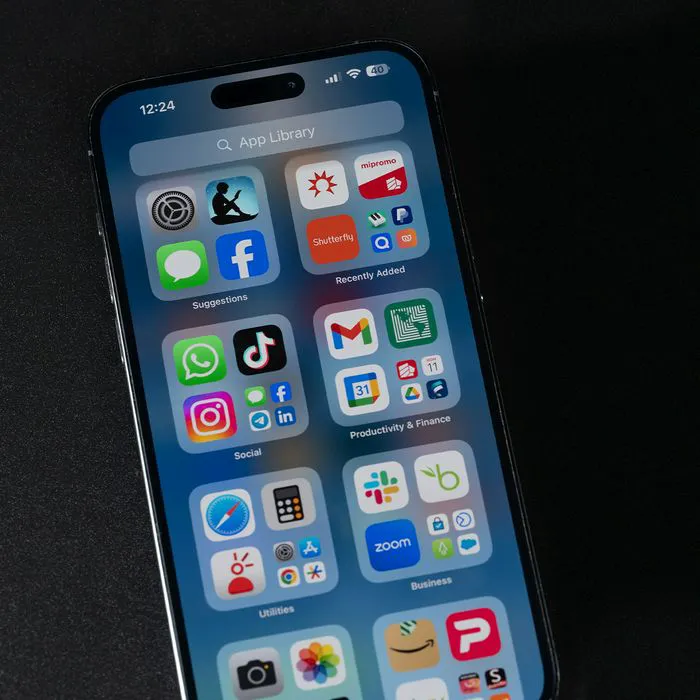
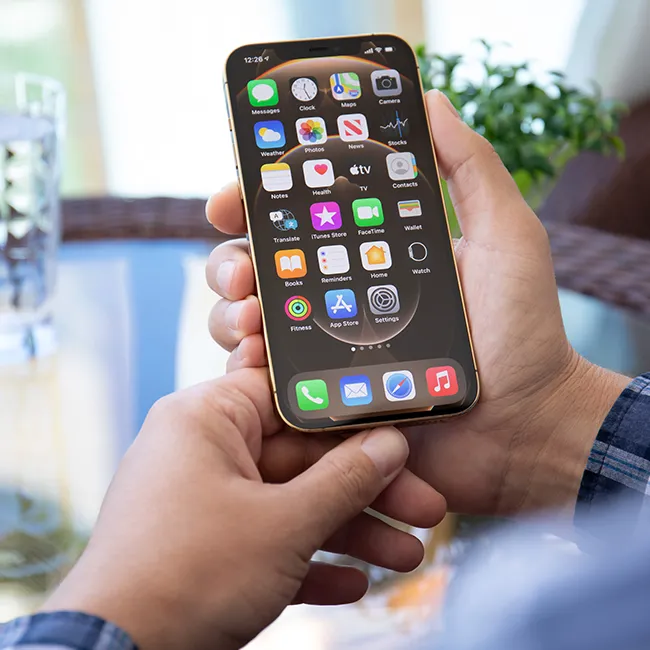
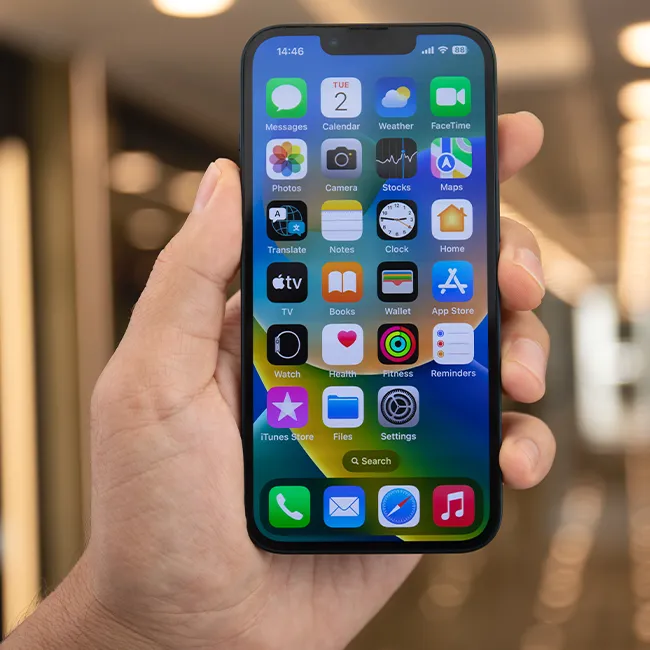
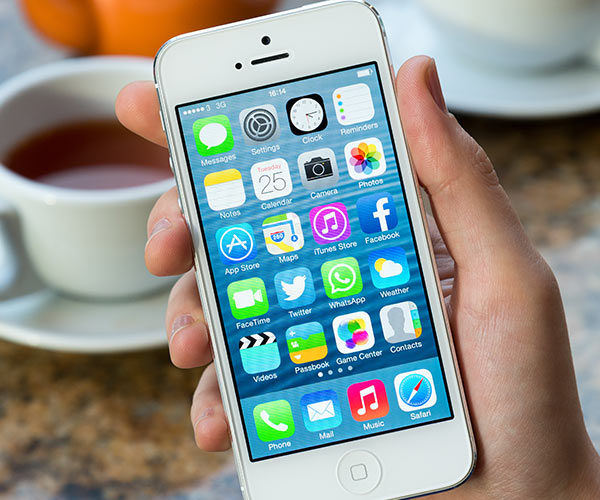
There's nothing worse than watching your iPhone battery die. But, did you know that your battery life is suffering because of the apps you've downloaded? To check which apps are taking up all of your battery life, go to Settings > General > Usage > Battery Usage. But, THESE four apps are the ones that need to go ASAP! 


[Photos: Shutterstock]
facebook apps delete

Facebook

It's great to have your Facebook account at your disposal during the day, but experts say that the mobile app really does a number on your battery life. It automatically runs when you turn on your phone. Plus, it also tracks your location. 
netflix delete

Netflix

Streaming all of your favorite shows and movies really takes its toll on your iPhone -- especially if you're trying to stream them without Wi-Fi.
snapchat

Snapchat

This app may be the hardest to part ways with. Between all of the app's fun features and filters, which are all done using location accuracy technology, Snapchat really drains your iPhone battery. 
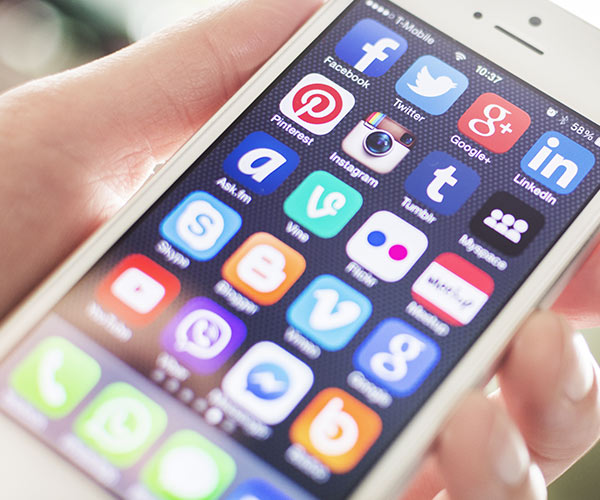
apps delete

WhatsApp Messenger

Like Facebook, WhatApp Messenger automatically runs once you turn on your phone. If you can avoid using this app, you could see some major improvement in your battery life. 
Author:

Associate Editor

Emily Belfiore is a former associate editor of SheFinds. She wrote beauty, weight loss, wellness and celebrity stories for the site. She is a pop culture enthusiast.

Woman enjoying a fresh summer watermelon salad.
Individual holding Android phone showing various apps.
iPhone 14 displaying multiple applications on screen.
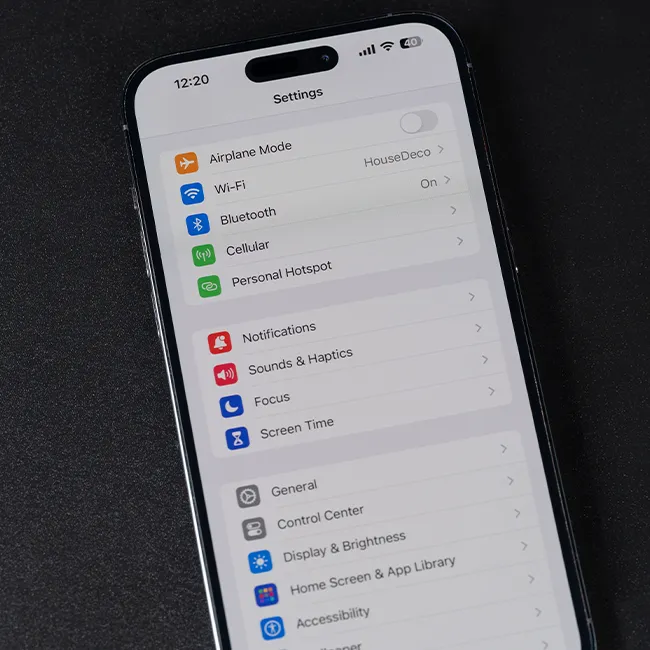
iPhone settings screen indicating charging needs.
Sony headphones, iPad, and laptop on Amazon site.
User interacting with an iPhone, exploring features.
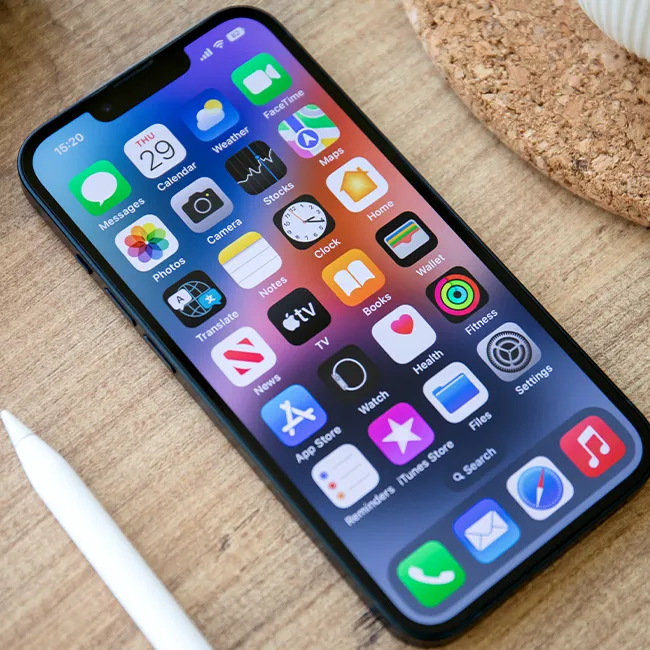
iPhone apps displayed on the home screen.
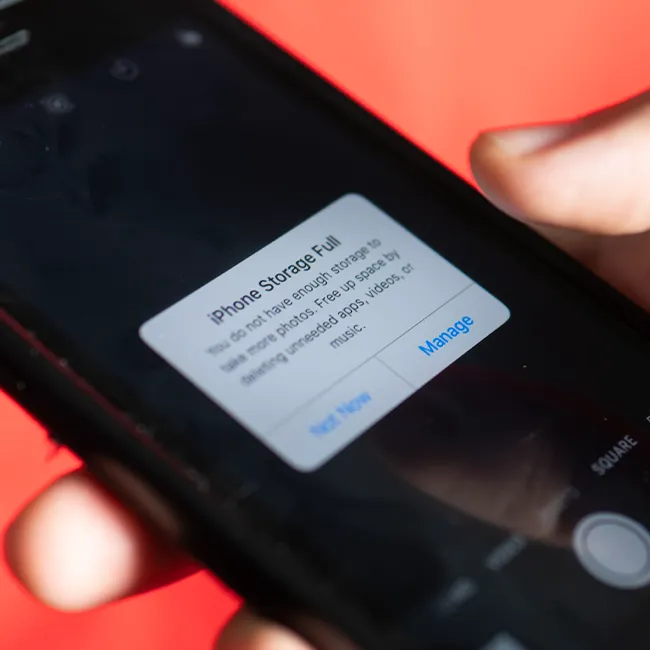
iPhone displaying full storage notification.
Hand holding an iPhone in a casual setting.
iPhone screen showcasing various applications available.
Android phone charging with power connection.
iPhone apps organized on the home screen.
Individual holding an iPhone, ready to use.
Woman confidently holding her iPhone.
iPhone 16 charging, illustrating power management.
John Travolta at the Academy Museum Gala event.
Android phone charging, emphasizing battery life.
Woman holding iPhone 17 Pro, capturing a moment.
Netflix login screen on a mobile device.
Person holding an iPhone, showcasing its features.
Woman enjoying a fresh summer watermelon salad.
Individual holding Android phone showing various apps.
iPhone 14 displaying multiple applications on screen.
iPhone settings screen indicating charging needs.
Sony headphones, iPad, and laptop on Amazon site.
User interacting with an iPhone, exploring features.
iPhone apps displayed on the home screen.
iPhone displaying full storage notification.
Hand holding an iPhone in a casual setting.
iPhone screen showcasing various applications available.
Android phone charging with power connection.
iPhone apps organized on the home screen.
Individual holding an iPhone, ready to use.
Woman confidently holding her iPhone.
iPhone 16 charging, illustrating power management.
John Travolta at the Academy Museum Gala event.
Android phone charging, emphasizing battery life.
Woman holding iPhone 17 Pro, capturing a moment.
Netflix login screen on a mobile device.
Person holding an iPhone, showcasing its features.