
Prince William, Kate Middleton, King Charles, Meghan Markle, and Prince Harry together.
Sunny Hostin at the premiere of The Morning show.
Meghan Markle speaking at the 38th SXSW festival.

Homepage

Your Personal Info On Your iPhone Isn’t Safe Until You Change These Privacy Settings, According To A Pro

November 26, 2024 by Lisa Cupido
shefinds | Homepage
Featured image

Your iPhone is not completely private unless you are making good use of some of the settings on your phone. Put simply: there are a few privacy settings on your phone that you need to change if you want your device to be as secure as possible. The tech experts at Payette Forward have a few smart tips to share that will make a big difference in your security:

“Your personal information isn’t secure and advertisers are collecting an absurd amount of information about you,” the experts say. Here are some things you can do to safeguard your data and remain more private.

house unit img
Women Are Swapping Their Boring Water For This Ice Pop Electrolyte Mix!
holding-purple-iphone

1. Ads Tracking You Across Websites


Do you want advertisers to track you across other websites? Probably not. Advertisers are keen on doing this so that they can gather more data about you, including your location and preferences, and can therefore send targeted ads your way. Go to Settings > Privacy > Tracking. Here you’ll be able to see which websites are trying to track you. The best thing to do is to disable the feature altogether at the top so that no website has permission to ask if they can track your actions across other sites.

iphone-home-screen

2. Personalized Ads


There is a setting within Privacy that is all kinds of suspicious. It’s called Personalized Ads and, according to Apple, turning off the setting will limit Apple’s ability to deliver relevant ads to you but will not reduce the number of ads you receive. But our experts say that is “not necessarily true. If there’s less information about you, you’re a less valuable advertising target.” And this makes perfect logical sense.


You might see fewer ads by disabling this setting because advertisers aren’t going to be willing to pay to show you ads.


Disable it by going to Settings > Privacy > Apple Advertising. Turn off this setting.

person-holding-iphone

3. Microphone Permissions


How many of your apps have permission to access your microphone so that they can hear every word you say? Your answer is likely “none of them, thanks.” But unless you are actively making sure these apps can’t use your microphone, they could be doing so without your knowledge. Scary thought.


Head over to Settings > Privacy & Security > Microphone. You’ll see a list of apps that have requested access to your microphone. Toggle them all off or choose the ones that you’ll allow to have it for practical reasons — such as Zoom or Skype. The fewer apps that can listen into your conversations, the more privacy you’ll retain.
Author:

Lisa Fogarty is a lifestyle writer and reporter based in New York who covers health, wellness, relationships, sex, beauty, and parenting.

Catherine, Princess of Wales, visiting the RNLI Tower Station.
Pouring coffee into a mug on a morning table.
Natalie Harp with Donald Trump at a political event.
Low-maintenance haircuts for women over 40 with fine hair.
Person holding an iPhone showcasing stylish home screen.
Cooking crispy bacon in a frying pan.
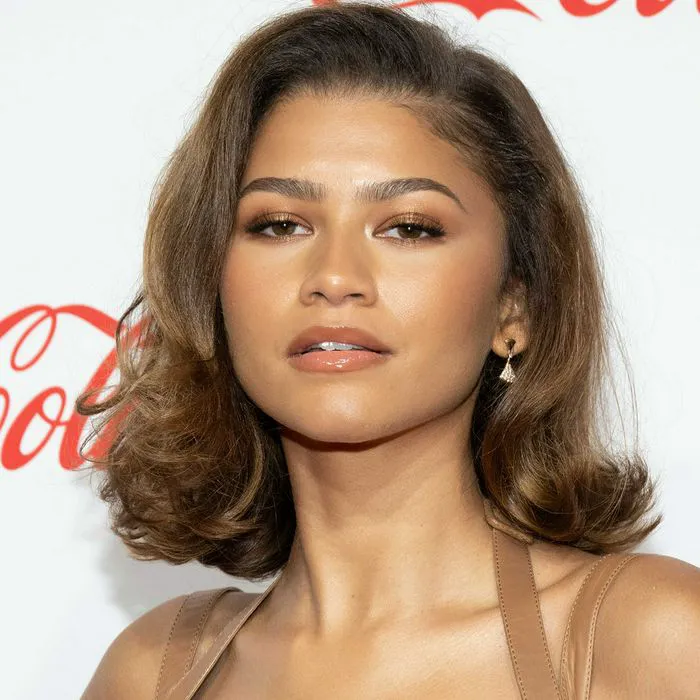
Zendaya at CinemaCon showcasing her stunning red carpet style.
Michelle Obama and Larry David share a laugh at an event.
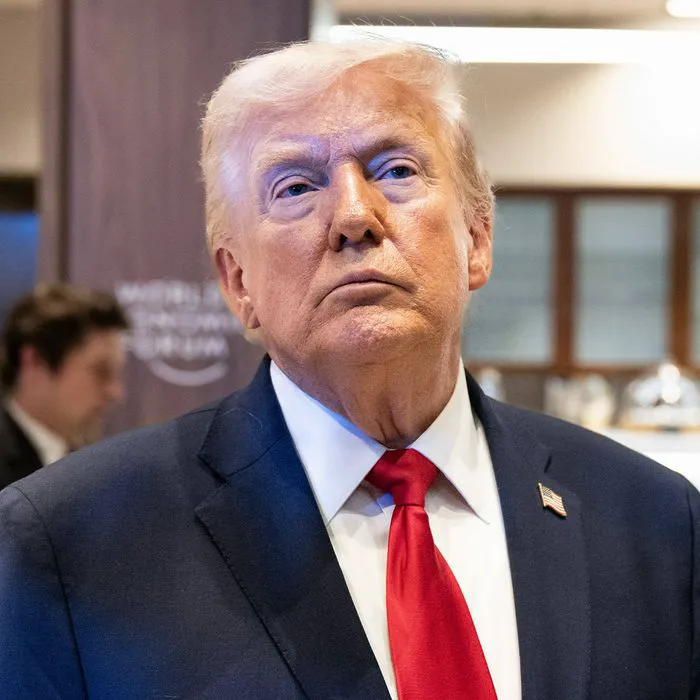
US President Donald Trump speaking to the media at an event.
Amber Heard, Johnny Depp, and Cara Delevingne at an event.
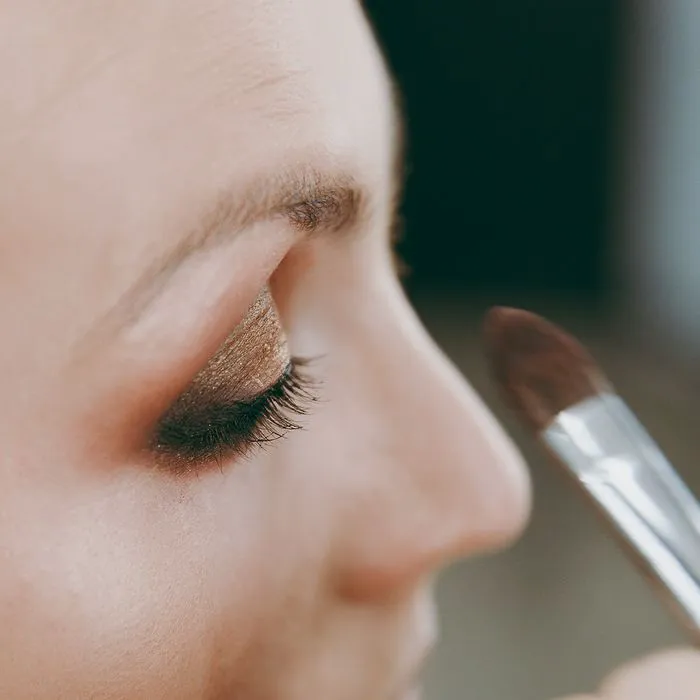
Older woman applying eyeshadow for a youthful look.
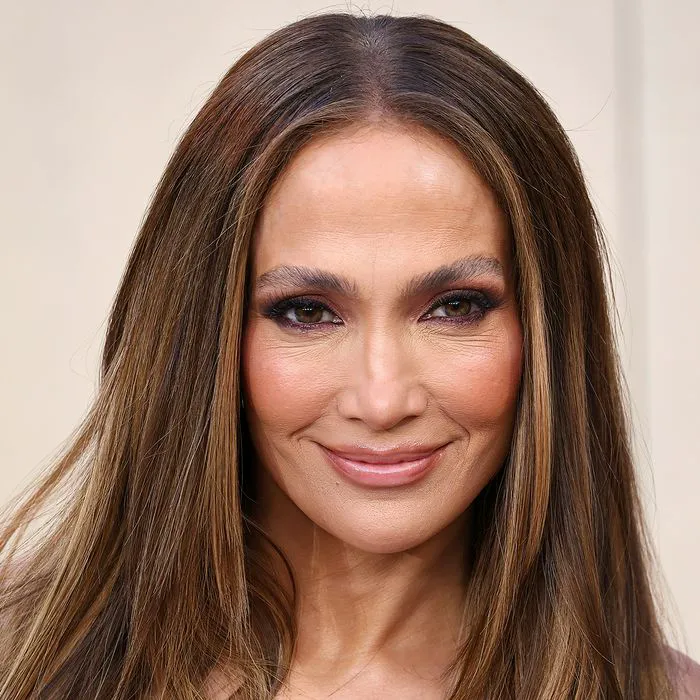
Jennifer Lopez at the world premiere of Netflix's Office Romance.
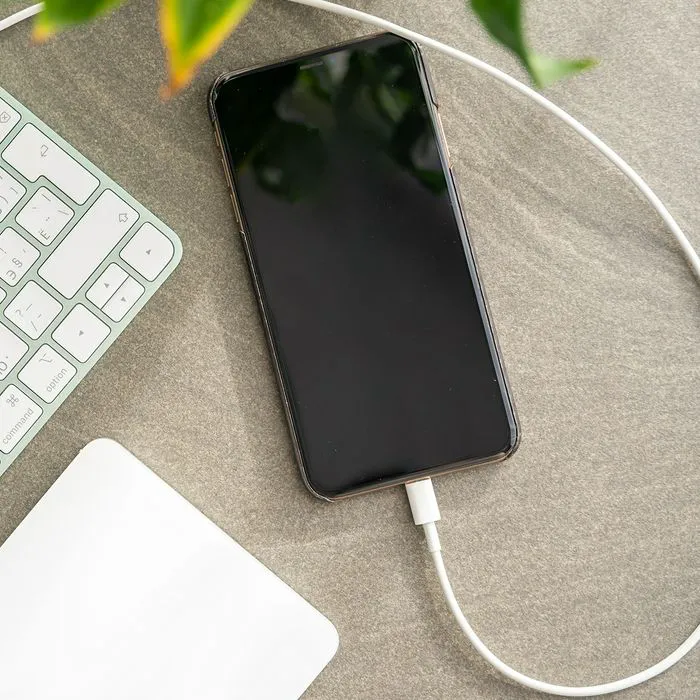
iPhone plugged in, indicating charging or connectivity status.
Kim Kardashian at the Baby2Baby charity event.
King Charles and Queen Camilla at Royal Ascot Day 3.
Bianca Censori posing in Paris, showcasing modern fashion.
Elon Musk and MacKenzie Scott at a public event.
Applying sunscreen on a woman's cheek for sun protection.
Olivia Wilde stunning at the Met Gala red carpet.
Older woman stretching at home before workout session.
Catherine, Princess of Wales, visiting the RNLI Tower Station.
Pouring coffee into a mug on a morning table.
Natalie Harp with Donald Trump at a political event.
Low-maintenance haircuts for women over 40 with fine hair.
Person holding an iPhone showcasing stylish home screen.
Cooking crispy bacon in a frying pan.
Zendaya at CinemaCon showcasing her stunning red carpet style.
Michelle Obama and Larry David share a laugh at an event.
US President Donald Trump speaking to the media at an event.
Amber Heard, Johnny Depp, and Cara Delevingne at an event.
Older woman applying eyeshadow for a youthful look.
Jennifer Lopez at the world premiere of Netflix's Office Romance.
iPhone plugged in, indicating charging or connectivity status.
Kim Kardashian at the Baby2Baby charity event.
King Charles and Queen Camilla at Royal Ascot Day 3.
Bianca Censori posing in Paris, showcasing modern fashion.
Elon Musk and MacKenzie Scott at a public event.
Applying sunscreen on a woman's cheek for sun protection.
Olivia Wilde stunning at the Met Gala red carpet.
Older woman stretching at home before workout session.