



Many of us know there are few worse feelings than when your iPhone battery starts to go low, which is why some people feel safest when they’re constantly charging their smartphones. However, a tech expert is saying that there’s one common charging mistake iPhone users are commonly making that can “ruin” their cell phone over time.
While it’s never a bad idea to be diligent about keeping your iPhone charged, charging it too often, leaving it constantly plugged in, using shoddy chargers, etc., can all contribute to your phone slowly aging and breaking down. Luckily, Justin, a tech expert and content creator known for his YouTube channel, The Digital Life, is educating people on a common charging “mistake” that can easily “ruin” iPhones in one of his videos. Read more about it below.

Struggling With Sleep? This Rechargeable Sound Machine Is A Total Game-Changer
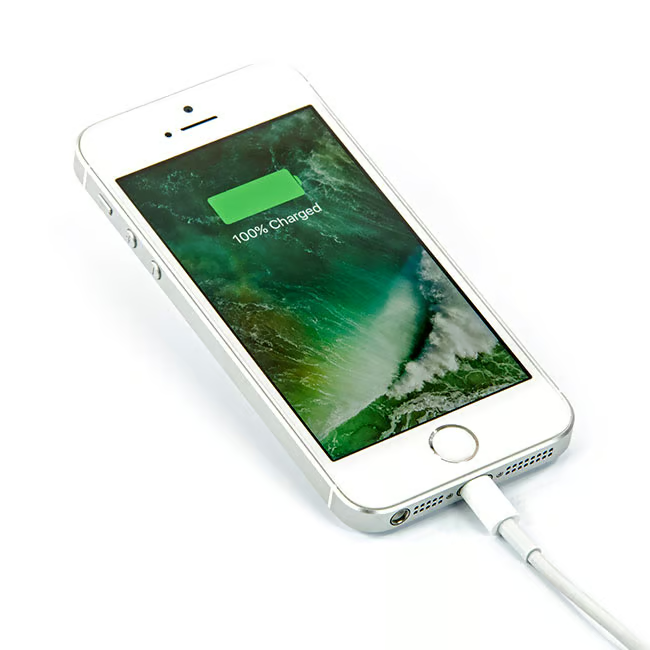
A Tech Expert Breaks Down A Charging Mistake That Can Ruin Your iPhone
As Apple has evolved its products over the years, and people have become more and more dependent on their iPhones, their smartphones, the company has had to find and develop ways to help people with their phone's battery life, as a solid and healthy phone battery is the key to getting through your busy day with a functioning smartphone.
There are thousands of people with smartphones who rely on them throughout the day, who like to charge their phones before bed and leave them plugged in. That way, they have a fresh battery in the morning and can get through at least several tasking hours without having to plug it back in. However, Justin points out that leaving your phone plugged in for several hours during the night can do a lot more harm than good.
"If you are someone who religiously does that and you can't think about the last time that you haven't done that, this is for you," he says before sharing his tips on "optimizing" your iPhone battery.
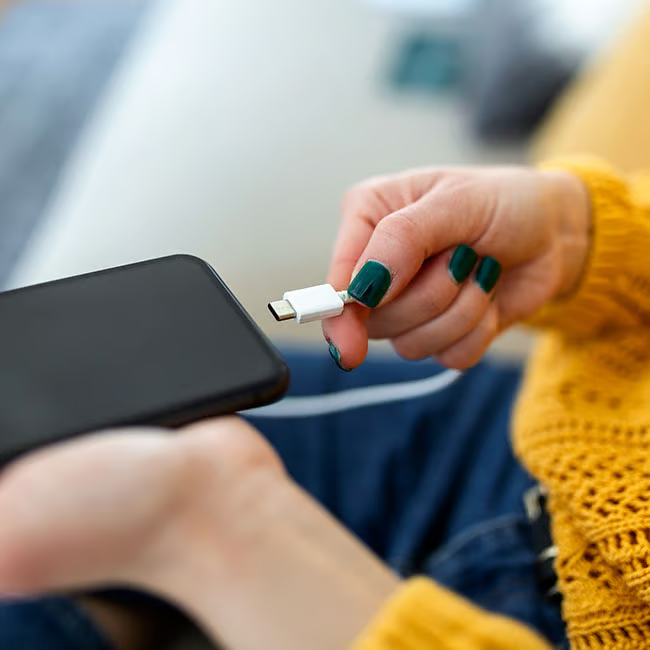
How To Optimize Your iPhone Battery Via Your Settings
For iPhone users who have iOS 18 and above, there are some great battery charging options and changes you can make in your settings. Justin points out that iPhone users should take advantage of the "Optimized Battery Charging" and "Clean Energy Setting," both of which can be found in the Settings app.
While in the past, when a person would leave their iPhone plugged in for several hours at a time overnight, letting it sit at 100% and staying plugged in for several hours at a time night after night, these new settings can almost act as a way to unplug your phone and give it's battery time to rest without you having to get up to do it.
"With these settings on, your battery will actually get to a certain point in the night, and actually stop charging until it gets to a certain time, and then it actually picks up your daily habits and will resume charging so that it's fully charged at the time that you need it, which is actually a really huge breakthrough," explains Justin.
To ensure you're taking extra good care of your iPhone battery, while still being able to leave it plugged in overnight, go to your Settings app, enter the Battery page, click Battery Health, then ensure that both Optimized Battery Charging and Clean Energy Settings are turned on. This is an excellent tip for people who find it more convenient to charge their phone all at once for long periods of time.


