The Smith family at the Bad Boys premiere.
Kourtney Kardashian at the Grammys red carpet event.
Katy Perry and Orlando Bloom enjoying a romantic moment.

Homepage

Tech Insiders Reveal The 2 Settings You Should Change To Make Your iPhone Run Faster

October 28, 2024 by Lisa Cupido
shefinds | Homepage
Featured image

Your iPhone settings can make a difference when it comes to how fast or slow your phone operates. Some settings can actually drag your phone down and take up crucial resources that result in slower performance speed — which is not what you want from a device that cost so much money.

Fortunately, you can turn things around by adjust just a few settings on your smartphone. By changing these two settings, you can actually help conserve storage space and speed up your phone. Imagine not having to wait for what seems like decades for a web page to load or for files or apps to download — that’s the benefit you can enjoy just from disabling and/or adjusting two iPhone settings.

house unit img
Women Are Swapping Their Boring Water For This Ice Pop Electrolyte Mix!
unboxing-new-iphone

1. Remove Widgets


When Apple released iOS 14, they added the ability to add widgets directly to your Home Screen, the tech experts at Payette Forward explain. “Widgets are essentially mini apps and they could be constantly running on your iPhone, slowing it down.” In fact, one tech expert from Payette Forward added a Facebook widget as an experiment and the results were “shocking.” That one widget ran in the background and took up a ton more of his battery power over the next 10 days. A slower battery can equal a slower phone.


To delete a widget on your iPhone, press and hold on it and tap “remove” widget.
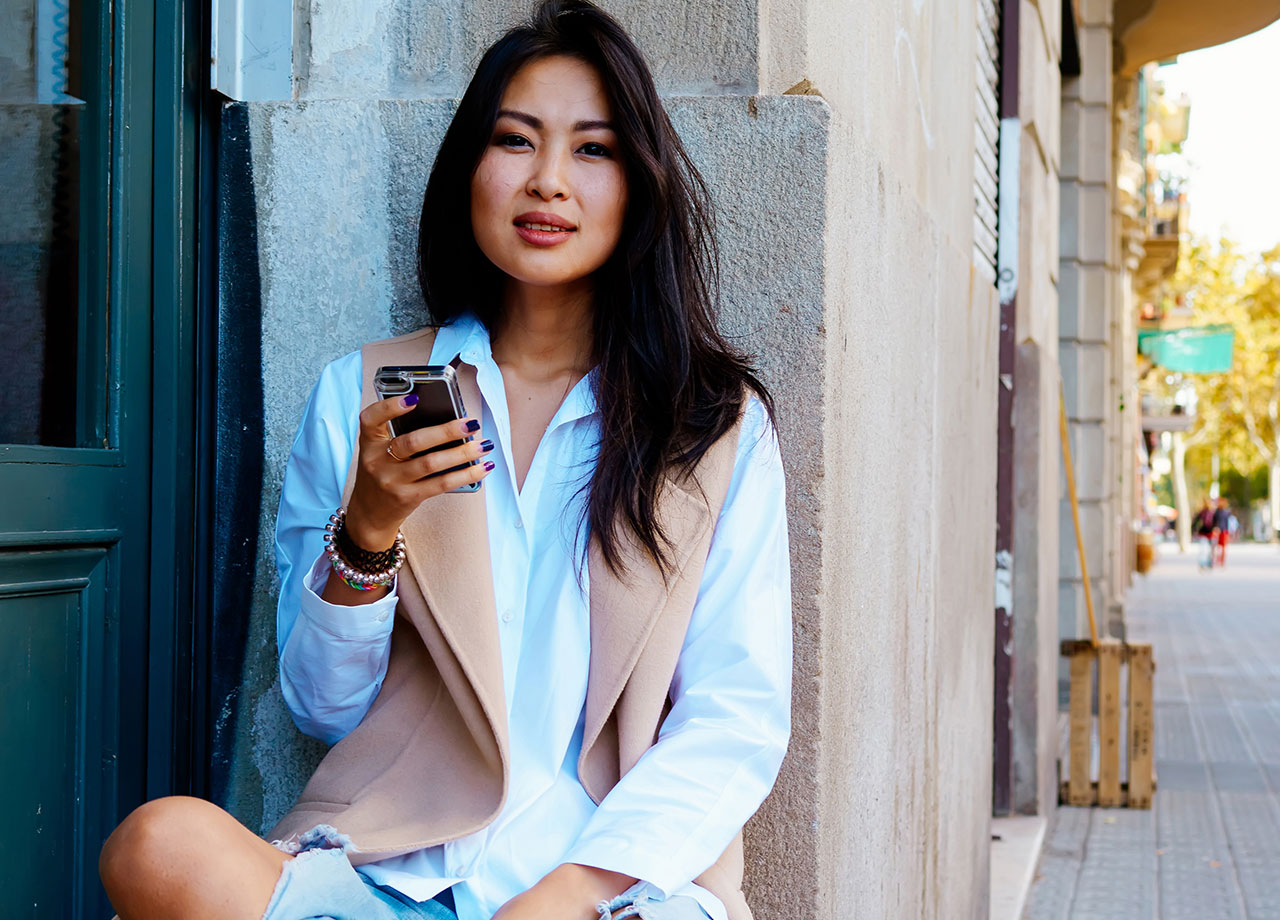
woman holding iphone in hand

2. Update Your Apps


App developers often release updates when they find bugs and other issues in their apps. The point of an app update is to enhance that app and your experience using it, but also to help prevent the app from causing performance problems on your device. “Out of date apps can cause software problems and bugs that slow down your iPhone,” according to Payette Forward.


Open the App Store and tap on your account. You can tap “All” to download all app updates at one time or scroll down and update the apps individually. If this seems like a major burden and headache (who wants to check for updates every day?) there’s an iPhone setting that can take some work out of the equation. Go to Settings > App Store > App Updates. Toggle on this switch and your device will automatically update apps when a new update is released.


Author:

Lisa Fogarty is a lifestyle writer and reporter based in New York who covers health, wellness, relationships, sex, beauty, and parenting.

Woman experiencing hair loss and seeking solutions.
Woman enjoying a donut late at night, smiling.
Bianca Censori at Marin Fall/Winter fashion show.
David Vance and Usha Vance at Elysee Palace in Paris.
Shania Twain performing at the Annual Academy of Country Music.
Modern workspace with a person typing on a laptop.
Chic haircuts for women over 50 trending in 2026.
Donald Trump speaking at a maternal healthcare event.
Queen Camilla and Kate Middleton at a royal event.
Middle-aged woman working out, focused on her fitness goals.
Kim Kardashian at Kering's Caring for Women dinner.
Kylie Jenner with Stormi and Timothée Chalamet at a gathering.
Madonna stunning at the Met Gala.
Taylor Swift arriving in a private jet, 2024.
Woman experiencing fatigue from lack of sleep.
Banana nice cream served in a bowl with toppings.
Jennifer Lopez wearing Defiance at the AMAs 2025.
Vittoria Ceretti and Leonardo DiCaprio at an event.
Emma Stone at the Annual Actor Awards ceremony.
Salma Hayek at the 12th Annual Breakthrough Prize Ceremony.
Woman experiencing hair loss and seeking solutions.
Woman enjoying a donut late at night, smiling.
Bianca Censori at Marin Fall/Winter fashion show.
David Vance and Usha Vance at Elysee Palace in Paris.
Shania Twain performing at the Annual Academy of Country Music.
Modern workspace with a person typing on a laptop.
Chic haircuts for women over 50 trending in 2026.
Donald Trump speaking at a maternal healthcare event.
Queen Camilla and Kate Middleton at a royal event.
Middle-aged woman working out, focused on her fitness goals.
Kim Kardashian at Kering's Caring for Women dinner.
Kylie Jenner with Stormi and Timothée Chalamet at a gathering.
Madonna stunning at the Met Gala.
Taylor Swift arriving in a private jet, 2024.
Woman experiencing fatigue from lack of sleep.
Banana nice cream served in a bowl with toppings.
Jennifer Lopez wearing Defiance at the AMAs 2025.
Vittoria Ceretti and Leonardo DiCaprio at an event.
Emma Stone at the Annual Actor Awards ceremony.
Salma Hayek at the 12th Annual Breakthrough Prize Ceremony.