


As an iPhone user, you do what you can to take care of your device and make it last as long as possible. However, your behaviors might negatively impact it.
There are certain habits you might not realize you have with your phone. They could include how you use your display, the apps you download, etc. While your iPhone is meant to be used, certain smartphone habits can wear it down faster than you’d think. We spoke with health experts about three common iPhone habits you might not realize are slowing down your phone. Read more about them below.

Struggling With Sleep? This Rechargeable Sound Machine Is A Total Game-Changer

1. Leaving It Plugged In Overnight
One of the most common and yet one of the most harmful iPhone habits is leaving your device plugged into its charger overnight. It's a quick way to damage your battery and subsequently your phone, especially if you use a lower-quality cable and plug.
"The most common iPhone habit that slows down your phone over time is plugging your phone in overnight," says Brianne Sandorf with Reviews.org. I just got a new iPhone 17, and I try to never leave my phone plugged in for more than a few hours. Spending 8+ hours charging overnight slowly kills the battery, which in turn affects your phone's operating speed."
2. Force Closing Apps
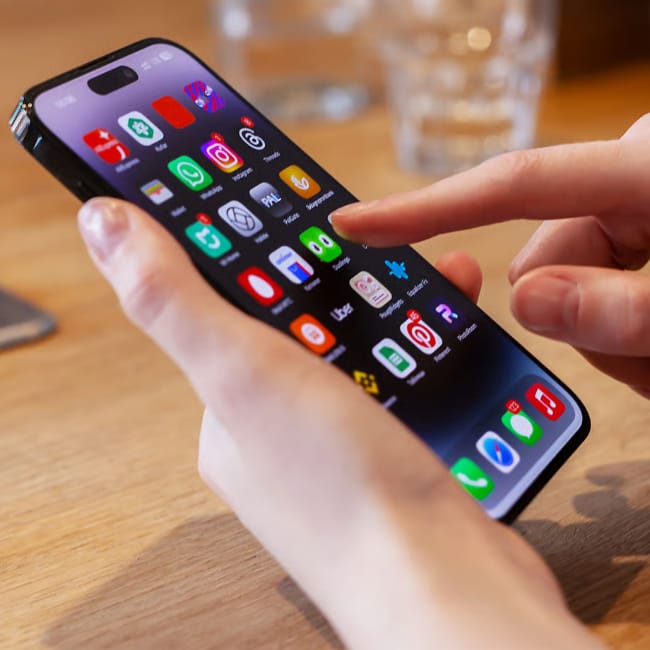
When you're using your phone, there's a feature where you can slide up and see every app that's 'open' on your device at the moment. Many people then choose to swipe up again to force quit the apps, believing it'll help with saving power or battery life, but Michael Routhier from Tech 4 Grown-Ups notes that it's actually not helpful.
"This is perhaps the most counterintuitive habit," he says. "Many iPhone users swipe up to close all their apps, thinking it improves performance, but iOS is specifically designed to manage background apps efficiently. When you force-close apps, your iPhone must completely reload them from scratch the next time you open them, which actually consumes more processing power and battery than leaving them in their suspended state."

3. Leaving Too Many Features On At Once
In order to save battery and keep your phone running as long as possible, it's wise to ensure you don't have too many features in full swing at once.
"Keeping their battery permanently stressed. By having high brightness, loads of push notifications, and heavy background activity like Bluetooth scanning and AirDrop on, you are stressing out your phone," says Steven Athwal with The Big Phone Store. "These activities are draining the battery and pushing the phone's processor harder, creating heat. The iPhone cannot perform effectively when it's hot, and its battery health has dropped, so these habits that are keeping it under persistent pressure are making it run slower over time. Reducing these features and keeping your brightness under control can help keep your phone moving fast."