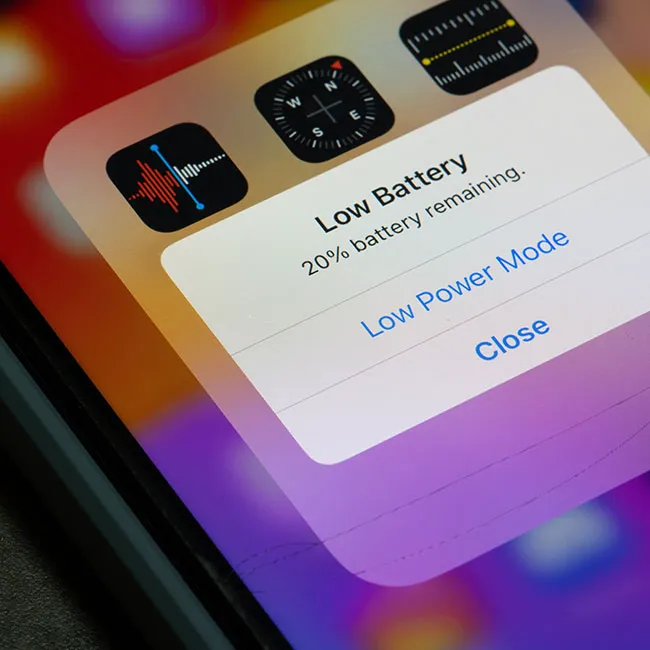
It’s no secret that our iPhones are like our lifelines, and nothing’s more frustrating than watching your battery drain faster than expected.
What many people don’t realize is that certain settings working quietly in the background could be the culprit. From certain services to preferences, these small but powerful and battery-draining features can eat away at your battery life without you even noticing. However, tech experts have noted that there are a few quick adjustments that can help extend your battery life and keep your phone powered up when you need it most. Read more about five iPhone settings you should adjust, as they can drain your battery life below.

Women Are Swapping Their Boring Water For This Ice Pop Electrolyte Mix!
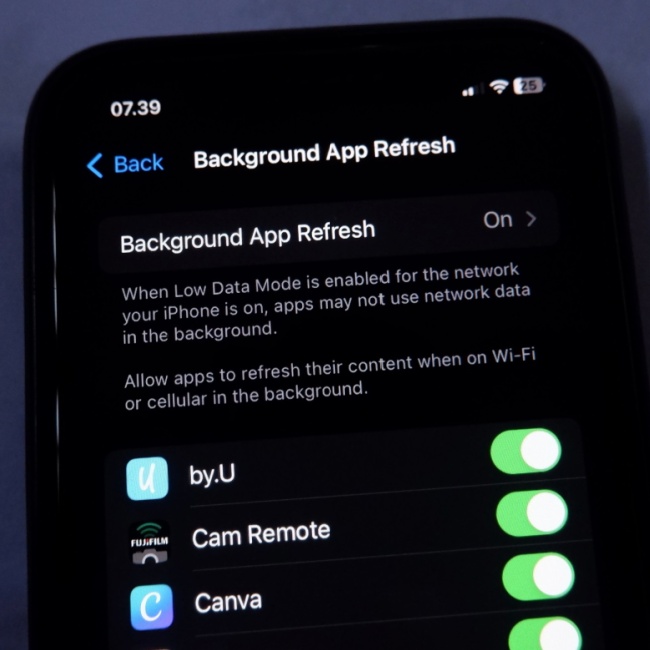
1. Background App Refresh
Background App Refresh on the iPhone allows apps to update their content even when you're not actively using them. For instance, your email app will load new messages, or a news app can refresh with the latest headlines, so the latest info is ready when you open it. While it can make apps feel faster and more up to date, it also uses extra battery and data since apps are working behind the scenes.

2. Location Services
The Location Services option within your iPhone settings tends to cause people a lot of frustration, even though it can be very useful at times. Still, when your location services are switched on, they can end up draining your iPhone battery faster than you may intend.
"Location services do use up a lot of battery, especially with apps that don't need them," says software and tech expert David Conde. "Make sure to go into your settings and turn off location services for any apps that you don't need."

3. Push Notifications
While it can be fun to constantly stay up to date with all your apps via little pings and notifications, having tons of push notifications for various apps set up on your iPhone can cause it to light up, stay on, and subsequently, drain its battery more often than you think. Be sure to only have your push notifications on for apps that are really important, and turn them off for others to save some battery life.
4. Screen Brightness
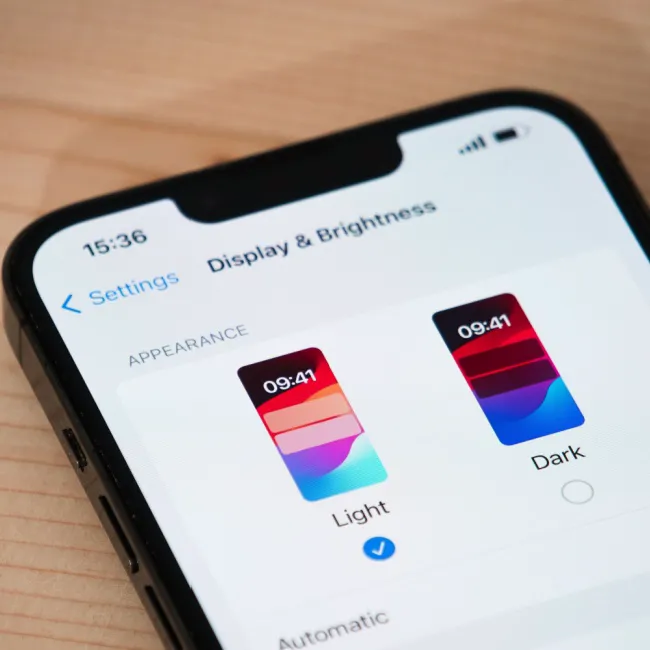
As it turns out, how bright you have your iPhone screen can make a big difference in how long your battery life lasts throughout the day. There's a setting for iPhones that keeps their screens automatically bright for certain times of the day, but to keep your battery lasting longer, Conde suggests going against that.
"Turn off the automatic screen brightness and keep it low to help save battery," he says. "You can even turn it black and white if you want extra battery saving."
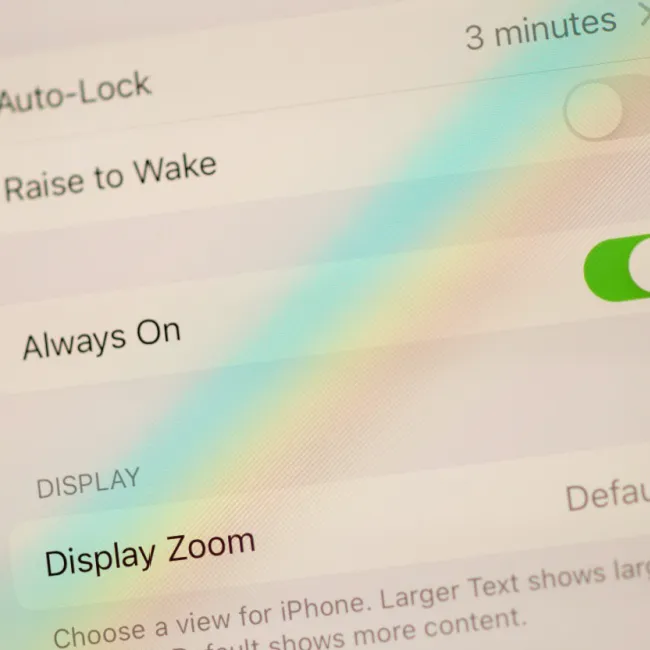
5. Raise To Wake Feature
The Raise to Wake feature on the iPhone automatically wakes your screen when you pick up or lift your phone. Instead of pressing a button, the display lights up so you can quickly check the time, notifications, or unlock with Face ID. It's convenient, but since the screen turns on frequently, it can contribute to faster battery drain if you handle your phone a lot throughout the day. To save yourself a bit of battery life and allow your phone to rest more often, turn the setting off.