<link rel="stylesheet" href="https://www.shefinds.com/wp-content/themes/shefinds_14/custom-content-builder/styles/ccb-frontend.min.css?ver=1.0.10"> The Common iPhone Mistakes Apple Experts Warn Are Putting Your Data... Skip to main content
Bianca Censori in bold latex jumpsuit at Grammy Awards
Christina Aguilera at The Abbey's 35th Anniversary Party wearing stunning attire.
King Charles and Prince William with Sarah Ferguson at a royal event.

Homepage

The Common iPhone Mistakes Apple Experts Warn Are Putting Your Data At Risk And Making You Vulnerable To Hackers

June 9, 2025 by Lisa Cupido
shefinds | Homepage
Featured image

Your iPhone data is always at risk — sad, but true facts. If you slip up and make certain mistakes, your data can get out there, and there are more than a few hackers who are actively trying to infiltrate your device, hack your phone, and make off with precious data like your passwords and other sensitive information. As scary as that sounds, it’s not difficult to take a few precautions and careful measures that help secure your data and tighten up your security so that you avoid getting hacked. Avoiding common mistakes that make you more vulnerable to these things is also not hard to do, but it requires knowledge and planning ahead of time.

There are four big common iPhone mistakes that Apple experts warn are putting your data at risk and making you more vulnerable to hackers. Here are the mistakes to avoid at all costs.

house unit img
The Difference Between Dragging Through Your Day And Feeling Great On Your Feet? These Arch Support Insoles
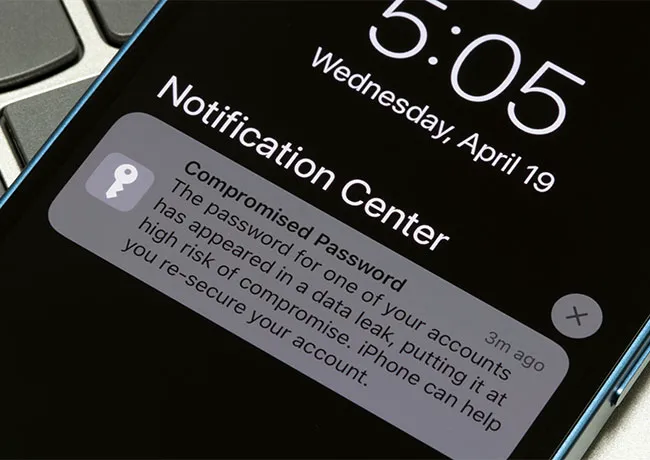
iphone-compromised-password

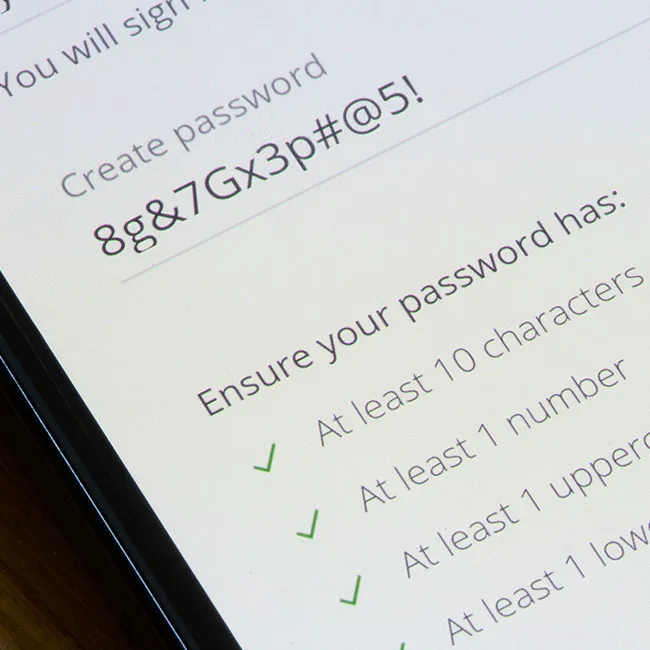
1. Using Weak Passwords


Before you recycle your dog’s name and your birthday as a password yet again, stop — and don’t. Either commit to creating more complex passwords that contain uppercase and lowercase letters, numbers, and symbols (and that don’t contain personal information), or use a password manager. A password manager can create truly complex passwords that aren’t easy to hack and you’ll be relieved of the burden of having to remember the password.
using-iphone-public

2. Leaving Bluetooth on in Public Spaces


When you are in a public space, turn off Bluetooth and Wifi. If Bluetooth is on and your device is set to be discoverable, it can automatically try to connect to nearby devices, including unknown or malicious ones.
phishing-alert-iphone

3. Falling for Phishing Scams


Phishing scams are so common now, and it’s not unusual to receive several texts and emails each week from senders who use scare tactics to get you to click on suspicious links and provide more of your personal information. Their ultimate goal is to get access to your data, and they’ll do this however they can — these phishing scams can appear like they’re from legitimate companies, and may even pose as Apple. Always check the source yourself and don’t click on links from senders you do not know.
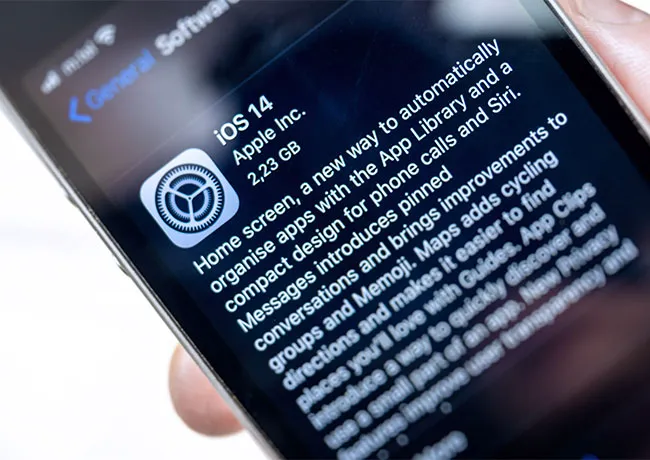
updating-ios-iphone

4. Not Updating iOS


It’s important to keep your device’s software updated. Apple issues new software updates when it discovers bugs in its code, or has updates that will help beef up your security or improve your user experience. Whenever a new update is available, download it — even if it takes a few minutes and feels inconvenient to do at the time.


Author:

Lisa Fogarty is a lifestyle writer and reporter based in New York who covers health, wellness, relationships, sex, beauty, and parenting.

Nicole Kidman with natural curls at Academy Museum Gala
Bill Gates and Melinda Gates at a public event
Shelf displaying various vitamins and supplements
Cooked salmon, rice, avocado, and greens on a plate.
Jaden Smith at the premiere of Nosferatu.
Android phone displaying various apps.
Woman applying sunscreen for skin protection.
Angelina Jolie at a Maria photocall event.
Inside view of a Costco store.
Jennifer Garner supporting Baby2Baby charity event with a smile.
Taylor Swift performing at the 65th Annual Grammy Awards.
Gisele Bündchen attending Hollywood for Science Gala, elegant attire.
Donald Trump discussing U.S.-Japan trade deal at a conference.
Serena Williams stunning at the Met Gala in a designer gown.
Prince William, Kate Middleton, Meghan Markle, and Prince Harry together.
Woman checking UV index before sunscreen application.
Woman taking magnesium supplement for health.
Kylie Jenner enjoying the Vanity Fair Oscar Party, stylish outfit.
iPhone 14 showcasing popular apps on screen.
Getting a trendy lob haircut at a salon.
Nicole Kidman with natural curls at Academy Museum Gala
Bill Gates and Melinda Gates at a public event
Shelf displaying various vitamins and supplements
Cooked salmon, rice, avocado, and greens on a plate.
Jaden Smith at the premiere of Nosferatu.
Android phone displaying various apps.
Woman applying sunscreen for skin protection.
Angelina Jolie at a Maria photocall event.
Inside view of a Costco store.
Jennifer Garner supporting Baby2Baby charity event with a smile.
Taylor Swift performing at the 65th Annual Grammy Awards.
Gisele Bündchen attending Hollywood for Science Gala, elegant attire.
Donald Trump discussing U.S.-Japan trade deal at a conference.
Serena Williams stunning at the Met Gala in a designer gown.
Prince William, Kate Middleton, Meghan Markle, and Prince Harry together.
Woman checking UV index before sunscreen application.
Woman taking magnesium supplement for health.
Kylie Jenner enjoying the Vanity Fair Oscar Party, stylish outfit.
iPhone 14 showcasing popular apps on screen.
Getting a trendy lob haircut at a salon.