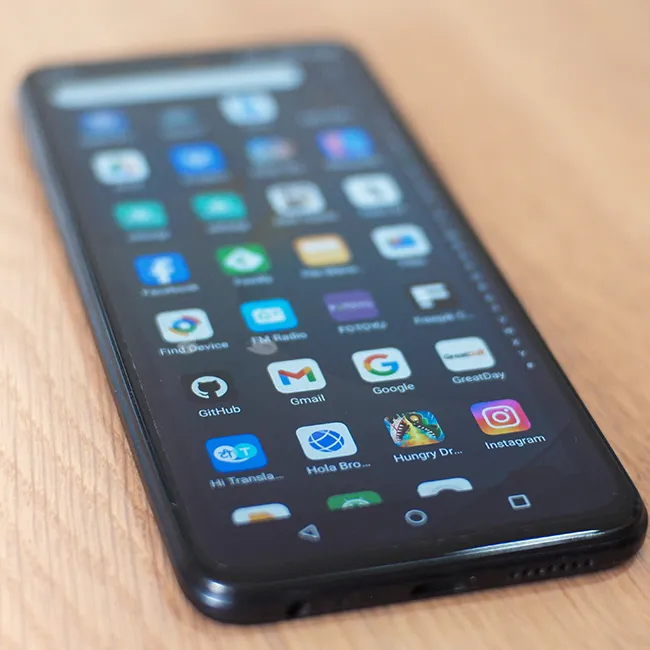
Being an Android owner can have a lot of perks, except for when your device starts running out of storage space.
Storage on a smartphone is very valuable, as when it runs out, it can cause your phone to lag, die faster, etc. Therefore, it’s a good idea to do whatever you can to ensure that you’re leaving some excess wiggle room and space by doing things like deleting excess apps and more. Apps that take up a lot of storage can also be well known for taking a hit to your battery life, putting your device even more at risk. Read more about two preinstalled or ‘default’ Android apps you should delete or ‘pause’ to make some room on your device and help save your battery below.

Women Are Swapping Their Boring Water For This Ice Pop Electrolyte Mix!

1. Facebook
Some people don't realize that Facebook is now a preinstalled app on most Android devices, which can make sense, given it's one of the most popular social media platforms out there. However, it can also make an impact on how much storage you have free, and requires a lot of power from your phone, which could be used for something more important.
"Facebook usually drains the battery significantly in the background," explains tech pro Steven Athwal. "It constantly refreshes notifications, syncs messages, and preloads content, even when you're not using it. Additionally, it monitors your location and network activities, which keeps your phone's processor and network busy. This ongoing usage can eventually drain your battery life."

2. Apple iMessage Bypass Scam
Again, many big tech companies are working hard to keep up with the times and build security features that can help prevent scammers from reaching out to you. Still, this Apple iMessage Bypass scam, slightly similar to the one above, includes one extra step to seem unassuming.
"It's targeting millions of iPhone users right now," notes tech pro Michael Routhier. "Here's the setup: you get a text that looks exactly like it's from Apple. Says something like, 'Your Apple Pay has been suspended due to suspicious activity.' Super alarming if you actually use Apple Pay. Here's the sneaky part. Apple built a safety feature into iMessage that automatically disables links in messages from people you don't know. But scammers figured out the workaround. The message asks you to reply with something simple, just 'Y' or 'No.' The moment you do that, iMessage thinks, 'Oh, this person knows this sender,' and those dangerous links go live."
"What makes this so effective is that it hits two things at once, trust and panic," he adds. "You trust Apple. And suddenly Apple is telling you something is wrong. Your brain goes straight into fix-it mode, and that's exactly where scammers want you. The rule I keep repeating: Apple will never ask you to reply to a text to verify anything. Ever. If you get a message like this, don't reply, don't click, don't call any number in the message."