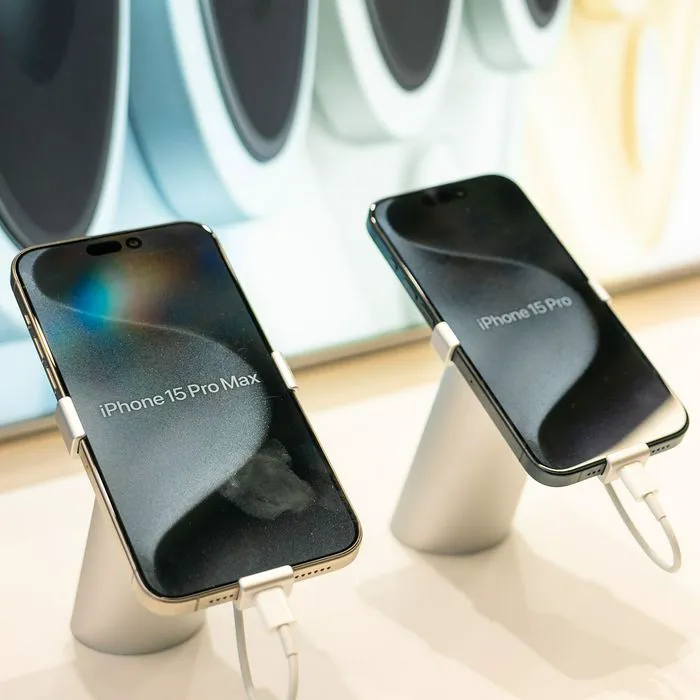
If there are two complaints you might have about your iPhone or hear others expressing most frequently they are likely these: your phone is too slow AND your phone’s battery refuses to maintain a change for very long.
And yet, the reason you may have been drawn to an iPhone in the first place (aside from the fact that you can sync up other devices to it) is its efficiency. Your phone is an investment, and as such, it’s a good idea to take low-maintenance steps here and there that keep it running well.
@hitomidocameraroll Let me know how much longer your battery lasts if you do all these…cause I can’t be bothered to do it myself. #savebatterylife #iphone #apple #iphonebattery #battery #iphonehacks #tech #ios #settings
Here an iPhone experts provides two of the simplest hacks imaginable that help save battery and speed up your iPhone.

Women Are Swapping Their Boring Water For This Ice Pop Electrolyte Mix!
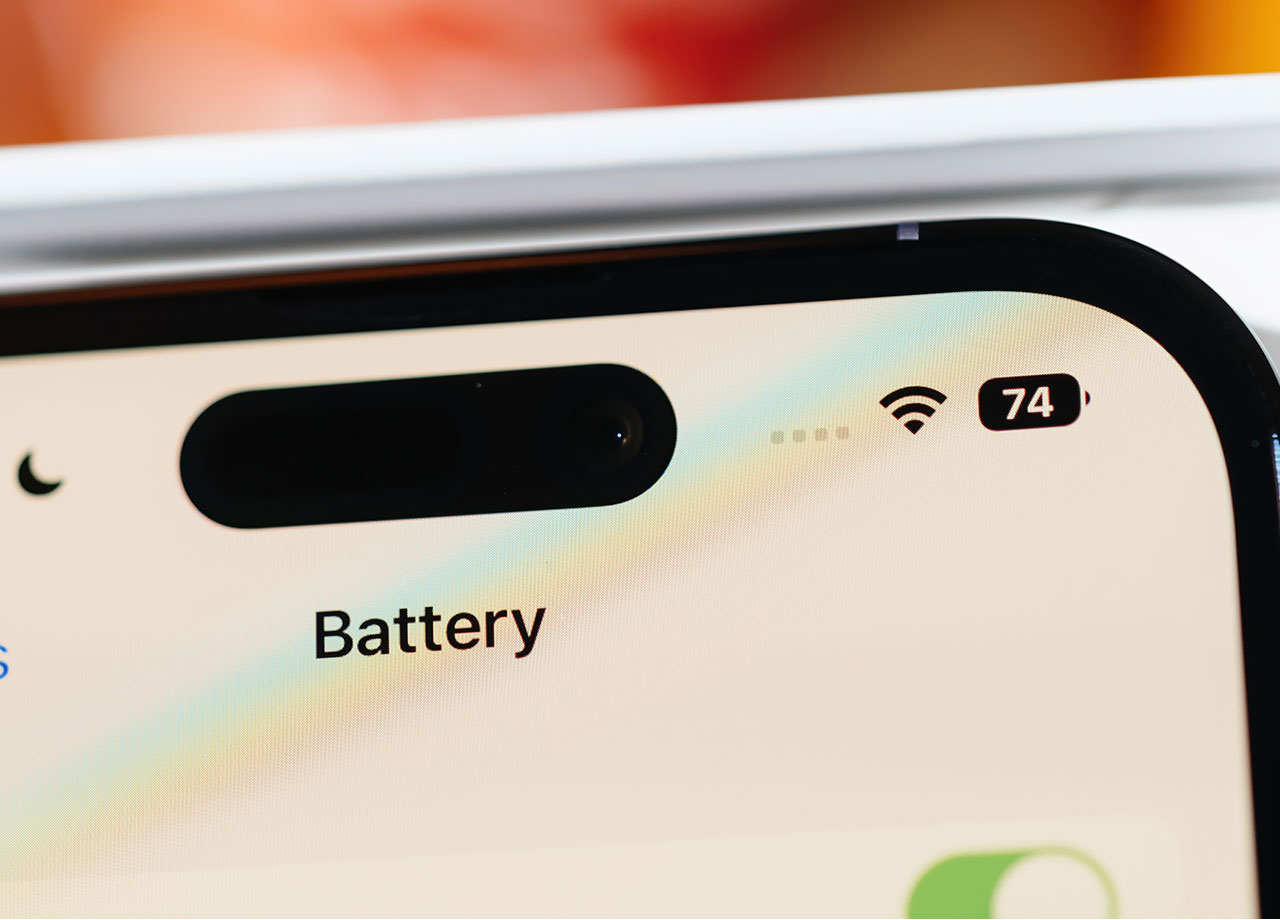
Turn Off Location Services — But Not for Every App
One of the worst settings for your phone is location services — not only does it expose your location to various apps that have been given permission to have this data, but it can compromise your privacy, as well. Your inclination may be to turn off Location Services fully and not look back, but this will only cause frustration after awhile. Some apps, like Maps and Weather, need Location turned on to work their magic. Instead of turning everything off, your best bet is to take a little time and go through all of the apps that have Location enabled and make choices about which need it, and which can be cut off.
Go to Settings > Privacy > Location Services. Scroll down and you’ll see a list of apps and their location status. From here, toggle off the ones that can live just fine without your location (including social media apps). This simple step can save you battery, speed up your phone, and help maintain your privacy.
Brightness and Raise to Wake
Both of these settings have an impact on the brightness of your phone screen, and both can compromise your battery power. An overly brightened screen is one of the biggest culprits behind fast battery drainage on your iPhone, so lowering the brightness as much as possible is an easy step you can take to make a difference. Go to Settings > Display & Brightness. Manually lower the brightness to a comfortable level. You can also choose the “Automatic Brightness” setting to allow your phone to rely on its built-in light sensor to detect the amount of light in any given room and adjust your phone’s brightness accordingly.
While you’re in this setting, it’s a good idea to disable the Raise to Wake feature. When this setting is turned on, your phone screen will brighten each time you pick up the phone. This is neither necessary, nor is it the best for your phone’s battery power.
These simple maintenance hacks for your iPhone can help prolong your device’s battery life and speed things up a bit — and who couldn’t use a little more of that in their lives?