



Kim Kardashian at Kering's Caring for Women Dinner
Madonna in blue mini dress at Paris event
Taylor Swift boarding private jet in 2024

Homepage

A Tech Expert Reveals How To Check If Your Apps Are Secretly Listening To Your Conversations

December 5, 2025 by Abigail Connolly
shefinds | Homepage
Featured image

Smartphone owners these days have a whole lot of different features to juggle, as well as certain safety concerns, like whether your device is listening to you.

These days, there are many iPhone and Android users who are worried about their phones listening to them and their conversations. Not only is this concept associated with tailoring and targeting advertisements for users, but it also has smartphone owners fearing for their data and personal information. Luckily, earlier this year, tech expert Kurt ‘CyberGuy’ Knutsson gave an interview where he discussed how you can see which of your apps might be ‘listening’ to you and how to stop them. Read more about what he had to say below.

house unit img
Women Are Swapping Their Boring Water For This Ice Pop Electrolyte Mix!
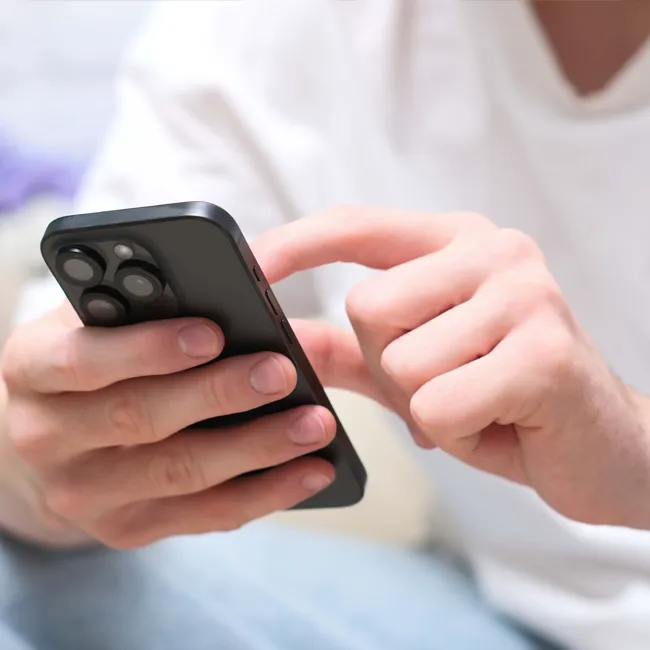
Image from SHEfinds

How To Check These Apps On Your Phone

The key to figuring out which apps might be listening to you is taking a look at which apps might have access to your device's microphone. When you download an app, you might blaze through its permissions, including when it asks for access to your microphone.


Sometimes, you might not even notice an app has access to your microphone. To see the list of apps that have access to your microphone and, therefore, could be listening to your iPhone, you follow a process that Kurt Knutsson said on Fox Business Live is "so easy."


"Go to settings, you're gonna scroll way on down to Privacy & Security, then scroll a bit more down, and you're gonna find microphone," he instructed. "Now green [toggles] means that they have access to your mic. If it's gray, no access."


Be sure to toggle off any apps you feel do not need access to your microphone, like mail apps, ride share apps, certain social media apps, etc. Knutsson also notes this process for Androids is "very similar," as you can access the same list by going to Settings > Privacy Settings > Permission Manager > Microphone.
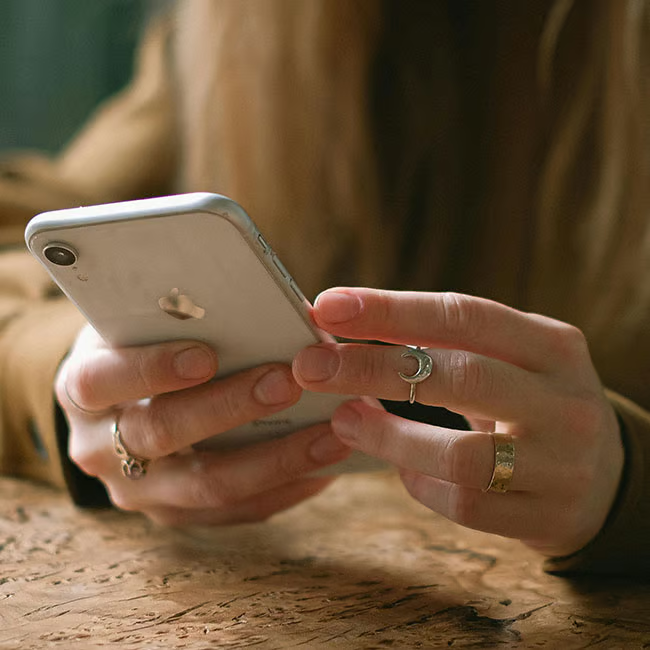
Image from SHEfinds

Other Warning Signs To Look Out For

In addition to turning off access to your microphone for certain apps, there is something else you can look out for while using your iPhone in particular.


"If you ever notice at the tip top of your iPhone, a little tiny orange dot, that means something is accessing your microphone," explained Knutsson, referencing the small orange dot that appears in the upper right corner of an iPhone screen.


"So if you're not on a call or you're not on FaceTime, or you're not using an app where you're actively talking through it, I would say you'd better check this list," he continued. "Also, if your phone ever has malware, which they do, even iPhones, scammers are listening to you, period. So how do you get rid of them? You just constantly look through this list."


Author:

Editorial Assistant

Abigail is a journalist based in Brooklyn, New York. As an Editorial Assistant for SheFinds, she covers topics ranging from celebrity news and fashion to wellness. She has written for other publications, including Chip Chick, Bandsintown, BroadwayWorld, and more. When she isn't writing, Abigail loves spending time in the city with her friends, being a 'dog mom' to her Chihuahua, and singing along to some of her favorite music.

Delicious banana nice cream dessert served in a bowl.
Jennifer Lopez stunning in Defaience at American Music Awards 2025.
Emma Stone at Annual Actor Awards, celebrating cinematic achievements.
Salma Hayek at 12th Annual Breakthrough Prize Ceremony, glamorous look.
Colorful superfoods for glowing skin this summer.
Middle-aged woman enjoying a glass of wine.
Best Prime Day beauty deals featured on Amazon.
Ariana Grande at Golden Globes, stunning red carpet appearance.
Kylie Jenner in tailored black outfit at Met Gala 2025.
Woman applying sunscreen outdoors for sun protection.
Taylor Swift and Travis Kelce sharing a moment together.
Healthy seeds displayed over sweet pastries.
Ivanka Trump and Jared Kushner at public engagement.
Bad Bunny performing at the Grammy Awards, energetic scene.
iPhone charging while plugged into a laptop.
iPhone settings screen displaying charging status.
Trending Italian bob haircut for summer 2023.
Angelina Jolie receiving The Trophee Chopard Award, elegant attire.
Selena Gomez at 3rd Annual Rare Impact Fund Benefit, impactful charity.
Pool lounger with cocktail and trail mix snacks.
Delicious banana nice cream dessert served in a bowl.
Jennifer Lopez stunning in Defaience at American Music Awards 2025.
Emma Stone at Annual Actor Awards, celebrating cinematic achievements.
Salma Hayek at 12th Annual Breakthrough Prize Ceremony, glamorous look.
Colorful superfoods for glowing skin this summer.
Middle-aged woman enjoying a glass of wine.
Best Prime Day beauty deals featured on Amazon.

Beauty

Prime Day is basically a holiday for anyone who's ...

Ariana Grande at Golden Globes, stunning red carpet appearance.
Kylie Jenner in tailored black outfit at Met Gala 2025.
Woman applying sunscreen outdoors for sun protection.
Taylor Swift and Travis Kelce sharing a moment together.
Healthy seeds displayed over sweet pastries.
Ivanka Trump and Jared Kushner at public engagement.
Bad Bunny performing at the Grammy Awards, energetic scene.
iPhone charging while plugged into a laptop.
iPhone settings screen displaying charging status.
Trending Italian bob haircut for summer 2023.
Angelina Jolie receiving The Trophee Chopard Award, elegant attire.
Selena Gomez at 3rd Annual Rare Impact Fund Benefit, impactful charity.
Pool lounger with cocktail and trail mix snacks.

















