



Having an iPhone means that every once in a while, you’ve got to face your dying battery and scramble to plug it in.
However, when your device seems to have a constantly draining battery, it can be quite annoying, especially if you can’t understand why. When this happens to people, they tend to think there’s something wrong with their phone, their charger, or maybe even the apps they’re using. And while that can be true, users may not realize that there are certain settings and functions that can make a significant impact on their battery life and potentially drain it faster. Read more about four of them below.

Struggling With Sleep? This Rechargeable Sound Machine Is A Total Game-Changer

1. Background App Refresh
Background App Refresh is a setting that lets your apps update themselves even when you are not using them, which can end up slowly draining your battery throughout the day. When this setting is turned on, your phone keeps pulling in new data for things like social media, shopping apps, and news without you realizing it. All that background activity adds up and makes your phone work harder. Tech experts suggest turning it off for apps you don't need running in the background, as it can help your battery last much longer.

2. Location Services
While using your location services setting is crucial for certain everyday apps, like your go-to GPS, there are likely numerous apps on your iPhone that are using it. Location Services consistently tracks where you are, and some apps keep checking your location even when they're not open. This constant tracking can use more battery than you'd expect. There could be several apps on your phone that don't actually need your exact location all the time, but they still request it in the background. Limiting which apps can access your location under Location Settings in your phone's settings can help restore some of your battery life and even keep you extra safe from trackers.

3. Push Emails
If you mostly rely on the Mail app on your iPhone for your emails instead of a third-party app and are struggling with a frequently low battery, then you might not know about this function. Push email makes your phone stay alert so it can update new messages the moment they arrive, and the frequent updating can drain your battery pretty quickly. Instead of resting, your phone keeps reaching out to your mail server all day. If you get a lot of emails, consider switching to 'Fetch or Manual' under your Mail settings to save some battery life.
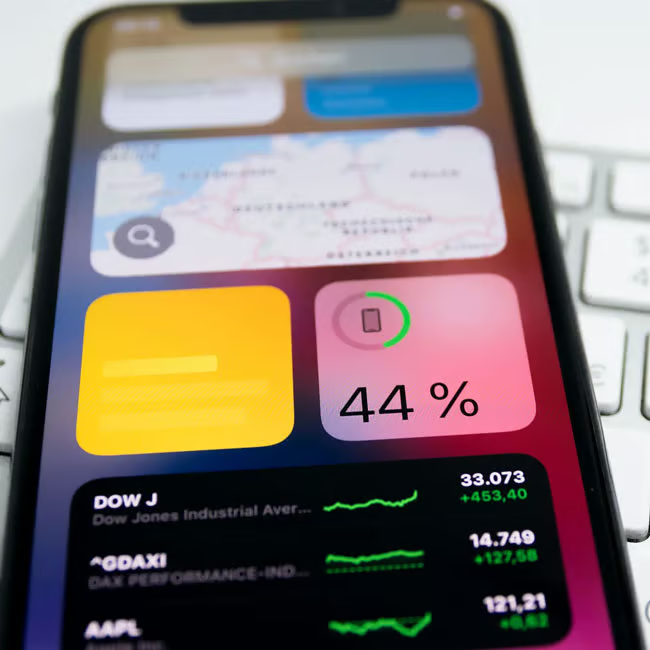
4. Widgets
If you have owned an iPhone from 2020 onwards, then you likely know what the homescreen 'widgets' are and may even have them in full effect on your device. However, this feature can end up hurting your battery life. Widgets are small panels on your Home or Lock Screen that show quick info, like the weather or your calendar, without opening an app. Because they update often to stay current, they can quietly use battery power in the background. The more widgets you have, the more your phone has to refresh them throughout the day. If you want to turn them off, just press and hold a widget until it wiggles, then tap 'Remove Widget' to get rid of the ones you don't need.