If you’re an iPhone owner, then you likely know that one of the biggest fears many users have is the notion that someone is tracking their device without their permission.
Location safety is a big deal with iPhones, as while Apple has worked hard to create software with upgraded safety features, there are still risks and precautions to be taken. One of the best places to ensure you’re protected from being tracked by someone or something you don’t want is your settings. We spoke with tech experts about the iPhone feature and settings you need to adjust to keep yourself safe. Read more about it below.

Women Are Swapping Their Boring Water For This Ice Pop Electrolyte Mix!

The iPhone Feature You Should Disable Or Adjust
If you're an iPhone user and have been for several years, there's a good chance your device is filled with all sorts of apps. From social media to games, photo editing apps, and more, many smartphone users prefer to have a wide range of options available to keep their devices as entertaining and useful as possible. However, nowadays, it's crucial to be cautious of apps that ask for your location.
Many apps will request 'permission' from you to access your location. These are commonly GPS apps, some social media apps, dating apps, etc. Even though it can be tempting to give any app that asks for your location, and you might not think twice before 'allowing' them to access it, tech experts are warning against the dangers of this.
Tom Wells, tech pro and YouTube content creator, explains in one of his videos that by allowing random apps access to your location, they could be "quietly giving away your information." Therefore, you'll want to disable some of these apps in Location Services.
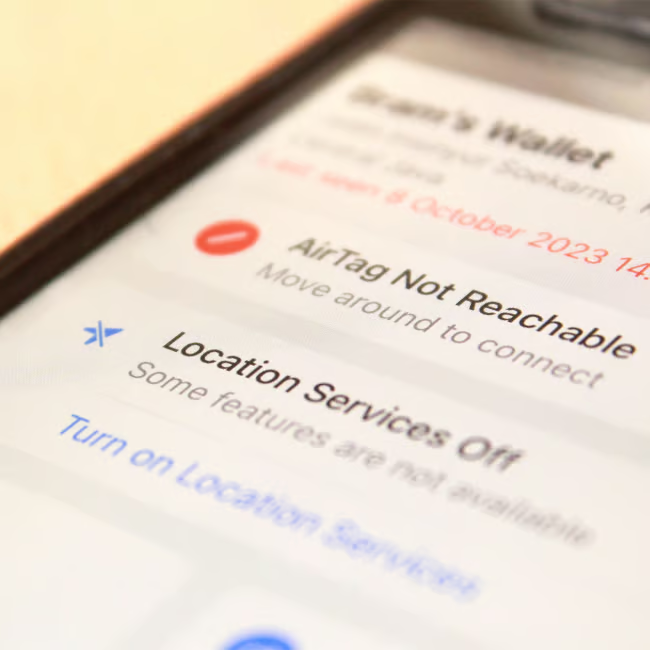
Why & How To Do It
Obviously, you may not want to disable location access from all of the apps that you use. You'll need to let the GPS app you use every day to get places keep it, you might want to allow your Instagram to use it so you can tag where you are, etc. However, there are likely some apps that certainly don't need your location, and at the end of the day, you might not feel comfortable with them having it.
These can include third-party apps, gaming apps, and more. So, if you want to see exactly which apps on your phone have your location, and how to disable certain apps from getting your location, Tom instructs you to go to Settings, then "Privacy & Security to Location Services."
"I'm not suggesting you turn them off entirely, as apps like Maps obviously need your location to function, but there are certain services that probably don't, and I think it's worth being selective with your precise location," notes Tom. "In settings, go to Privacy & Security, then Location Services. Scroll down through the list and you'll see every app that's requesting access."
Tom then instructs to go through each app one by one, and make sure the location is set to "While Using" or "Never" instead of "Always."